174 Station Options
Using Attendant—Basic Operation
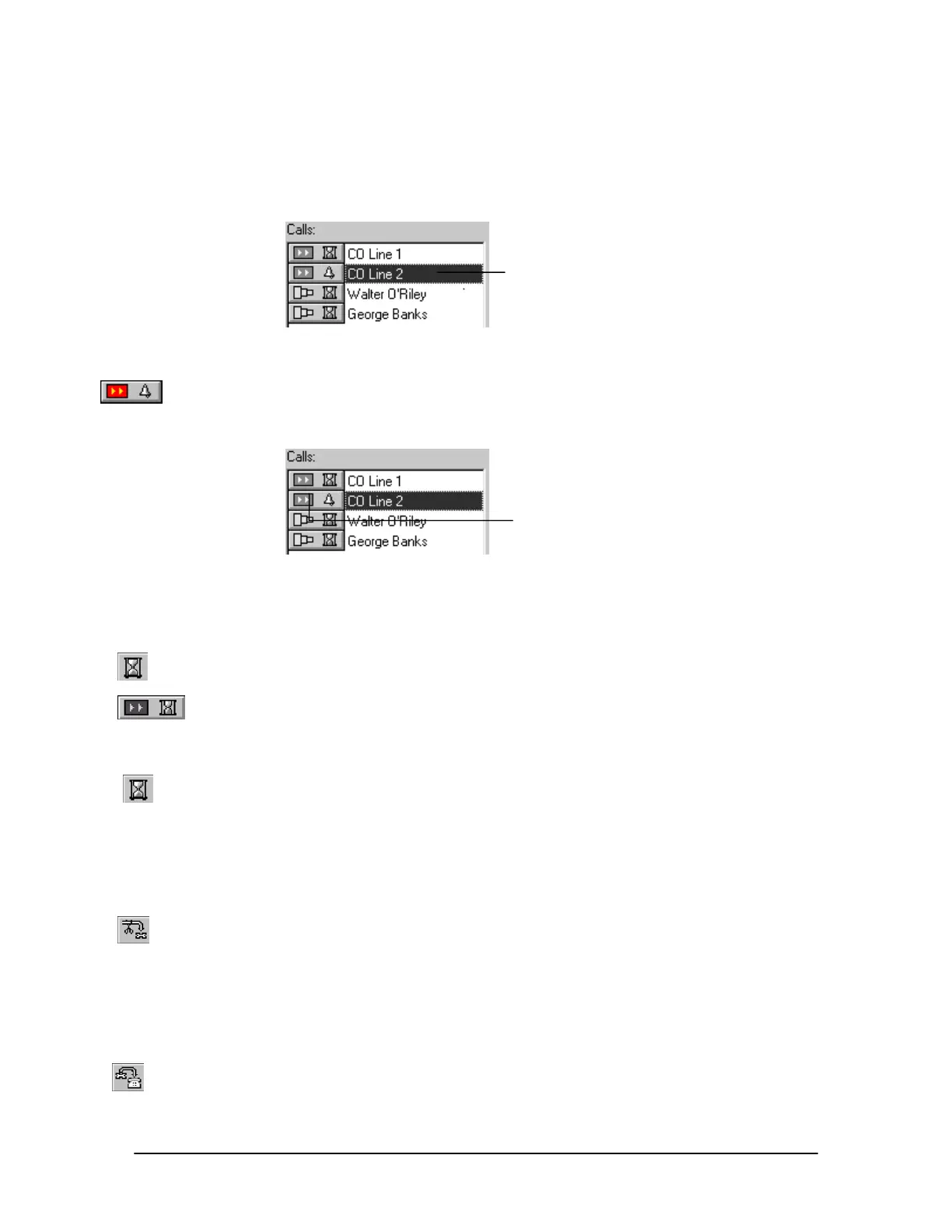
Selecting a Call
1. Click the text portion of the call description in the Calls list of the Calls window.
Selecting a call
Connecting to a Call
1. Click the Call button next to the call description in the Calls list of the Calls window.
• Connecting to a second call automatically places a currently connected call on hold.
Connecting to a call
Placing a Call On Hold
1. In the Calls window, click the call description to select a call, or click the Call button to
answer a call.
2. Click the Hold button in the Calls window.
• The call status symbol changes to the hourglass.
Taking a Call Off Hold
1. Click the Hold status button next to the call description in the Calls list of the Calls window.
Disconnecting a Call
1. In the Calls window, click the call description to select a call, or click the Call button to
answer a call.
2. Click the Disconnect button in the Calls window.
Transferring a Call to an Extension Unannounced
1. In the Calls window, click the call description to select a call, or click the Call button to
answer a call.
2. Click the extension in the Extensions list of the Extensions window to which you want to
transfer the call.
Click call description
to select a call
Click the Call button
to connect a call



 To Next Page