56 Tel-Site System Management Application
Setting up a New Site
To set up a new customer site, complete the following steps:
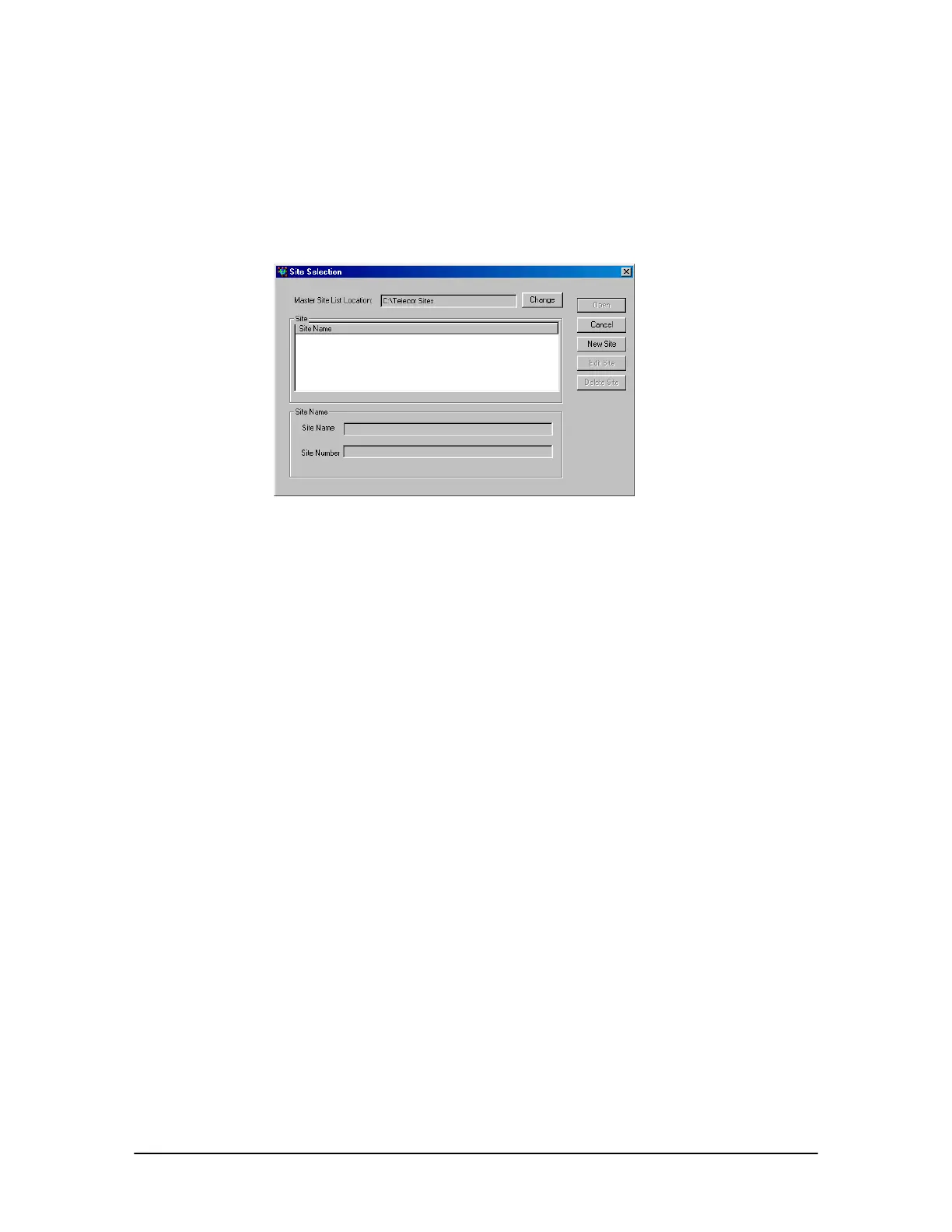
1. From the File menu, click Site Selection.
• The Site Selection window appears.
Site Selection
window
2. By default, Site Selection will store customer sites in the C:\Telecor Sites directory, as
displayed in the Master Site List Location box. To change the Master Site List Location, click
Change and navigate to the directory where sites will be stored.
3. Click New Site.
• The New Customer Site dialog box appears.
4. In the Customer Site Name text box, enter a name or description for the customer site.
5. Click Next.
6. Leave the Phone Number text box blank. This box will be filled in later when you connect to
the TVS for the first time.
7. Leave the RSA password text box blank. If the TVS is later assigned a Remote System Access
password, then you will be instructed to fill this box in. See “Remote System Access Password”
on page 78 for more information.
8. Uncheck the Modem shares a CO line check box.
9. Click Finish.
10. The Site Selection window appears with the new site listed under the Site Name column.
Notes:
• Site information can be changed by clicking Edit Site in the Site Selection window.
• The New Customer Site dialog box is available only when you are not connected to a
customer site.



 To Next Page