VS1 Installation, Configuration & Operating Guide 167
VALIDATING THE CONFIGURATION
The VS1 Editor is capable of informing you of potential errors while configuring a VS1 system.
Errors are listed for a specific pane. In order for potential errors to be documented the pane must
first be validated. Validation can be conducted on a single pane or all panes.
Validating a single pane can be accomplished by:
• Switching between one pane to another in the Tree Control.
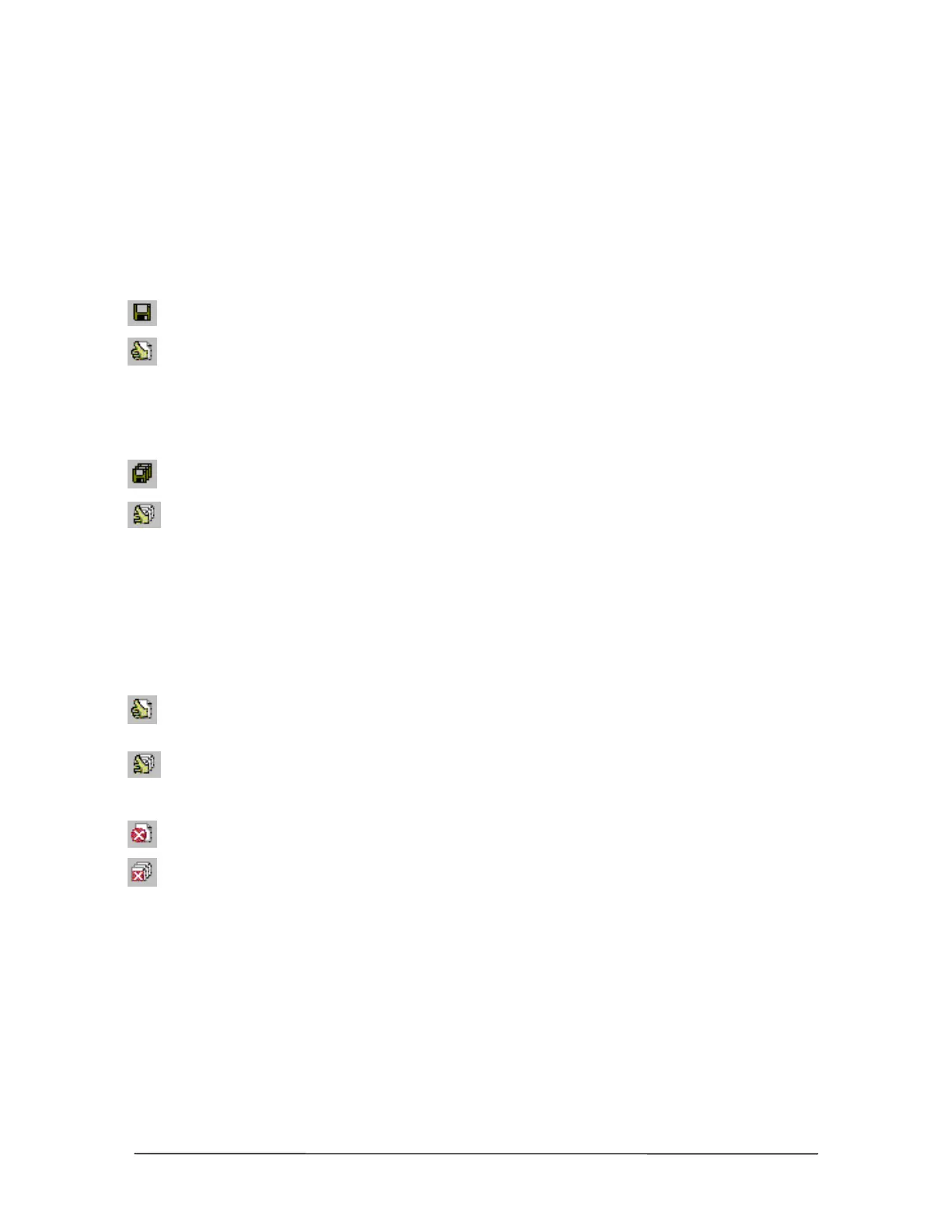
• Pressing the Save this Pane button in the toolbar.
• Pressing the Validate this Pane button in the toolbar.
• Selecting Edit > Validate > This Page in the menu bar.
Validating all panes can be accomplished by:
• Pressing the Save All Panes button in the toolbar.
• Pressing the Validate all Panes button in the toolbar.
• Selecting Edit > Validate > All Pages in the menu bar.
Displaying Errors
Once a pane has been validated, any potential error messages for it can then be displayed. There are
a number of ways that error messages can be displayed.
• Pressing the Validate this Pane button validates the pane and then displays any error
messages for the pane.
• Pressing the Validate all Panes button validates all panes and then displays the Validation
Results window, where any panes with errors are listed. Select a pane and click Select to
display its error messages.
• Pressing the Errors on this Pane button displays any errors for the currently selected pane.
• Pressing the Errors on all Panes button displays the Validation Results window, where any
panes with errors are listed. Select a pane and click Select to display its error messages.
• Selecting View > Display Errors > This Pane from the menu bar displays errors on the
currently selected pane.
• Selecting View > Display Errors > All Panes from the menu bar displays the Validation
Results window, where any panes with errors are listed. Select a pane and click Select to
display its error messages.



 To Next Page