54 Tel-Site System Management Application
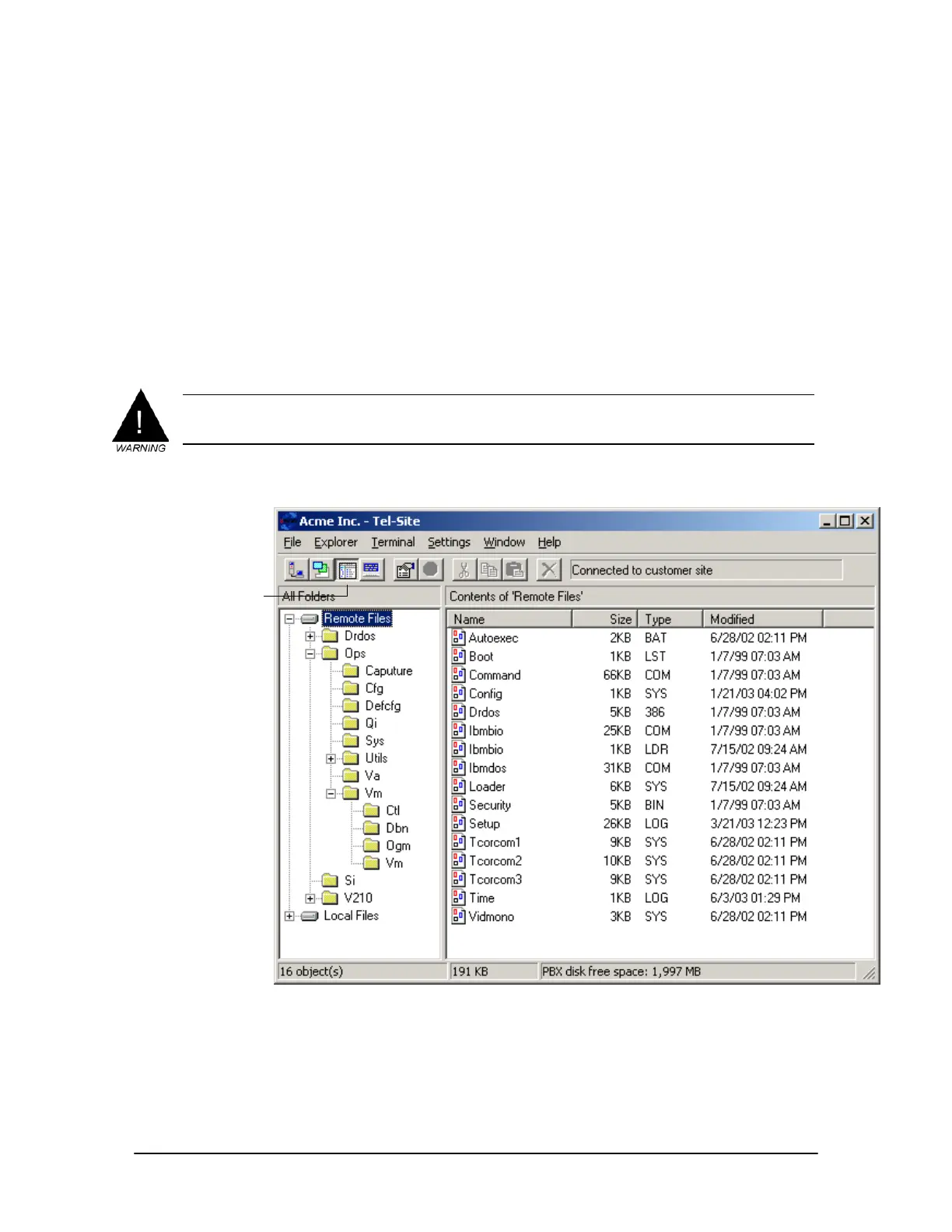
The Explorer Window
The Explorer window is designed to perform discretionary file maintenance. It can be used to
upload and download files that are not automatically handled by the Configuration window.
The Tel-Site application keeps track of all changes made to the customer TVS files within the
Explorer window. The Explorer window does not keep track of changes made in the Connection
window or the Terminal window. The status panel at the bottom of the Explorer window shows
the amount of free disk space available on the TVS.
`The Explorer window design is similar to the Windows
®
Explorer
®
and many of the features are
the same. However, you cannot place or delete files in the Recycle Bin. In addition, the Tel-Site
application considers certain folders and files on the customer TVS as critical to operation. These
critical files and folders cannot be deleted.
WARNING! Because you can upload any file to the TVS, there is a risk of uploading a damaged or
incompatible file if you do not have a complete knowledge of the files required for TVS
operation. Uploading a damaged or incompatible file can be as bad as deleting the file.
Explorer window
Explorer window
toolbar button



 To Next Page