86 VS1 Editor Configuration Application
ADAPTER SETUP
Adapter Setup is required to indicate to the VS1 System what hardware is allocated for its ports. If
upgrading system hardware, Adapter Setup can save you time by enabling you to perform the
following actions before installing the new hardware:
• Change port types
• Change configurations
• Upload those configurations using Tel-Site
Complete the following steps:
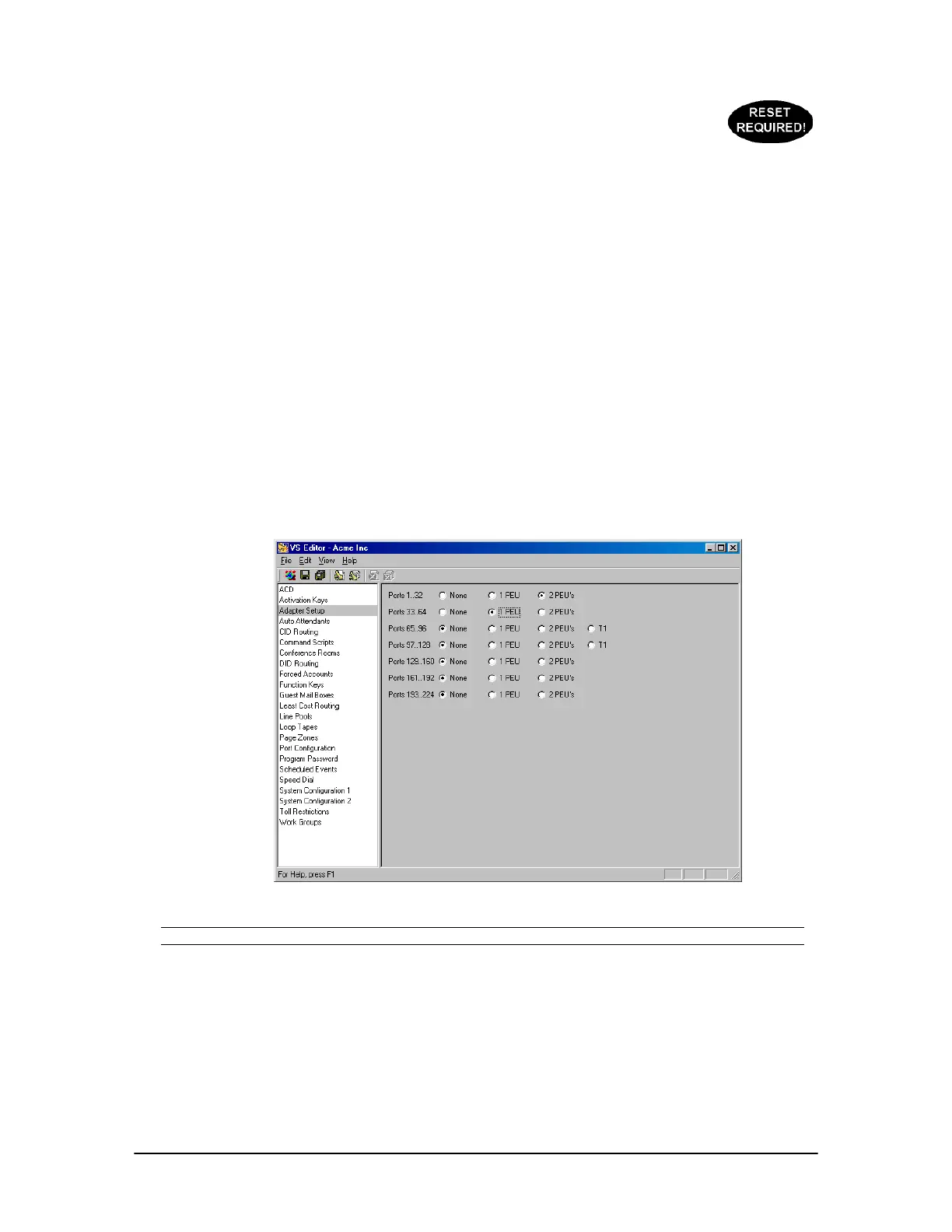
1. Select Adapter Settings in the Tree Control display.
• The Adapter Settings pane appears.
2. For Ports 1..32 select if one or two PEUs are used. Repeat this step for additional ports.
3. If one T1 Card is installed, select Ports 97..128. If a second T1 Card is installed, select Ports
65..96.
4. Click the Save button in the toolbar.
Adapter Setup pane
Note Ports 193 to 224 are not applicable with 2.10 software and are reserved for future use.



 To Next Page