VS1 Installation, Configuration & Operating Guide 105
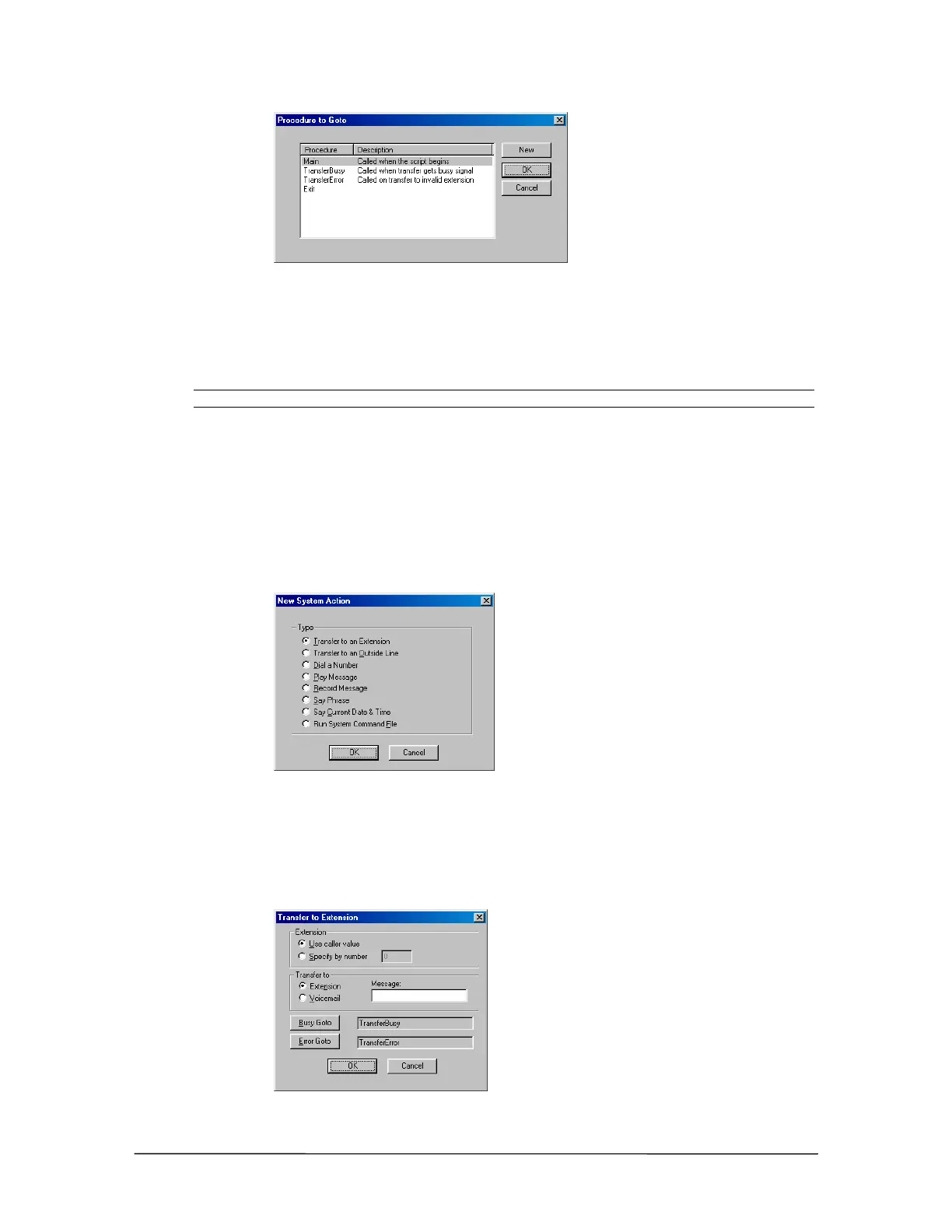
Procedure to Goto
dialog box
2. Double-click the desired Procedure.
• The Procedure appears beside the Goto Procedure button.
Note Selecting the Exit Procedure disconnects the call.
Assigning a System Action
After creating a Caller Response, you are returned to the Specify System Actions for Caller
Responses window. To assign a system action:
1. Select System Actions and click New.
• The New System Action dialog box appears displaying the options shown below:
New System Action
dialog box
System Action – Transfer to an Extension
Clicking Transfer to Extension in the New System dialog box brings up the Transfer to
Extension dialog box.
Transfer to
Extension dialog box



 To Next Page