VS1 Installation, Configuration & Operating Guide 103
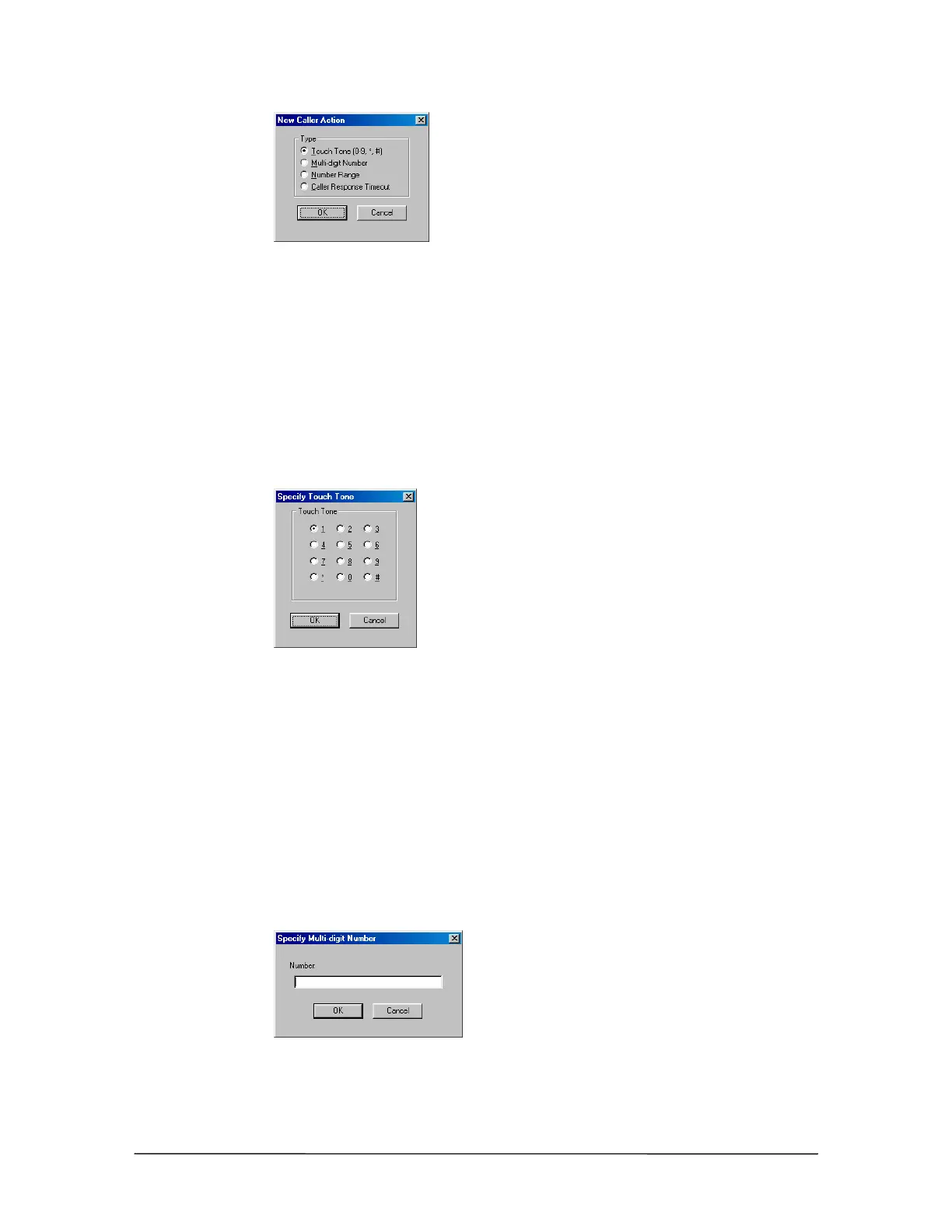
New Caller Action
dialog box
Caller Response – Touch Tone
Clicking Touch Tone (0-9, *, #) in the New Caller Action dialog box brings up the Specify Touch
Tone dialog box.
1. Choose a number or symbol that the caller is required to press.
2. Click OK.
3. Two options are available: Send the Caller to another Procedure (page 104) or Assign a System
Action (page 105).
Specify Touch Tone
dialog box
Caller Response – Multi-digit Number
Clicking Multi-digit Number in the New Caller Action dialog box brings up the Specify Multi-
digit Number dialog box.
1. In the Number: text box, enter a series of numbers that the caller is required to press
(maximum 10 digits).
2. Click OK.
3. Two options are available: Send the Caller to another Procedure (page 104) or Assign a System
Action (page 105).
Specify Multi-digit
Number dialog box



 To Next Page