VS1 Installation, Configuration & Operating Guide 99
• Chain another Message, Phrase or Date & Time: This option is used, typically, for only
one purpose—stacking a series of voice files (Message, Phrase, Date & Time) within one
Caller Greeting. The Auto Attendant begins to play the file and immediately moves on to the
next voice file. An example of proper usage: Four voice files are stacked for consecutive play.
Caller Greeting – Say Phrase
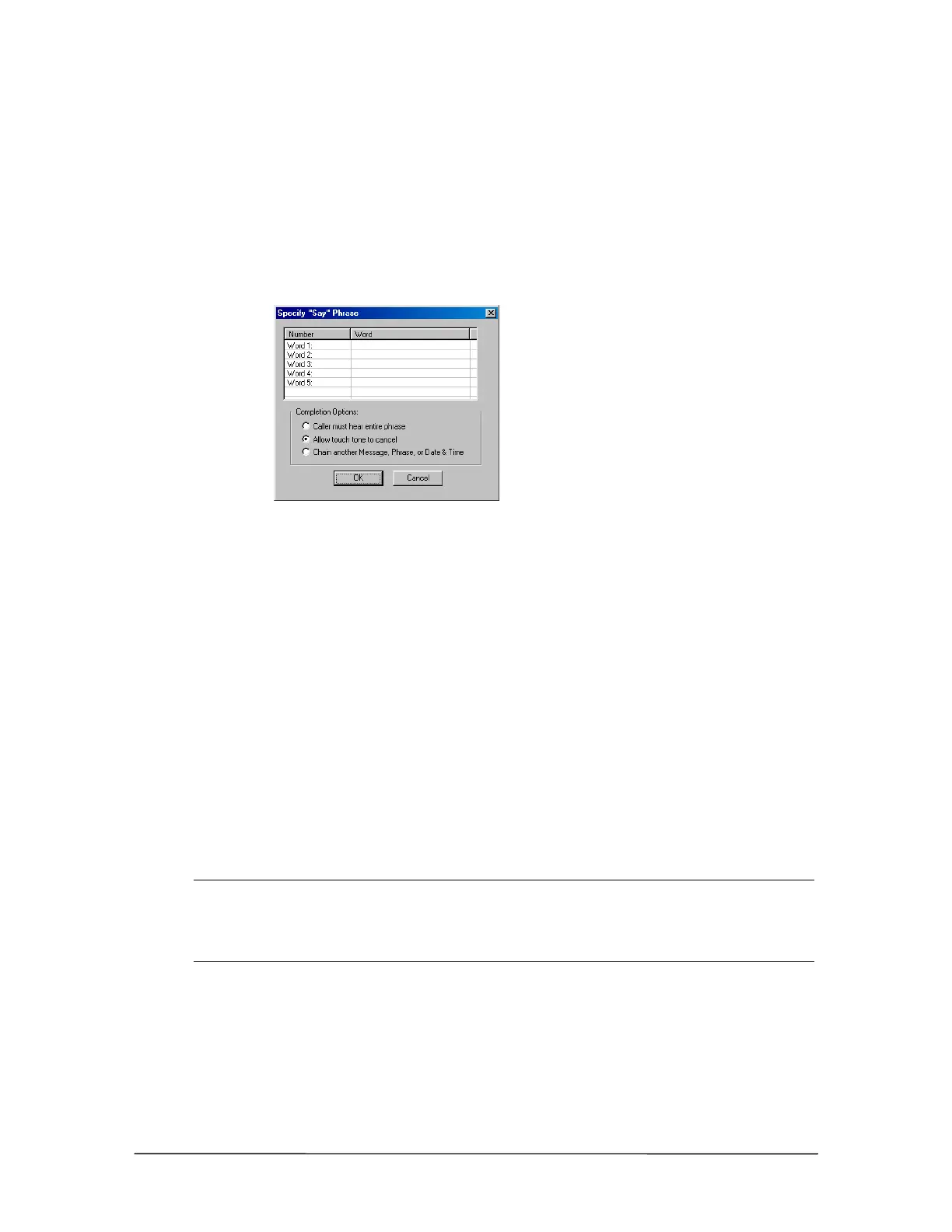
Clicking Say Phrase in the New Caller Greeting dialog box brings up the Specify “Say” Phrase
dialog box.
Specify “Say” Phrase
dialog box
1. For the first word in the phrase, click in the space adjacent to Word 1 under the Word column.
2. A drop-down box appears. Select a word from the Phrase List. See “Phrase List” in Reference
section for a list of words.
3. Repeat above steps for additional words in the phrase. A maximum of 5 words can be chosen
for a phrase.
4. Select a Completion Option.
• Caller Must Hear Entire Phrase: This option is used when the Phrase is being played and
the caller is not allowed to interrupt it with DTMF tones. If the caller does enter a tone, it is
ignored by the system and the Phrase continues playing until it is complete.
• Allow Touch Tone to Cancel: Allow Touch Tone to Cancel is the most common option
selected. With this option, the caller may interrupt the playing of the Phrase with a DTMF
tone. The Auto Attendant immediately takes action on the tone(s) entered by the caller.
Note If you are playing a series of consecutive voice files (Message, Phrase, Date & Time)
within one Caller Greeting, do not choose this option for any of the voice files except the
last one in the series. If you set up all the files in the series to use this option, the Auto
Attendant recognizes the DTMF tone(s) only for the purpose of skipping to the next voice
file in the series, not for the purpose of taking action on the caller’s response.
• Chain another Message, Phrase or Date & Time: This option is used, typically, for only
one purpose—stacking a series of voice files (Message, Phrase, Date & Time) within one
Caller Greeting. The Auto Attendant begins to play the file and immediately moves on to the
next voice file. An example of proper usage: Four voice files are stacked for consecutive play.



 To Next Page