VS1 Installation, Configuration & Operating Guide 69
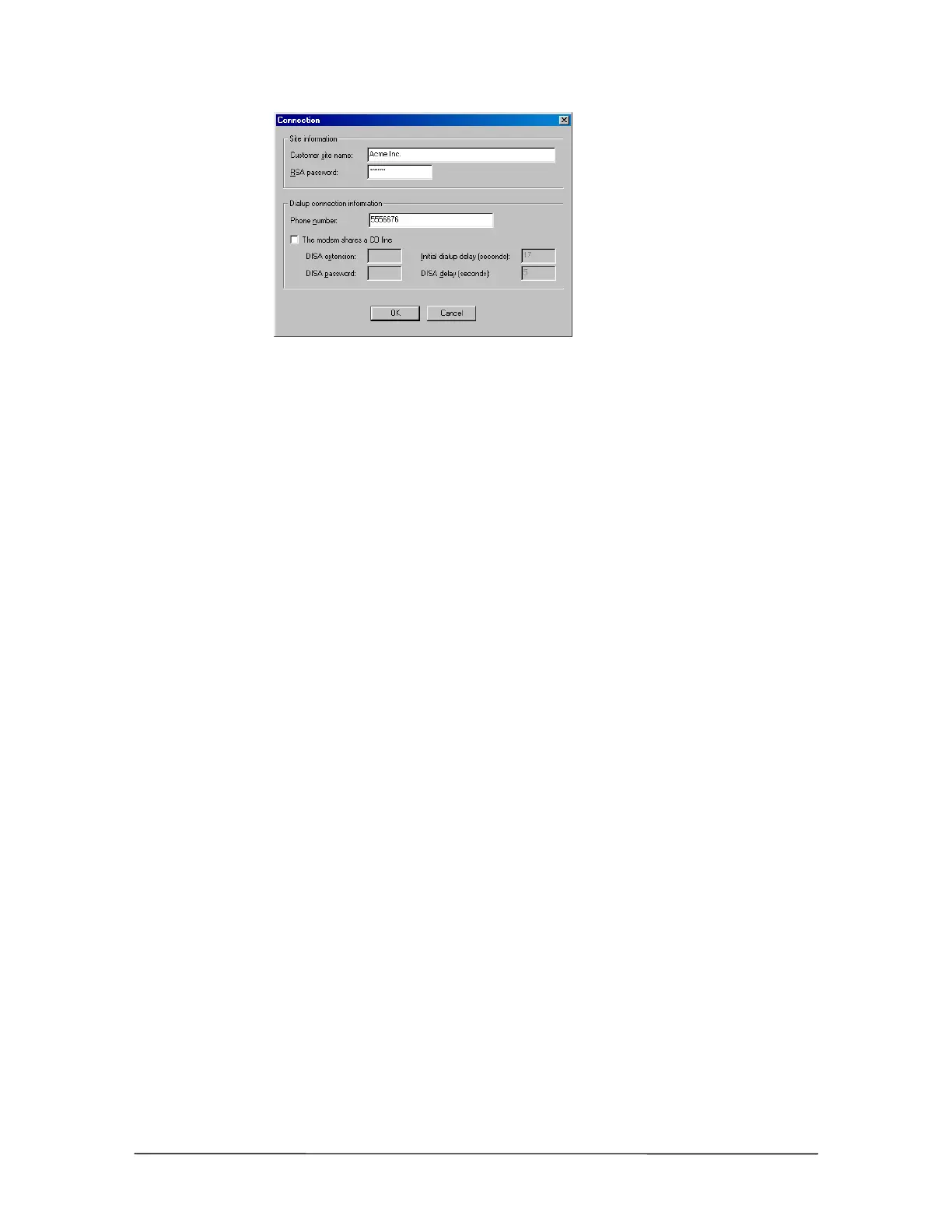
Setup in Connection
dialog box for
Dedicated CO Line
to TVS Modem
connection
7. Click OK to return to the Site Selection window.
8. Click OK to return to the Connection window.
9. See “Tel-Site Basic Operation” on page 76 to:
• Connect to a site
• Download files from a site
• Change site configurations
• Assign an RSA (Remote System Access) password
• Upload files to a site
• Reload configuration changes
Dedicated CO Line to TVS Modem Connection Checklist
In the System Configuration 2 pane of the VS1 Editor program, set the modem to
answer on the first ring.
Using your current connection method, upload the new configuration setting (only if
changed from default) to the customer TVS and reload the changes.
Connect the CO line from the telephone company demarc to the line jack of the TVS
modem.
In the Connection dialog box of the Site Selection window, enter an RSA password if
required.
Enter the phone number of the CO line plugged into the line jack of the TVS modem.
Ensure The modem shares a CO line check box is cleared.



 To Next Page