102 VS1 Editor Configuration Application
Caller Response Handler
The Procedure must be configured to handle caller responses in order to activate a System Action or
route callers to another Procedure. The Caller Response Handler consists of two Functions: the
Caller Response handles caller actions and performs assigned System Actions. System Actions
include:
• Transfer to Extension
• Transfer to Outside Line
• Dial a Number
• Play Message
• Record Message
• Say Phrase
• Say Current Date & Time
• Run System Command Script
Caller Response
1. In the Phone System / Caller Interaction list box, select Caller Response Handlers and click
New.
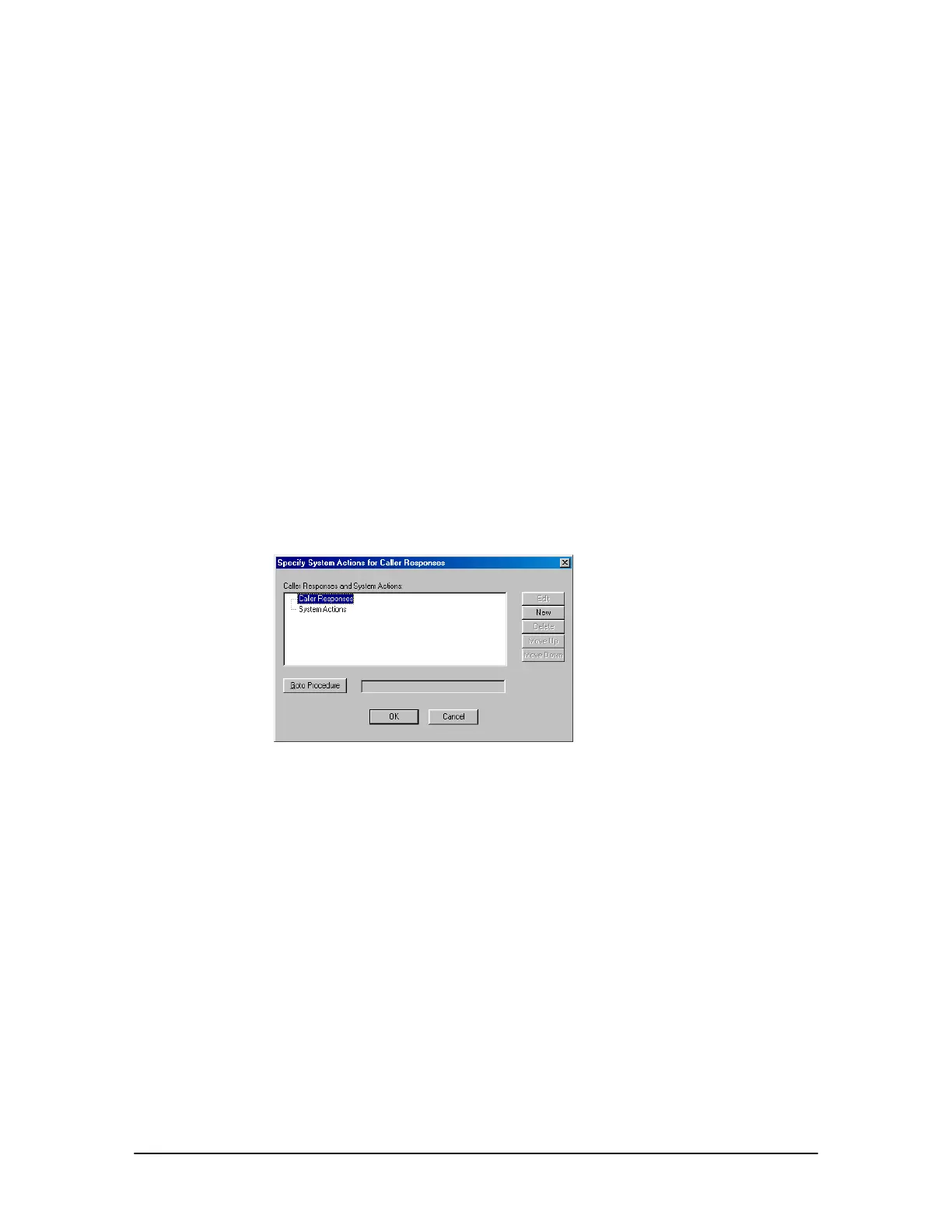
• The Specify System Actions for Caller Responses dialog box appears.
Specify System
Actions for Caller
Responses dialog
box
2. Double-click Caller Responses (or select it and click New).
• The New Caller Action dialog box appears with the following options:
Touch Tone (0-9, *, #): Select this option to have the caller press a single keypad number.
Multi-digit Number: Select this option to have the caller press a series of multiple keypad
numbers.
Number Range: Select this option to have the caller target a number(s) within a set range.
Caller Response Timeout: Select this option to choose a System Action or route the caller
to another Procedure if the caller does not respond within the time determined in the Get
Caller Response.



 To Next Page