VS1 Installation, Configuration & Operating Guide 61
Tel-Site Setup
The connection between Tel-Site and the PEU extension port is made in much the same way as an
internal call, only a modem is answering instead of a station user. The Tel-Site application needs to
know what extension is going to answer the call.
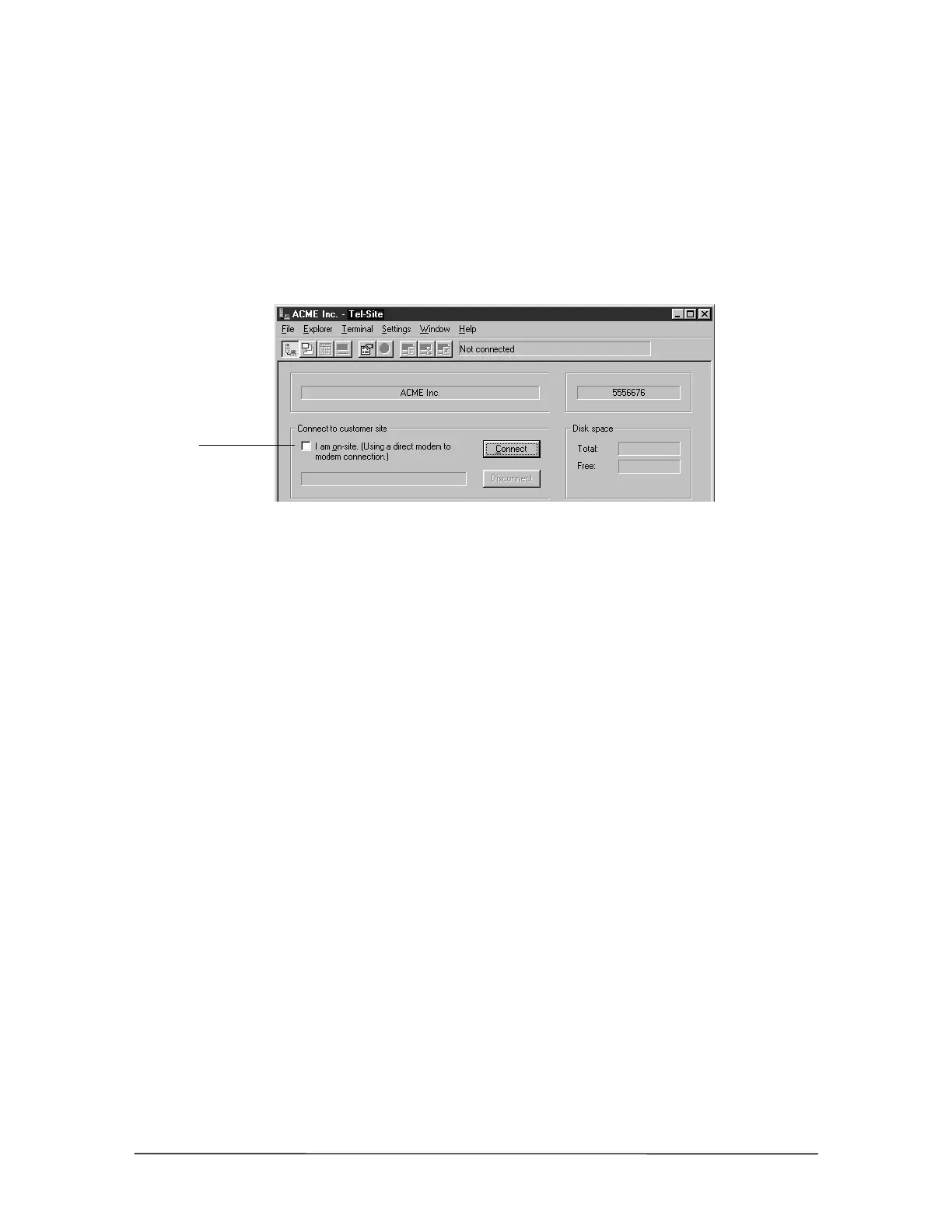
1. In the Connection window, ensure the I am on-site. (Using a direct modem to modem
connection.) check box is cleared. Although you are on-site, the connection is made through an
extension port on the PEU, not directly to the modem in the TVS.
Connection window
2. From the File menu, click Site Selection.
• The Site Selection window appears.
3. Select the site from the Site Name column.
4. Click Edit Site.
• The Connection dialog box appears.
5. If an RSA password is required to enable the Tel-Site modem to communicate with the TVS,
enter it in the RSA password text box. See “Remote System Access (RSA) Password” on page
78 for more information. If connecting for the first time, leave this text box blank
6. In the Phone number text box, enter 599. Extension 599 is the default extension number of
Port 16, which is connected to the TVS modem.
7. Ensure the check box The modem shares a CO line is cleared.
Ensure this box is
cleared



 To Next Page