VS1 Installation, Configuration & Operating Guide 79
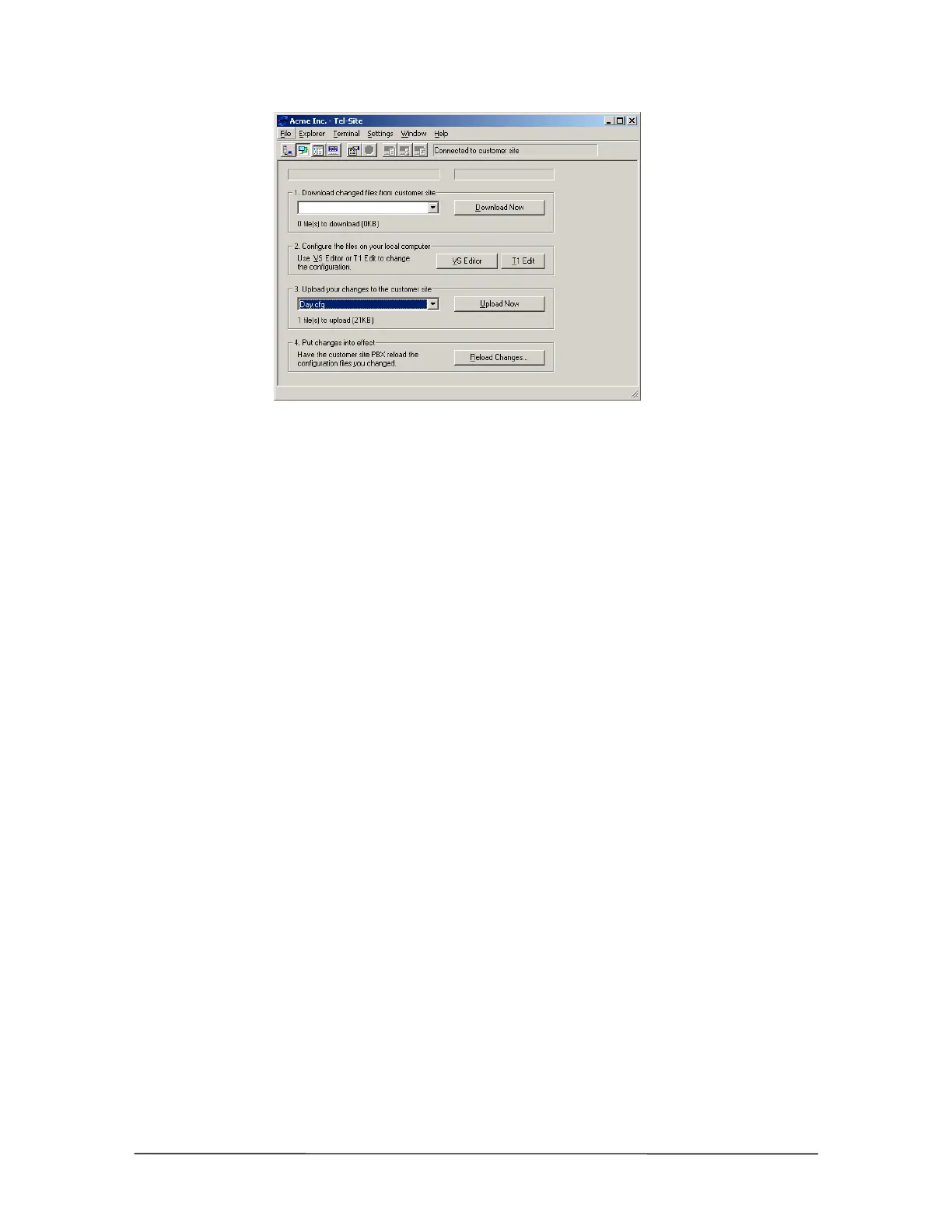
Upload files
Reloading Configuration Changes
Some configuration changes require a reset of the TVS. Resets should be made during periods of
low call activity, such as after-business hours. Call traffic is interrupted when the TVS is reset.
However, not all configuration changes require a system reset. To instruct the customer TVS to put
the changes in effect, complete the following steps:
1. Click Reload Changes.
• The Reload Changes dialog box appears.
2. In the Reload options group box, you can choose between a Standard reload, which is
recommended for all changes, or a T1 reload, which is used for changes to T1 settings.
3. The Shutdown options group box is where the TVS is instructed to either reset to put
configuration changes into effect, or not to reset because the configuration changes made do not
require a system reset.
If a reset of the TVS is required, the reset should be made during periods of low call activity,
such as after business hours. Call traffic is interrupted when the TVS is reset.



 To Next Page