104 VS1 Editor Configuration Application
Caller Response – Number Range
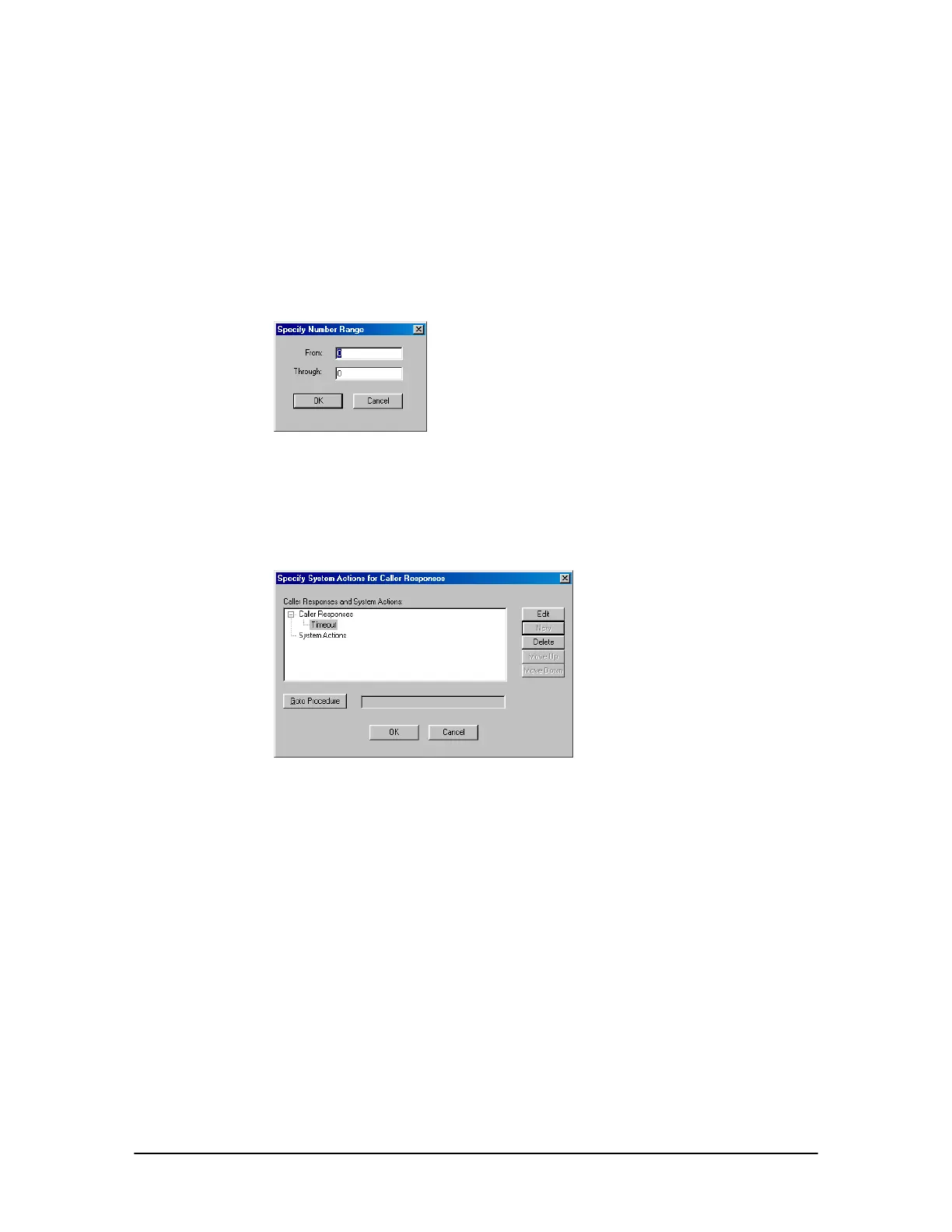
Clicking Number Range in the New Caller Action dialog box brings up the Specify Number
Range dialog box.
1. Type a valid range using the From and Thru text boxes.
2. Click OK.
3. Two options are available: Send the Caller to another Procedure (see below) or Assign a System
Action (page 105).
Specify Number
Range dialog box
Caller Response – Caller Response Timeout
If the caller does not respond within the time allocated in the Get Caller Response, two options are
available: Send the Caller to another Procedure (see below) or Assign a System Action (page 105).
Timeout selected for
Caller Response
Sending the Caller to Another Procedure
After creating a Caller Response, you are returned to the Specify System Actions for Caller
Responses window. To send the caller to another procedure:
1. Click Goto Procedure.
• The Procedure to Goto dialog box appears.



 To Next Page