180 Station Options
Overview of Display Phone Model 200 (DP200)
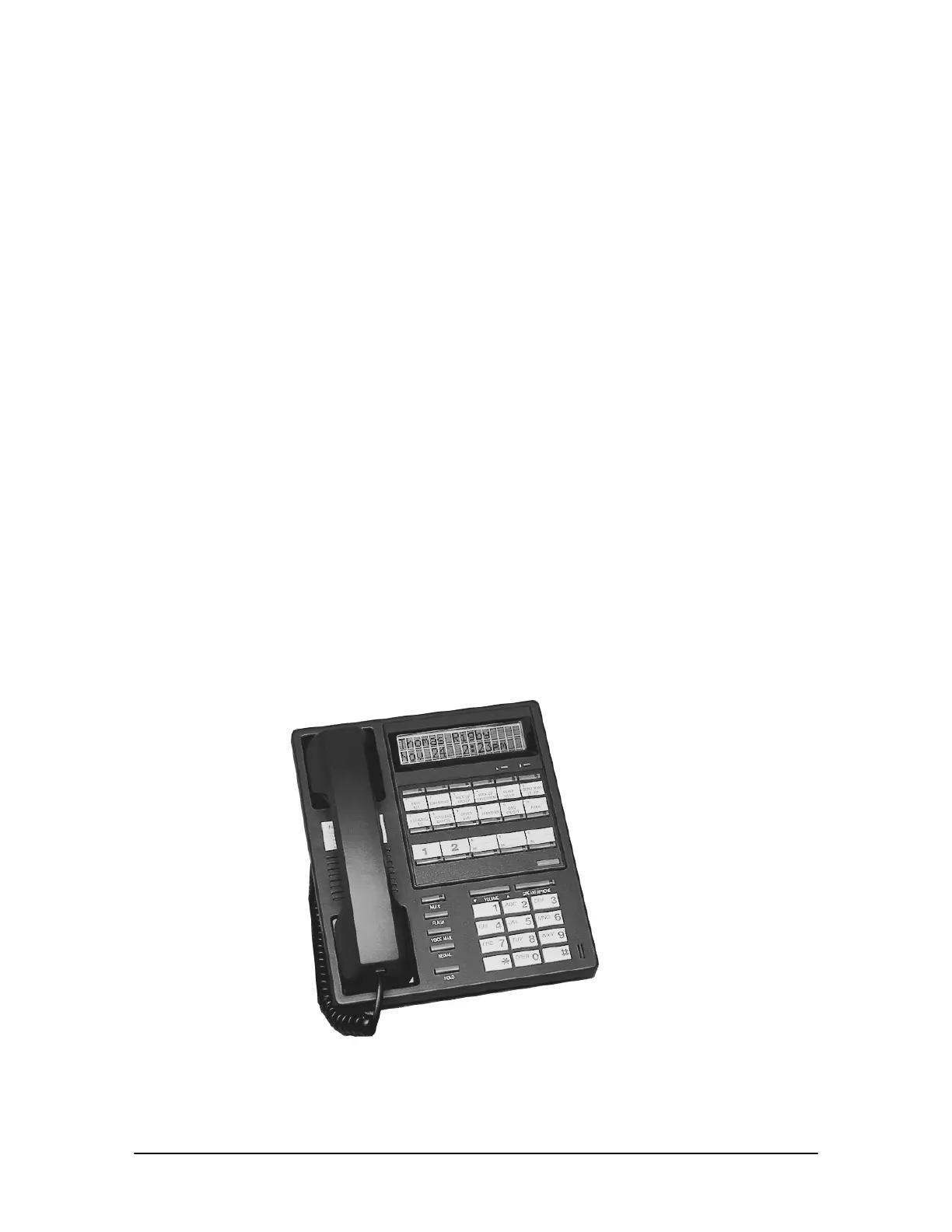
The Display Phone Model 200 (DP200) is designed for use with the VS1 telephone system. The
DP200 Display Phone has the capability to handle five calls. Three of the five Line Appearance
buttons can be customized as Extension View buttons known as Direct Station Select/BusyLamp
Field (DSS/BLF). Each of the five buttons provides a visual display of a call’s status.
The DP200 Display Phone is equipped with a data port that enables users to plug in any 900
megahertz cordless phone or a modem. When a station receives a call, both the cordless phone and
the DP200 ring; or plug a modem into this port and a computer can process data.
Using the program switch, the DP200 Display Phone can be customized for office settings or
warehouse settings. In Office mode, settings for Page Volume, Ring Select and Ringer Volume are
lower in volume than they are in Warehouse mode.
Five standard Feature buttons—Mute, Flash, Voice Mail, Redial, and Hold—and 12 customizable
Feature buttons are included on the DP200 Display Phone. Custom Feature buttons enable users to
program the features used the most by dialing a short code and following the voice prompts. During
phone operation, the button lights up or flashes to inform the user that the programmed feature can
be utilized or accessed.
The DP200 Display Phone is equipped with a 2 line by 16 character display, which provides useful
information about the calls being handled. When a call is received the display changes to show
information about the caller. The display shows what line the call is ringing on and whether it is an
external or internal call. The
A Feature button enables users to switch between name and extension.
If the receptionist uses the Telecor Attendant CTI client application, pressing the A Feature button
switches between the Attendant Message and the Caller ID number and name displays.
Pressing the B Feature button once shows the current status of some of the features such as Do Not
Disturb, Call Forwarding, Handsfree and Call Waiting. Pressing the B Feature button twice enables
users to view the status of their Voice Mail. Pressing the
B Feature button three times shows the
Automatic Call Distribution (ACD) display.
Telecor Display
Phone Model 200
(DP200)



 To Next Page