VS1 Installation, Configuration & Operating Guide 189
Using the Keypad Dialer for Voice Mail Features
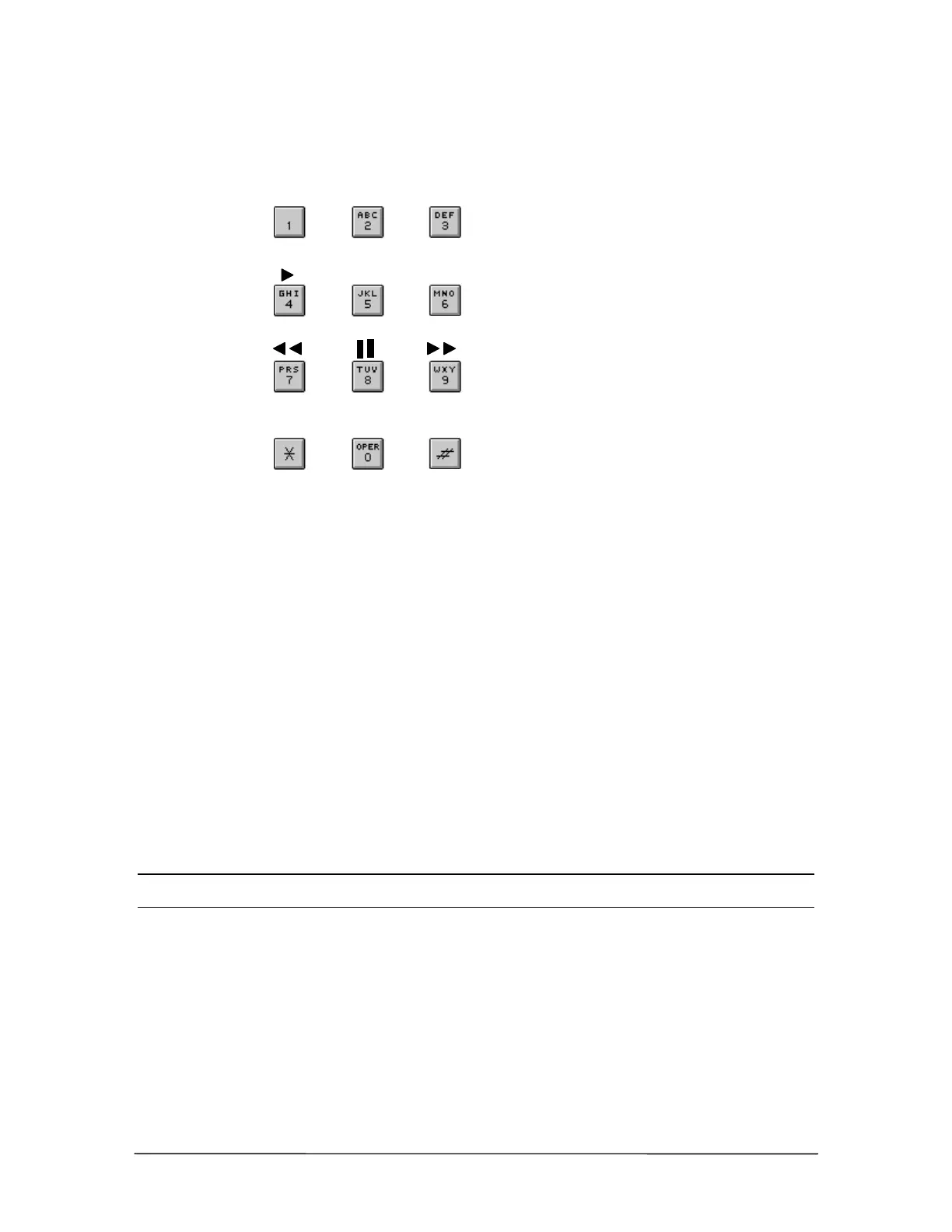
Use the Keypad to handle your Voice Mail calls the way you want. Figure 10 illustrates how to use
the Keypad.
Figure 10
Keypad Voice Mail
Functions
Listening to a Voice Mail Message
The Keypad can act similarly to the controls of a tape recorder while listening to your Voice Mail.
1. Gain access to your Voice Mail.
• If prompted, click your passcode.
2. Click 1 to listen to a message.
• The voice prompts offer nine options to choose from when the message is done playing.
• Click 1 to play the next message.
• Click 2 to replay the message.
• Click 3 to delete a message. The message is erased from the phone system after a set
number of hours, determined by the system installer.
Note If you don’t delete your Voice Mail messages they are automatically saved. Check with your
system installer to determine how long messages remain saved.
• Click 4 to rewind the message for 5 seconds.
• Click 5 to pause during the message (the message resumes in 20 seconds).
• Click 6 to fast forward the message 5 seconds.
• Click 7 to forward the message to another Voice Mail extension (you can record comments
about the message you forward). For more information, “Forwarding a Voice Mail
Message to an Individual or a Group,” page 192.
• Click 8 to hear Caller ID.
Delete
Fast
Forward
Time &
Stop
Message
Next
Messa
e
Replay
Rewind
Pause
Forward
Messa
e
Caller ID



 To Next Page