VS1 Installation, Configuration & Operating Guide 113
Import Procedure
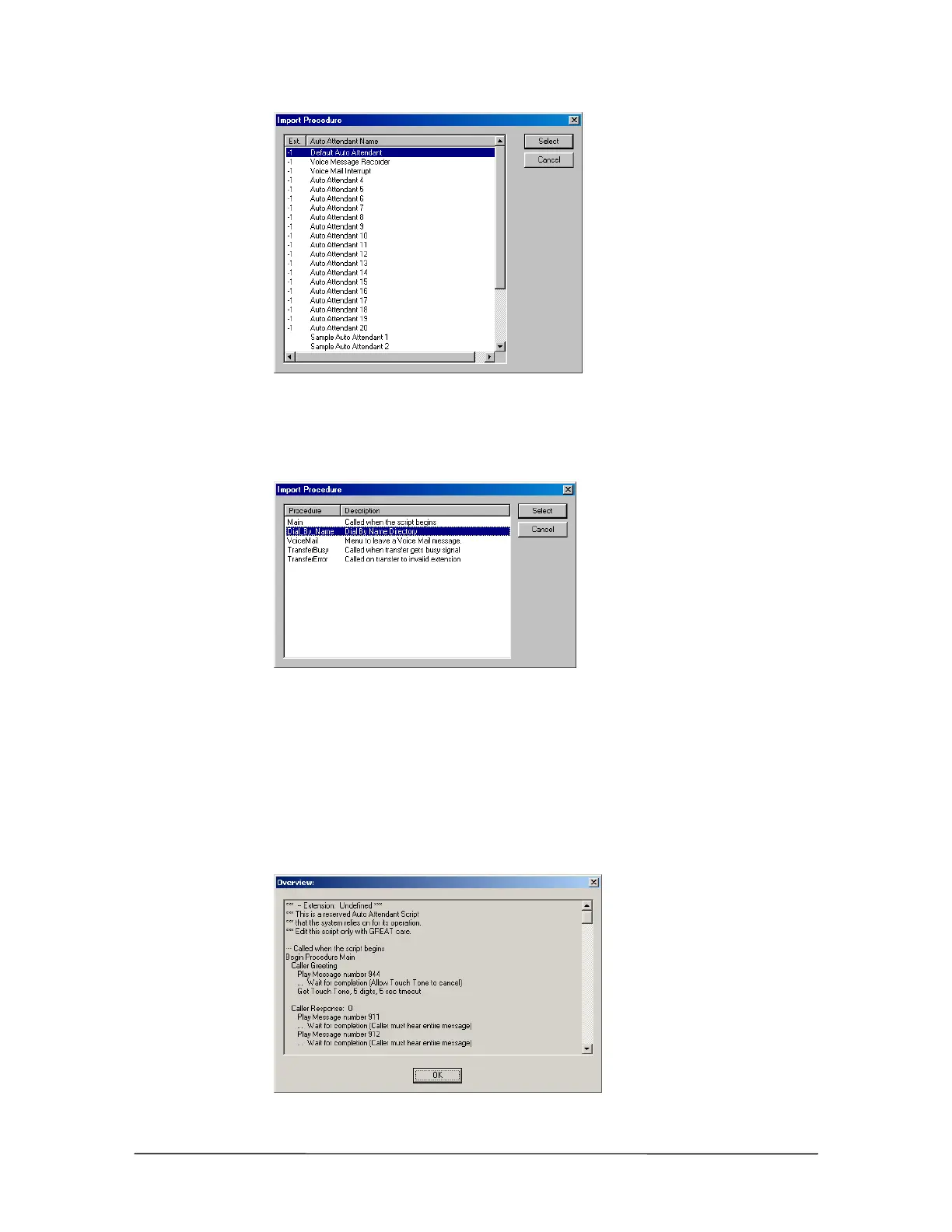
dialog box displaying
Auto Attendants
3. Double-click the Auto Attendant whose Procedure will be imported.
• The Import Procedure dialog box displays the Procedures for the Auto Attendant.
Import Procedure
dialog box displaying
Auto Attendant
Procedures
4. Double-click the Procedure to be imported.
• The Procedure is imported into the Auto Attendant.
Viewing the Auto Attendant Script
The Auto Attendant script can be viewed in its entirety by clicking the Overview button.
Overview of Auto
Attendant Script



 To Next Page