144 VS1 Editor Configuration Application
• At this point, the new Port Configuration appears with all the ports unassigned.
3. In the Configuration drop-down box, select the Configuration whose information will be
copied.
4. Click Copy.
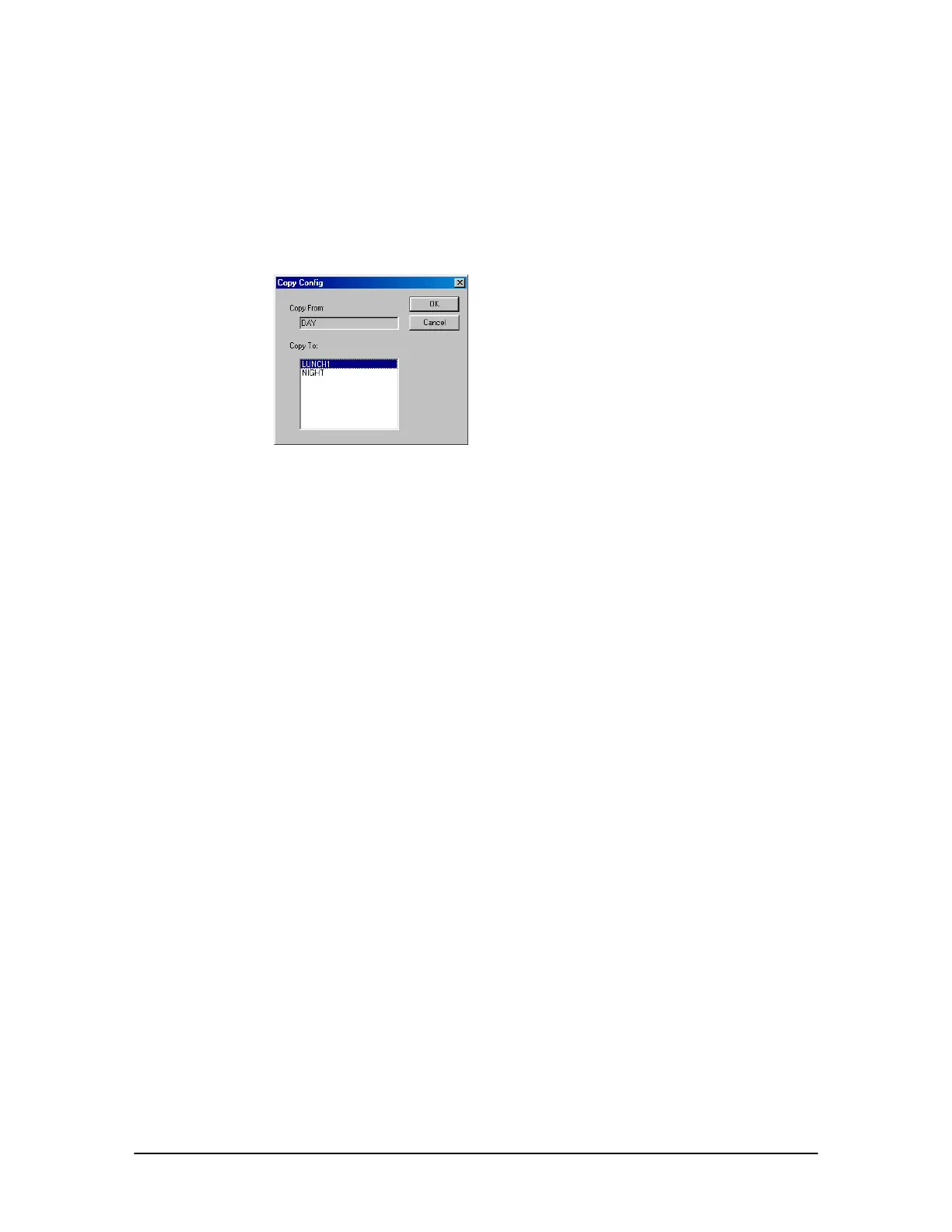
• The Copy Config dialog box appears.
Copy Configuration
dialog box
5. In the Copy To: box select the newly-created Configuration that information will be copied to.
6. Click OK.
7. The Confirm window appears asking if you want to copy over the existing information in your
unassigned configuration. Click Yes.
Replicating Individual Port Settings
To save time when configuring individual ports, all selections from a configured port can be
replicated to a port of the same type – in the same configuration or other configurations -- leaving
you with only minimal changes to the new port. Complete the following steps:
1. Select a configured port.
2. Click Replicate.
• The Replicate Target dialog box appears. Two options are available:
Field to other ports: Copies selected field to same port types in the configuration.
Fields to other configurations: Copies selected field to the same port number in other
configurations. The targeted port number must be set to the same port type as the source.



 To Next Page