VS1 Installation, Configuration & Operating Guide 153
PROGRAM PASSWORD
The Program Password enables you to specify a password that is used each time the VS1 Editor
application is started. To create a Program Password, complete the following steps:
1. Select Program Password in the Tree Control Display.
• The Program Password pane appears.
2. Click the Add Password button.
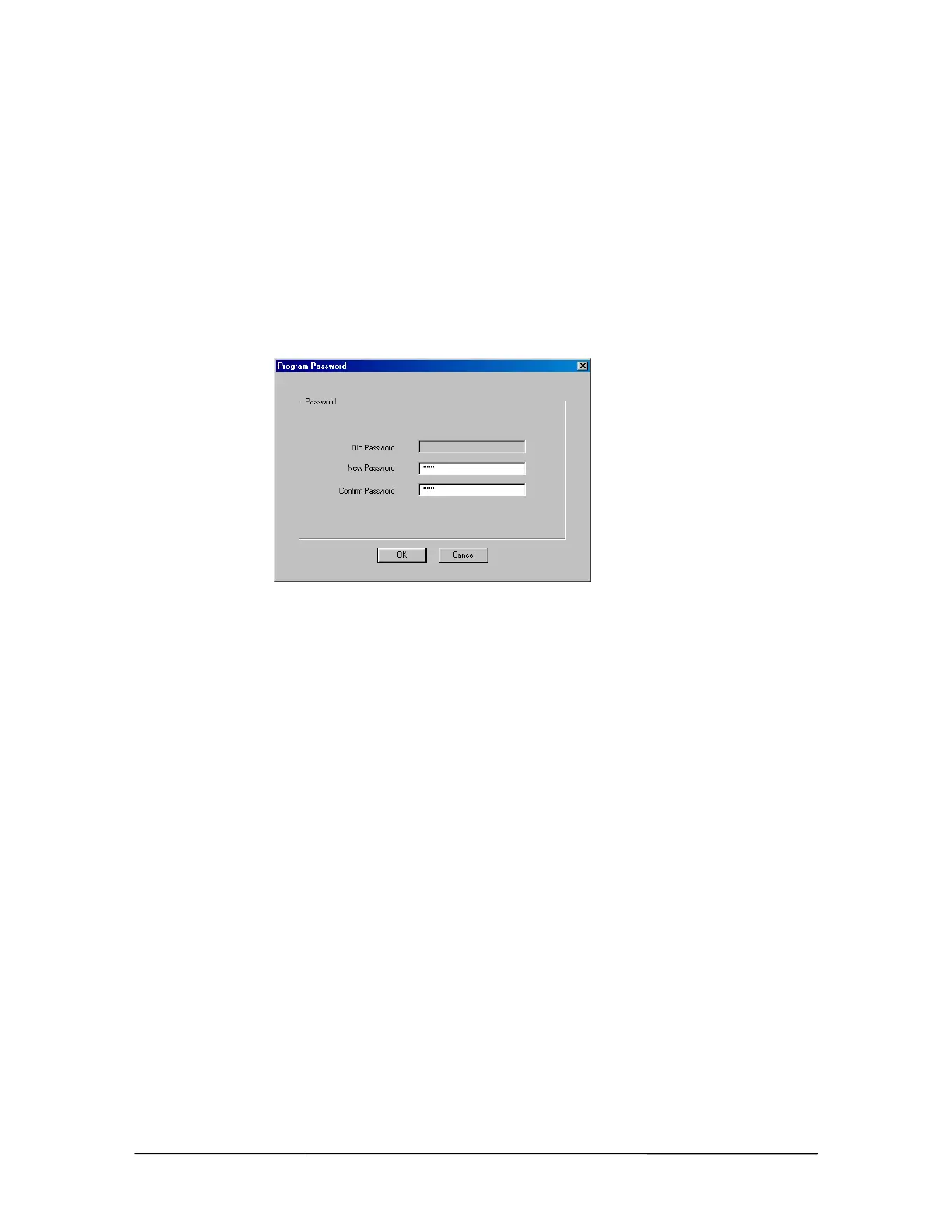
• The Program Password dialog box appears.
Program Password
dialog box
3. In the New Password text box type the Program Password. Program Passwords can be
alphanumeric and have from 1-15 characters.
4. In the Confirm Password text box type the Program Password again.
5. Click OK.
Removing a Program Password
If you set up a Program Password and forget what it is, you must remove the password and create a
new one. The Program Password can be removed either on-site or remotely. To remove the
password remotely, you must connect with the Tel-Site application and through the Terminal
window type del cfg\cfg.ini .



 To Next Page