VS1 Installation, Configuration & Operating Guide 131
FUNCTION KEYS
Function Keys enable DP200 Phone users to access VS1 System features (such as Call Forwarding,
Paging, Transfer, and Do Not Disturb) via the DP200 Feature Buttons. There are 12 Function Keys
available, and the default functions of these can be programmed with the VS1 Editor.
Note Telecor uses the terms Function Keys and Feature Buttons interchangeably. The term
Function Key is used primarily when programming with the VS1 Editor. The term Feature
Button refers to one of the 12 corresponding buttons on the DP200 Phone.
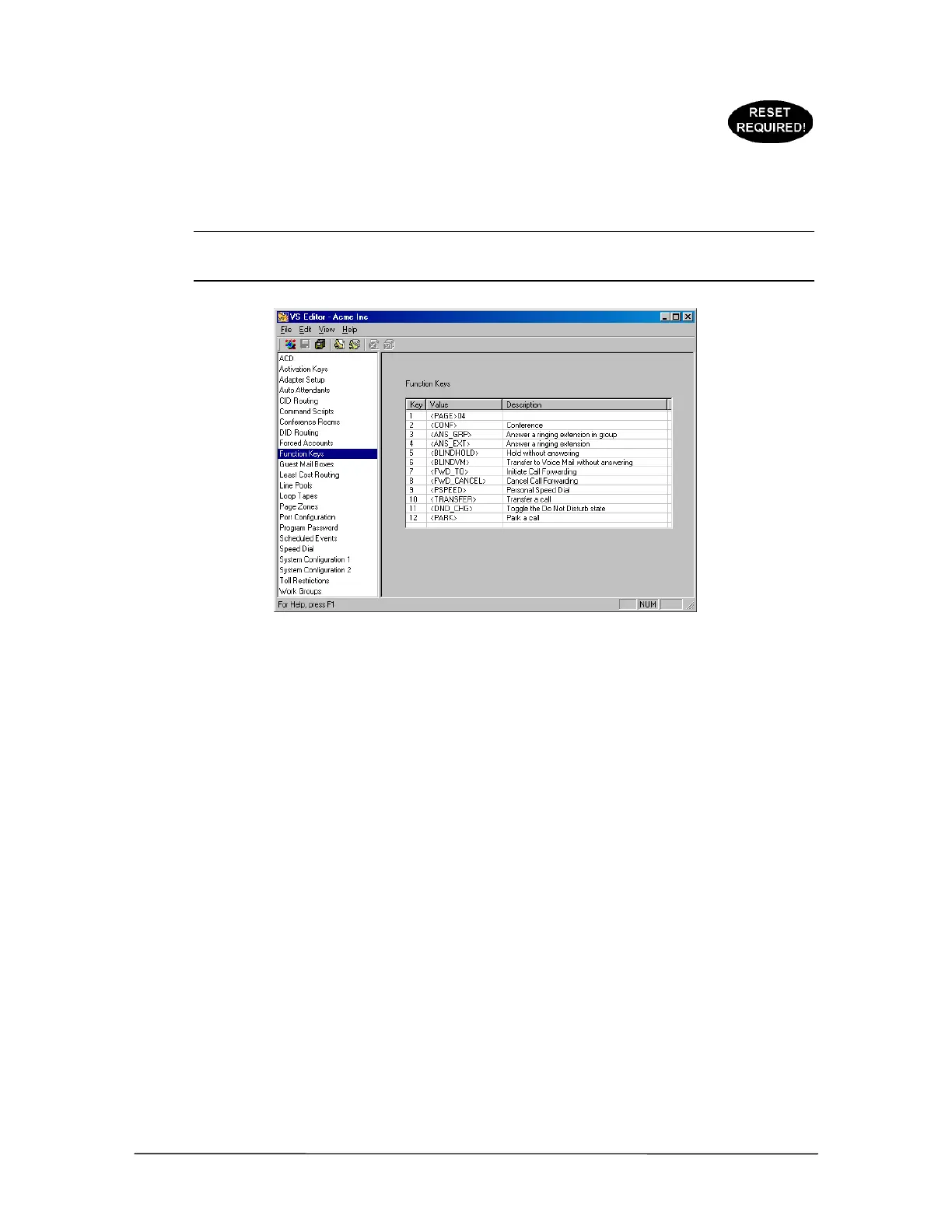
Function Keys pane
The 12 Function Keys are programmed by default as follows:
F1=Page All F7=Forward To
F2=Conference F8=Forward Cancel
F3=Pickup Group F9=Personal Speed Dial
F4=Pickup Extension F10=Transfer
F5=Blind Hold F11=Do Not Disturb Toggle ON/OFF
F6=Blind Transfer to Voice Mail F12=Park
To change a function of a Function Key, complete the following steps:
1. Select Function Keys in the Tree Control display.
• The Function Keys pane appears with a list box that shows a list of 12 Function Keys that
correspond with the 12 Feature Buttons on a DP200.
2. Select a function under the Value column and a drop-down box appears
or
2. Select a description under the Description column and a drop-down box appears.
3. Select a new function for the Function Key.
• If a new value was selected, the Description changes.



 To Next Page