VS1 Installation, Configuration & Operating Guide 31
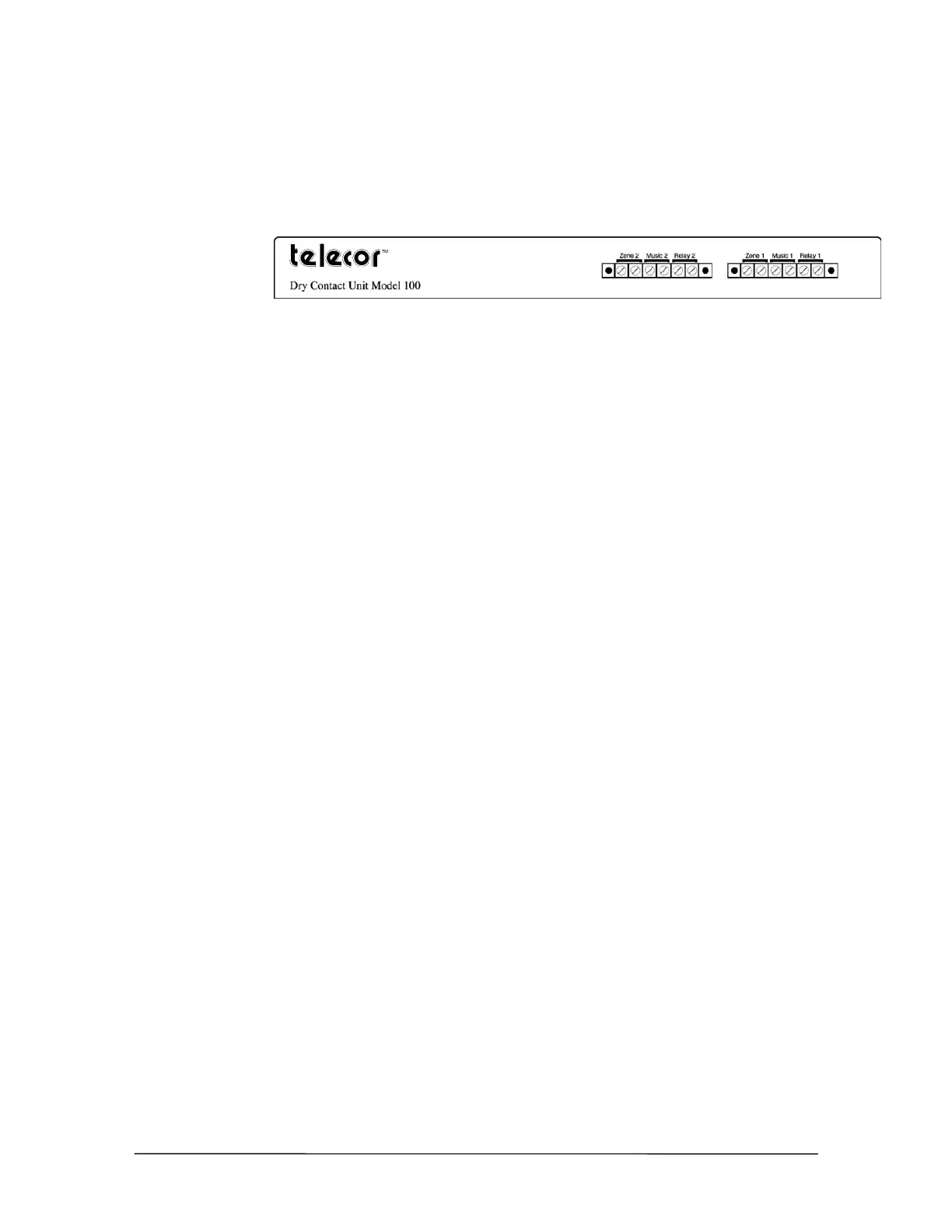
External Contacts – Dry Contact Unit Model 100
The Dry Contact Unit Model 100 has six external contacts including two zone pager outputs, two
music source inputs, and two dry contact relays. The following pages explain how to set up each of
the external contacts.
Model 100 external
contacts
Connecting Zone Pager Outputs on a DCU
The Zone Pager contacts enable you to connect overhead paging systems to the VS1 phone system.
It provides a 600 ohm, low-impedance signal.
To connect an overhead paging system to the VS1 phone system, complete the following steps.
1. Connect a cable (with spade connectors or bare wire) to the “Input” jacks on the paging
equipment. The DCU accepts spade connectors, number 6 stud, or bare wire. Use
24-gauge wire or larger.
2. Match the negative and positive connectors to the correct jacks on the DCU.
3. Use a phone connected to the Telecor VS1 phone system to make a test announcement and then
adjust the volume level on the paging equipment as necessary.
Connecting Music Inputs on a DCU
The music inputs are for audio sources such as radios, music services, tape players, or CD players.
They are used for music on-hold and promotions on-hold. Each CO port can be configured for a
specific music source. CO ports are also configurable to play digital recordings stored on the TVS
hard drive. The music inputs on the DCU accept 600 ohm, low-impedance signals.
To connect a device to the music inputs on the VS1 phone system, complete the following steps:
1. Use a spade connector, number 6 stud, or bare wire to connect the device to the music source
input on the DCU. Use 24-gauge wire or larger.
• The cable must be connected to the “Output” jacks on the music source.
2. Connect the ground wire to the negative input terminal on the DCU, and then connect the
insulated wire to the positive input terminal on the DCU. Contact Telecor Technical Support for
more information.
Connecting Relay Outputs on a DCU
The dry contact relays are used to attach devices such as electronic door locks, sirens, or buzzers.
These devices are controlled by dialing a DTMF code from any station. Follow these general
guidelines when connecting devices to the dry contact relays.
• Each relay output is normally open and completely isolated from the VS1 phone system
and from ground.



 To Next Page