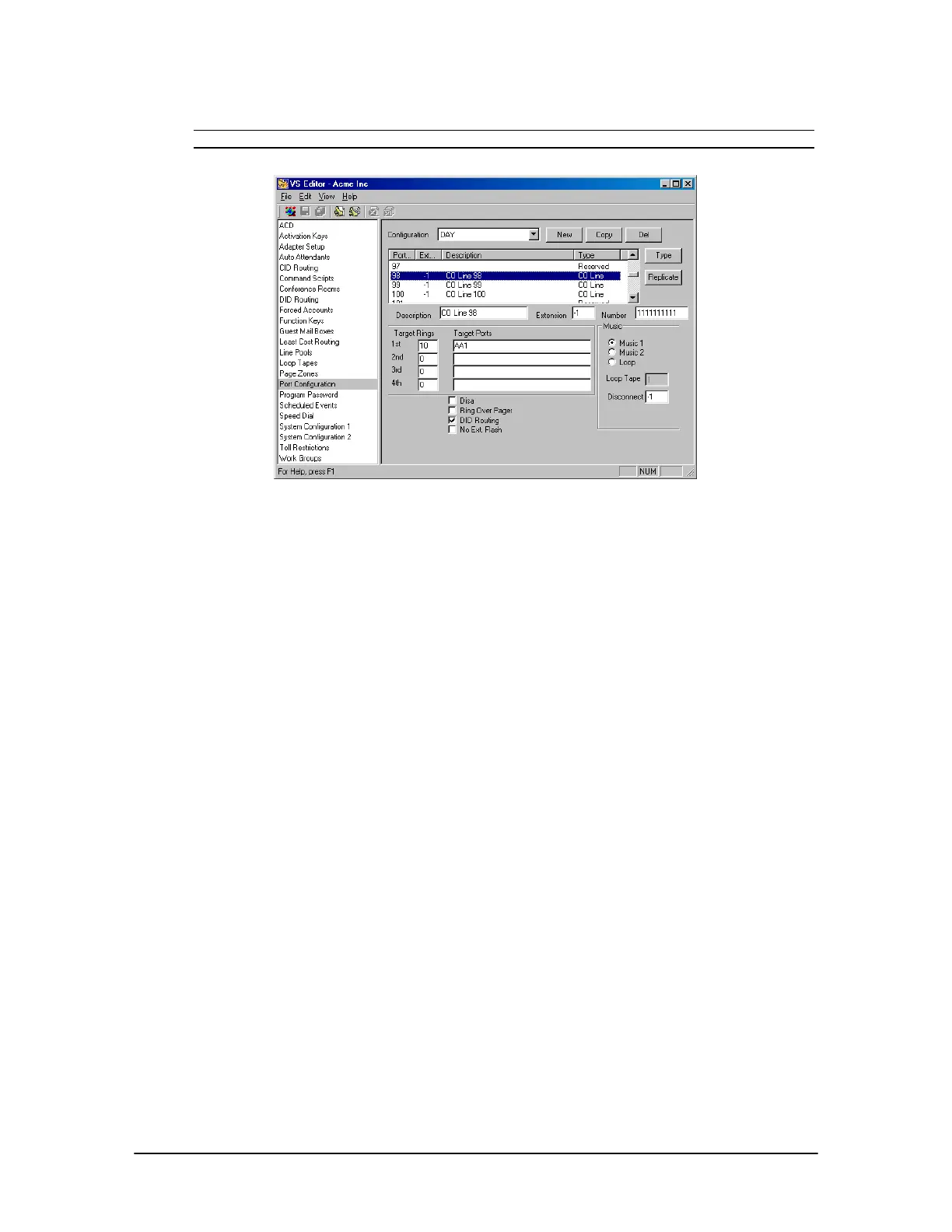
128 VS1 Editor Configuration Application
Note When using ANI only on the T1 port, DID Routing must remain unchecked.
Port configured for
DID
Setting up a DID or DNIS Routing Table
To assign a block of numbers for DID routing, complete the following steps.
1. Select DID Routing in the Tree Control display.
• The DID Routing pane appears.
2. Click Add.
3. In the DID Entry group box, enter the following information in the corresponding text boxes.
Description: Enter a description for the block of numbers. The description is a 16-character
message that is attached to the call. This message appears on all station equipment with a
display.
Start Num: This box must contain 7 digits. Enter the DID start number of your block of
numbers preceded by the necessary amount of placeholders. Telecor recommends using 1 for
the placeholder since it is then obvious that they are not part of the routing number.
End Num: This box must contain 7 digits. Enter the DID end number of your block of numbers
preceded by the necessary amount of placeholders. Telecor recommends using 1 for the
placeholder since it is then obvious that they are not part of the routing number.
Example (for a 4-digit DID): Start Number 1114001 End Number 1114100
Start Time: Enter the start time that you want this block of numbers to recognized. Use
standard 24-hour (military) time format.
End Time: Enter the end time that you want this block of numbers to recognized. Use standard
24-hour (military) time format.



 To Next Page