VS1 Installation, Configuration & Operating Guide 71
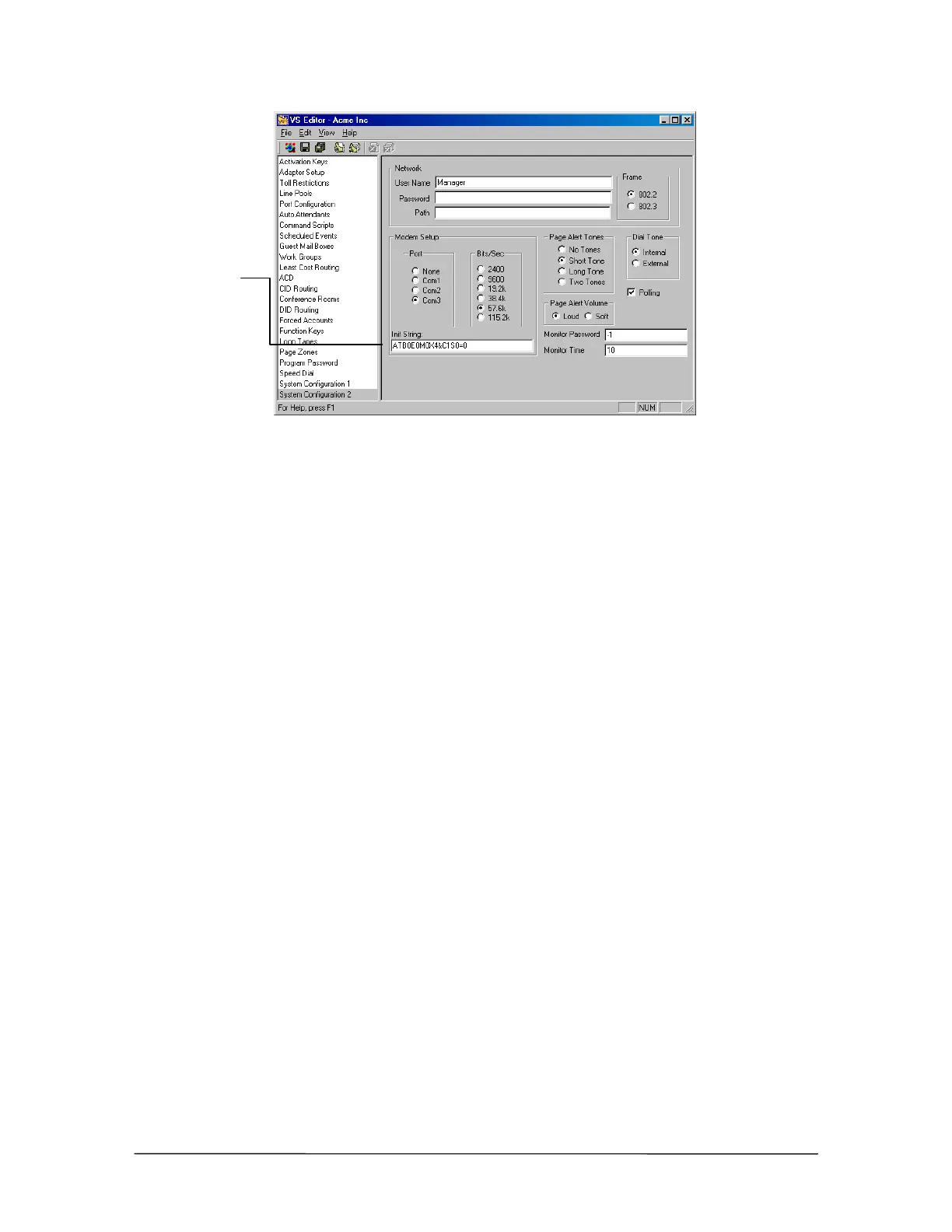
Modem initialization
string for TVS
Modem Shares a CO
Line connection
Enabling DISA on the CO Port connected to the TVS modem
1. In the VS1 Editor Tree Control display, click Port Configurations.
2. In the Port Configurations pane, select the configuration where you want to make changes.
For example, select the DAY configuration.
3. Select the CO port that is shared with the TVS modem.
4. Under Rings, set the CO port to ring the first target for two rings.
5. Under Target Ports, set the target by typing null. (The null device doesn’t ring a physical
extension. It gives Tel-Site time to send the DISA sequence to the TVS.)
6. Set the number of rings for the remaining targets according to your configuration.
7. Select the DISA check box.
8. Make sure you replicate the changes made to this port in all configurations, not just for the
DAY configuration.
Modem
initialization string



 To Next Page