162 VS1 Editor Configuration Application
TOLL RESTRICTIONS
Toll Restrictions deny certain long distance calls being made. With the VS1 System, Toll
Restriction Schemes are created which consist of a list of various numbers that cannot be made. The
Scheme can also consist of specific dial strings that are allowed to go through that would otherwise
be blocked. Once a Scheme is created it is then applied to an individual Extension in Port
Configurations.
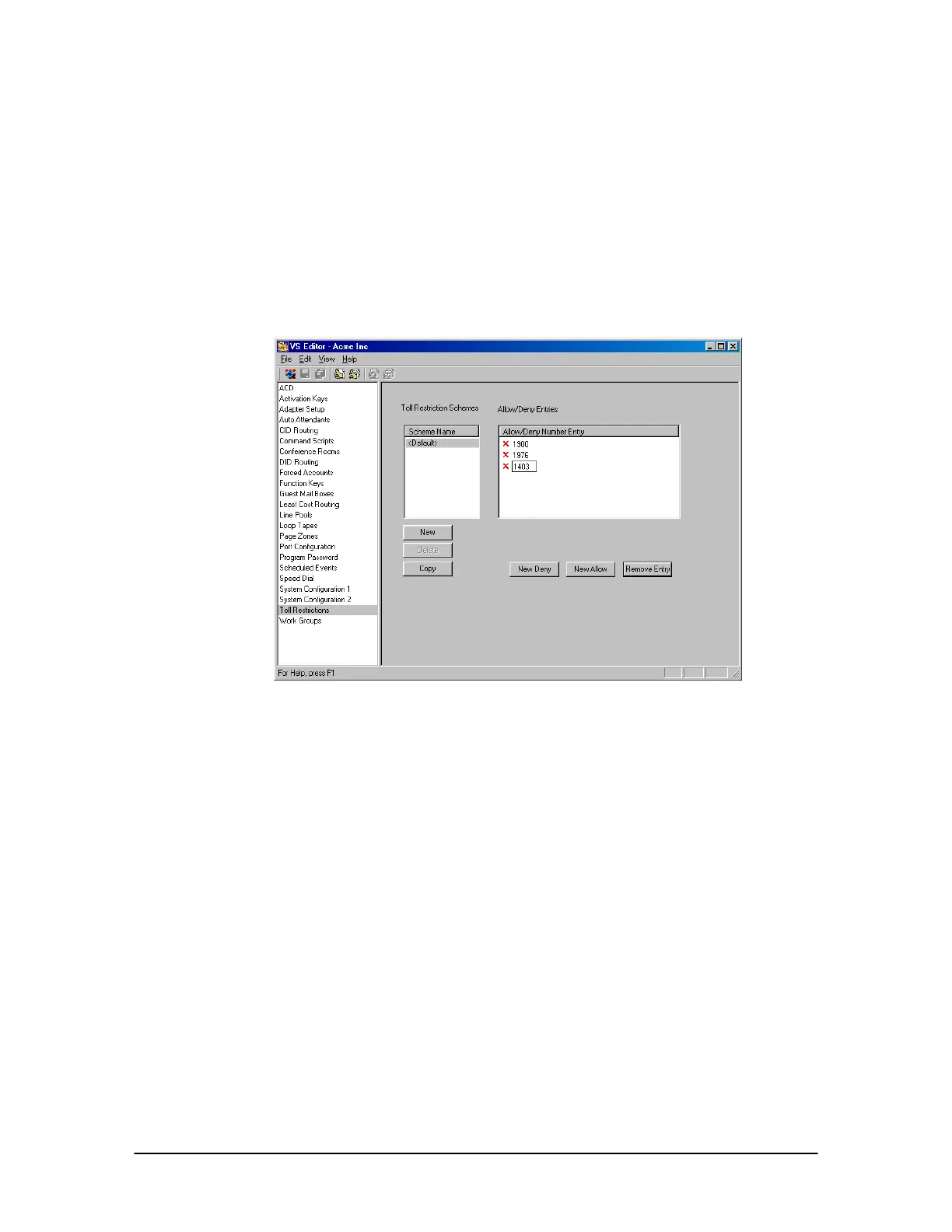
The VS1 Editor consists of a Default Scheme that denies 1900 and 1976 numbers. These calls are
reverse charge calls and should not be removed.
Toll Restriction pane
Denying Additional Numbers in the Default Scheme
To deny additional numbers to the Toll Restriction Scheme, complete the following steps:
1. Select Toll Restriction in the Tree Control Display.
• The Toll Restriction pane appears.
2. The Scheme Name list box consists of a <Default> Scheme. Click on this Scheme.
3. In the Allow/Deny Number Entry list box, the 1900 and 1976 numbers are listed with a red X,
indicating that any dial string starting with these numbers is denied.
4. Click New Deny.
• An empty dial string box marked with a red X appears in the Allow/Deny Number Entry
list box.
5. Enter the dial string that will be denied. The VS1 System performs a “Best Match” type of
comparison between the dial string and the contents of the defined Toll Restriction Scheme.



 To Next Page