68 Tel-Site System Management Application
Hardware Setup
Prior to making the necessary hardware changes, ensure the TVS is configured to support the
Dedicated CO Line to TVS Modem connection (see page 67).
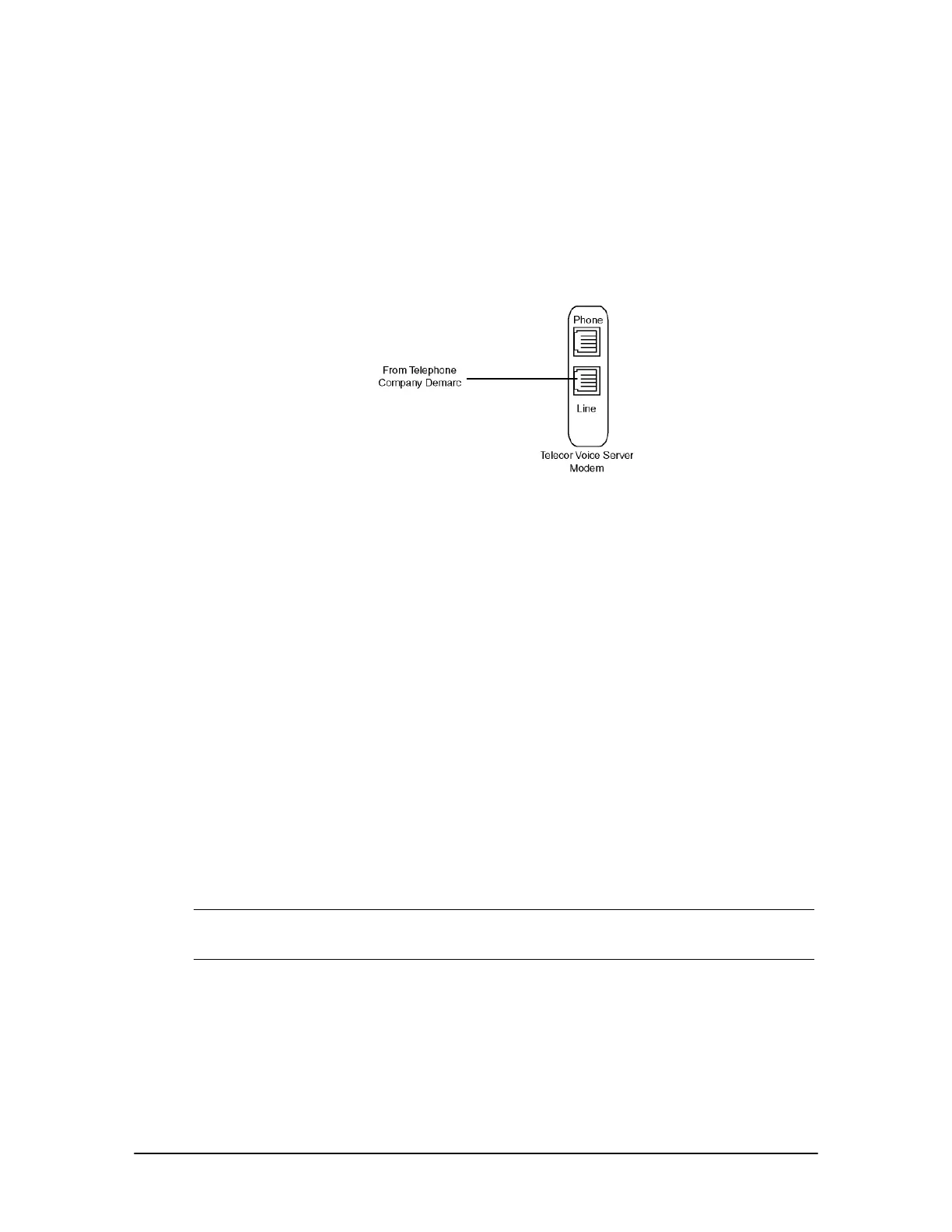
The diagram below shows the hardware setup for a dedicated CO line connection. A CO line from
the telephone company demarc is run to the line jack of the TVS modem.
Dedicated CO Line to
TVS Modem (off-site
access)
Tel-Site Setup
For a Dedicated CO Line to TVS Modem connection, Tel-Site must be set up so that it can dial the
phone number of the CO line plugged into the line jack of the TVS modem.
1. From the File menu, click Site Selection.
• The Site Selection window appears.
2. Select the site from the Site Name column.
3. Click Edit Site.
• The Connection dialog box appears.
4. If an RSA password is required to enable the Tel-Site modem to communicate with the TVS,
enter it in the RSA password text box. See “Remote System Access (RSA) Password” on page
78 for more information.
5. In the Phone number text box, enter the phone number of the CO line plugged into the line
jack of the TVS modem.
Note When specifying the customer site phone number, you can either specify the number
explicitly (using a 9 to get an outside line, for example) or use Standard Number Format.
See the Tel-Site Help topic Standard Number Format for more information.
6. In the Dialup connection information group box, ensure The modem shares a CO line check
box is cleared.



 To Next Page