VS1 Installation, Configuration & Operating Guide 119
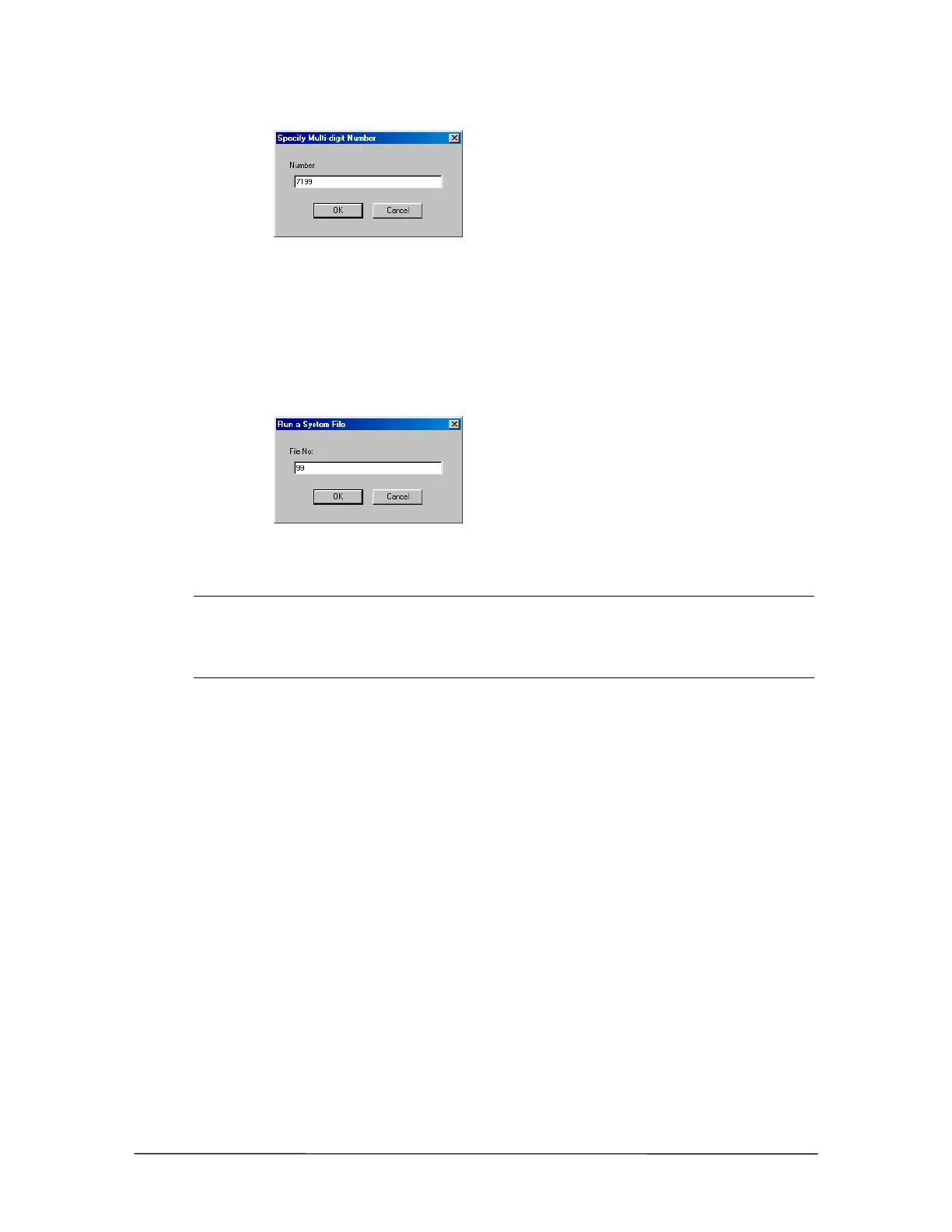
Specify Multi-digit
Number dialog box
8. Select System Actions and click New.
9. Under Type in the New System Action window, select Run System Command File. Click
OK.
10. In the File No: text box in the Run a System File window, type the two-digit Command Script
number. Click OK.
Run a System File
dialog box
11. Select Goto Procedure and then click Main. Click OK to save.
Note The above steps use the Multi-digit Number Caller Response to run the Command
Script. This is the preferred method. However, the other three methods of Caller
Response (Touch Tone, Number Range, and Caller Response Timeout) can be also be
used if need be. See “Caller Response Handler” on page 102 in Auto Attendant section for
more information.



 To Next Page