VS1 Installation, Configuration & Operating Guide 217
Telecor Attendant-Type 8
+ -off-hook
- -on-hook
If no status, Activation Key not entered or invalid
Telecor Connect-Type 9
+ -off-hook
-- on-hook
dialing line cord is unplugged
CO Port-Type 2
C -normal
D -DISA enabled
-Idle -CO line is not being used
-Wait-CID z -PBX is waiting for Telco to send CID information
--> Description z -CO line is connected to Description port
-Ring: Group n z -PBX is ringing the nth target port(s)
W-> Description z -CO target port has answered; call ringing another extension
d-> Extension (0) -PBX is dialing on this CO
-Alerted -PBX is searching for CO to make outbound call
H-> Description z -Call is on hold
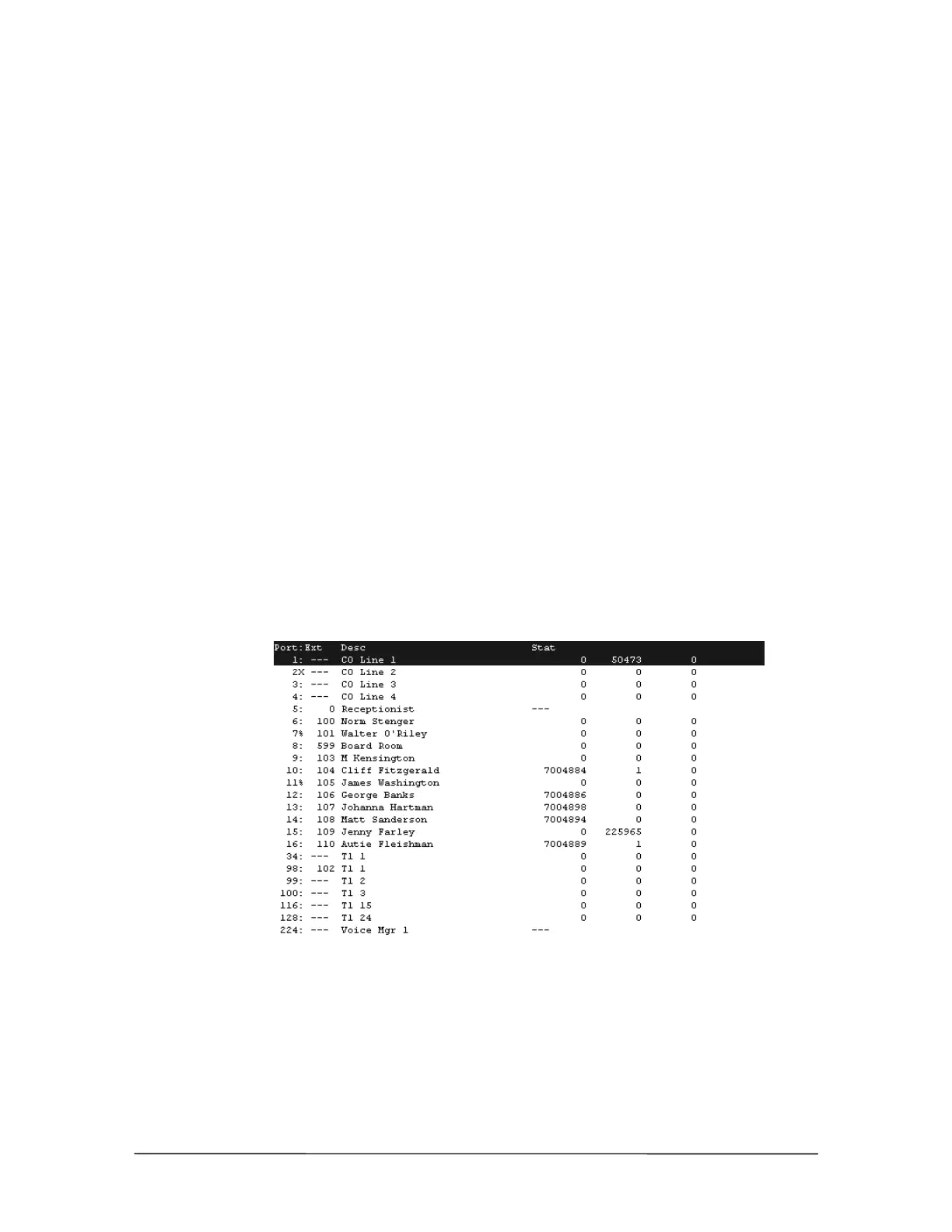
Press the spacebar to open the Polling window in the Line Status window. The first column
represents a device polled and responding correctly; the second column represents a device polled
with no response; the third column represents a device polled with an invalid response. To restart
the counters, type r.
Polling window



 To Next Page