254 Reference
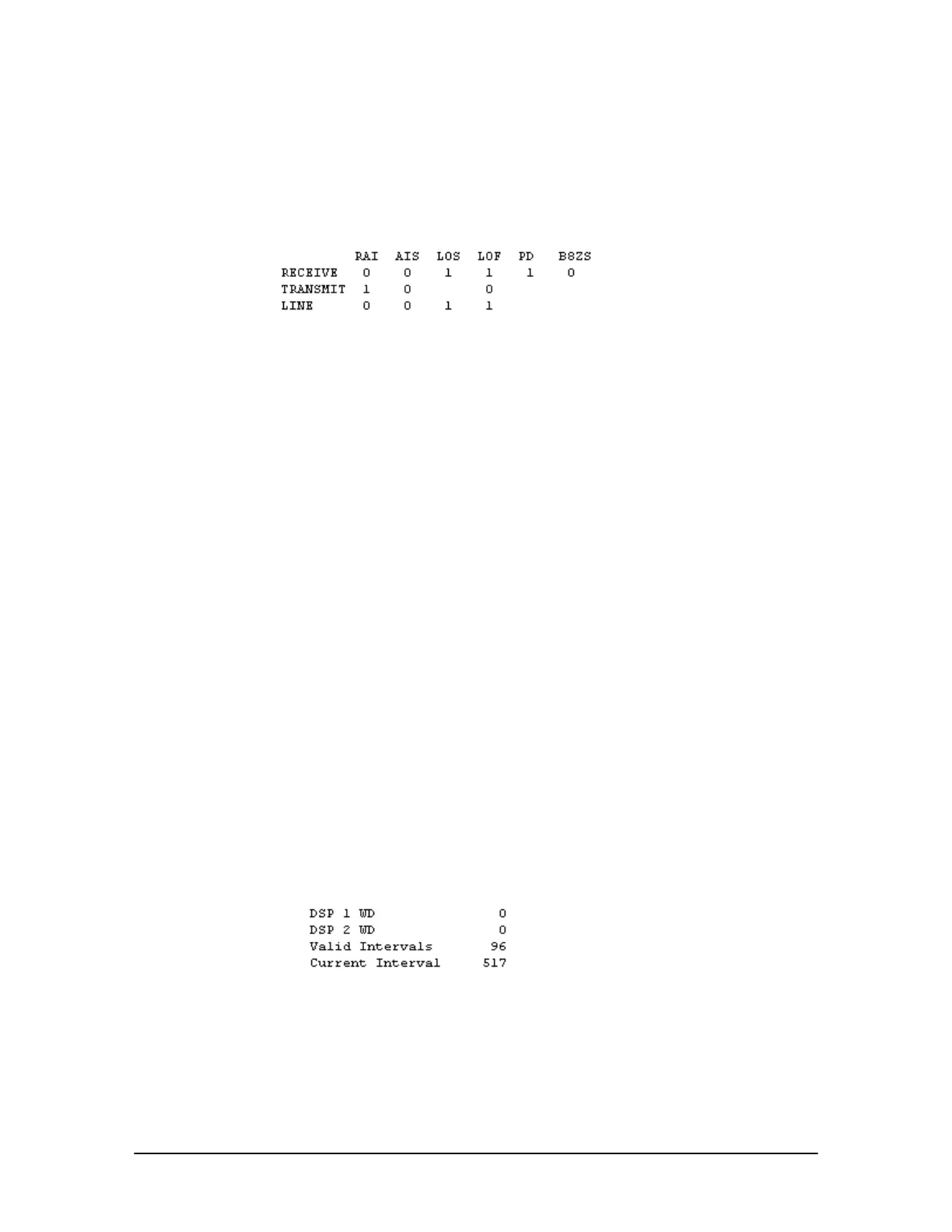
The second table on the T1 status screen contains a series of alarms on the T1 Interface Card. It
contains three rows:
Receive—displays status of errors as a signal is being received from the Service Provider.
Transmit—shows the status of errors as a signal is being transmitted to the Service Provider.
Line—shows the general status of the T1 span.
Alarm status table
The Alarm status table contains the following columns:
RAI—(Remote Alarm Indicator) (yellow alarm) is transmitted by the Service Provider to report a
remote trouble condition.
AIS—(Alarm Indication Signal) (blue alarm) is transmitted to the Service Provider to report a
local trouble condition.
LOS—(Loss of Signal) occurs when the T1 Interface Card is not receiving a clock signal from the
Service Provider.
LOF—(Loss of Framing) occurs when the T1 Interface Card is not receiving framing from the
Service Provider or the framing mode on the T1 Interface Card is set incorrectly.
PD—(Pulse Density violation) indicates that the signal contains excessive zeros.
B8ZS—(Binary 8 Zero Substitution) a signal switches between 0 and 1 any time B8ZS line coding
is selected to indicate that this setting is active.
Each column contains either a 0 or 1:
0 = Normal operation
1 = Alarm condition
The third table (located to the right of the Alarm Status table) displays the following
information:
DSP 1 WD and DSP 2 WD—The watchdog timers should always be set to zero.
Valid Intervals—Lists the number of valid 15-minute intervals in 24 hour timeframe.
Current Interval—Lists the number of seconds expired in the current 15 minute interval. It resets
every 15 minutes.
Intervals table
The last table is split into two parts and is located below the Alarm status table. It is divided into two
columns:
Current—Lists the current 15-minute interval set of counters. It resets every 15 minutes.
24 Hours—Lists the count for the previous 24 hours.



 To Next Page