APPEAR AS Confidential 102/352
5.4.6 8VSB INPUT
The 8VSB input module can receive up to four individual 8VSB input streams. To configure the module:
• Switch to the Inputs node in the Navigation Pane
• Select the 8VSB module you want to configure to display the module configuration. Services available on
all four 8VSB input ports will be listed in this view.
The 8VSB input window shows all configurable settings as well as the current bitrate and service information.
The following parameters are available:
Enable the corresponding input port
Port on the ASI input module
Number of services available on this port
Analysis mode of input port
Specify the currently tuned frequency in MHz, valid range is 47 – 861MHz.
Continuity Counter Error – indicates that one or more packets are lost
To monitor any of the demodulated 8VSB input signals, one of the 8VSB input ports can be assigned to the output
ASI monitor interface. The demodulated 8VSB input signal will then be copied onto the monitor port for further
analyzing or monitoring of the transport stream. Normal operation will not be affected if the monitoring port is
used.
The above list of parameters can be configured by clicking on the pencil icon to the right of each input.
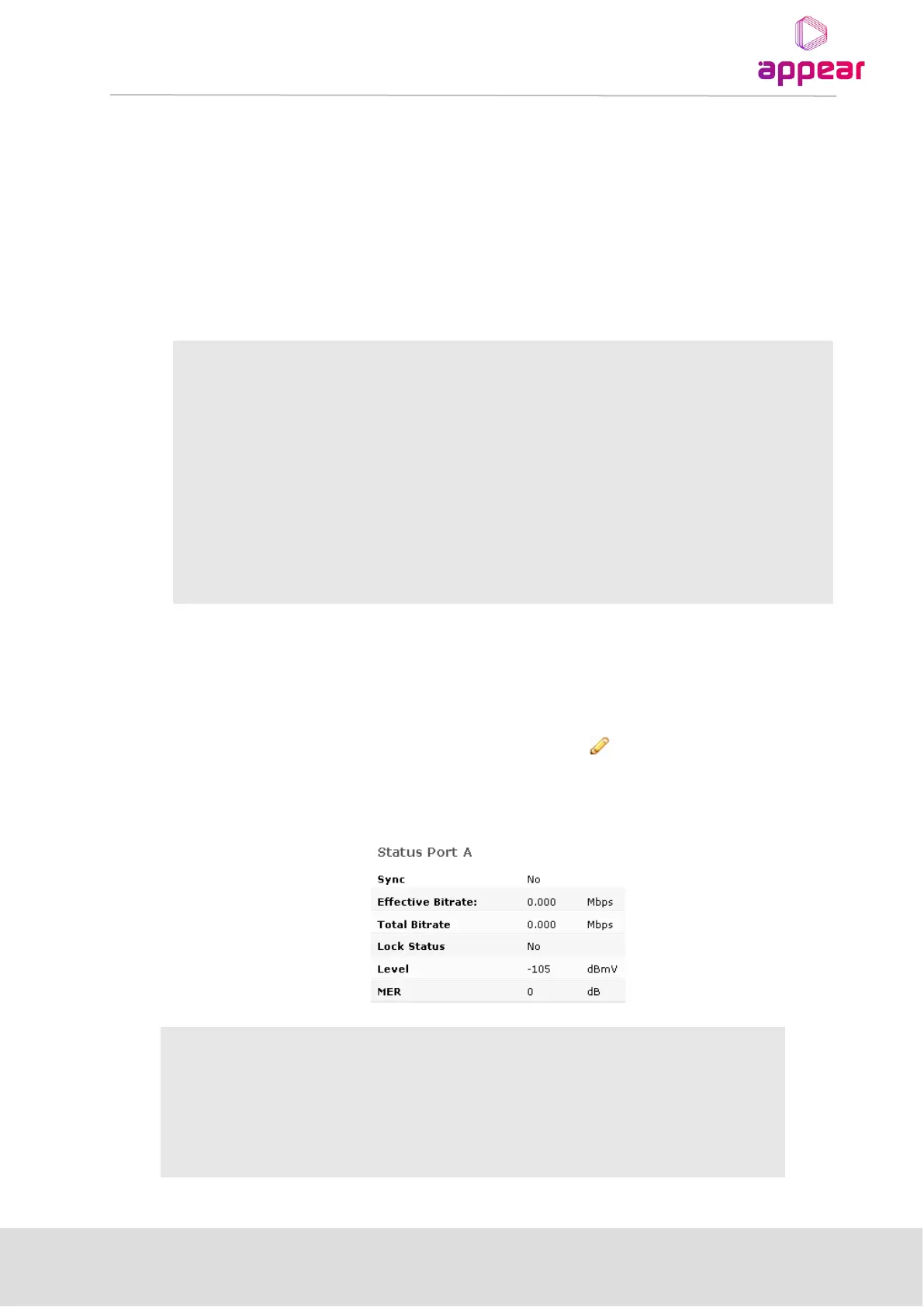
When clicking on an input port, the status parameters for this port are available in the right hand status bar.
Depending on the version of the module, various parameters are displayed.
MPEG sync number: 188 or 204
Effective bitrate of the input stream
Total bitrate of the input stream



 To Next Page