APPEAR AS Confidential 93/352
5.4.3 ASI INPUT
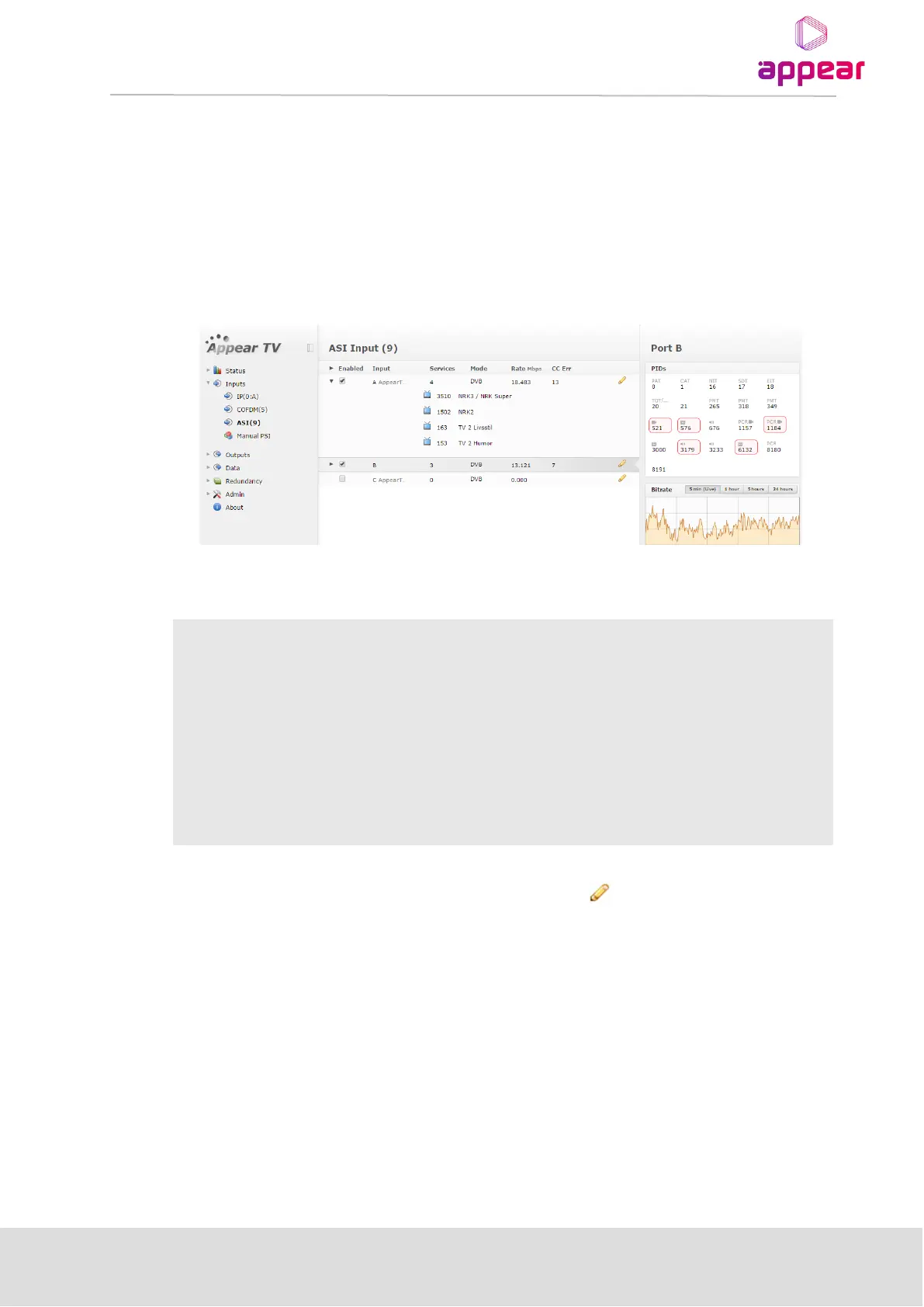
The ASI input module can receive up to three/four individual ASI input streams depending on the hardware
revision. Each ASI input can support up to 213Mbit/s. To configure the module:
• Switch to the Inputs node in the Navigation Pane
• Select the ASI module you want to configure to display the module configuration.
The ASI node shows all configurable settings as well as the current bitrate and service information. The following
parameters are available:
The above list of parameters can be configured by clicking on the pencil icon to the right of each input. The
pop up dialog below will be displayed:



 To Next Page