APPEAR AS Confidential 170/352
8.1.1.3 Edit from output view
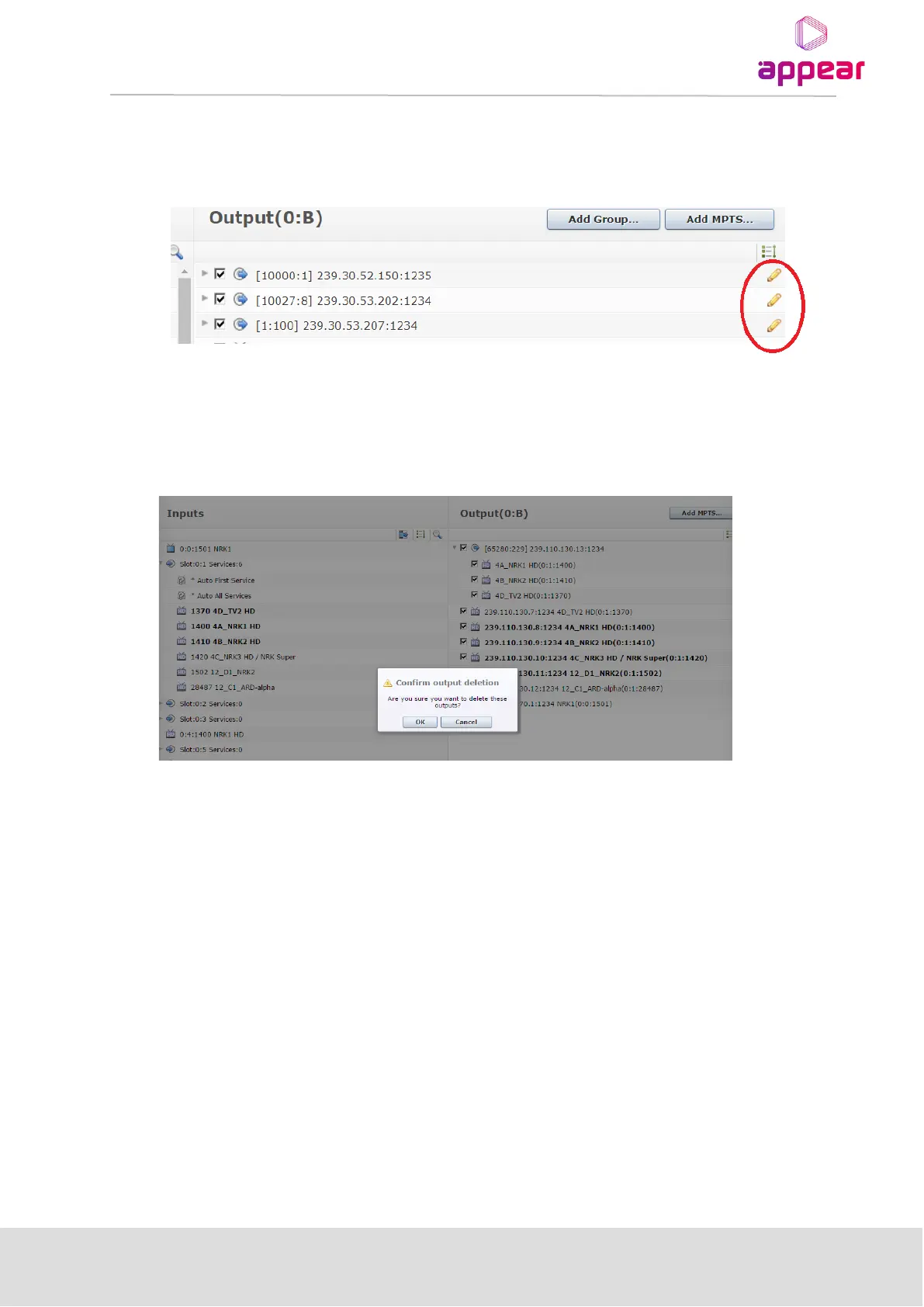
In order to edit, the user can open the edit pop-up with both double-click and 'Edit' button on the right (typically a
pencil icon).
8.1.1.4 Bulk deletion from output view
You can delete multiple service from SPTS or MPTS by selecting these using either standard shift key or control
key and then pressing ‘DEL’ or dragging these to the Input pane.
8.2 AUTO SERVICE MODES
The Auto-Service modes are available to automate the process of adding services to the output. I.e., instead of
manually selecting a service from the input, the user instructs the system to add services from the input
automatically.
Two implementations of the auto-service exist:
• Auto-First Service
• Auto-All Services
These modes are available for each input port when expanded, ie:



 To Next Page