APPEAR AS Confidential 175/352
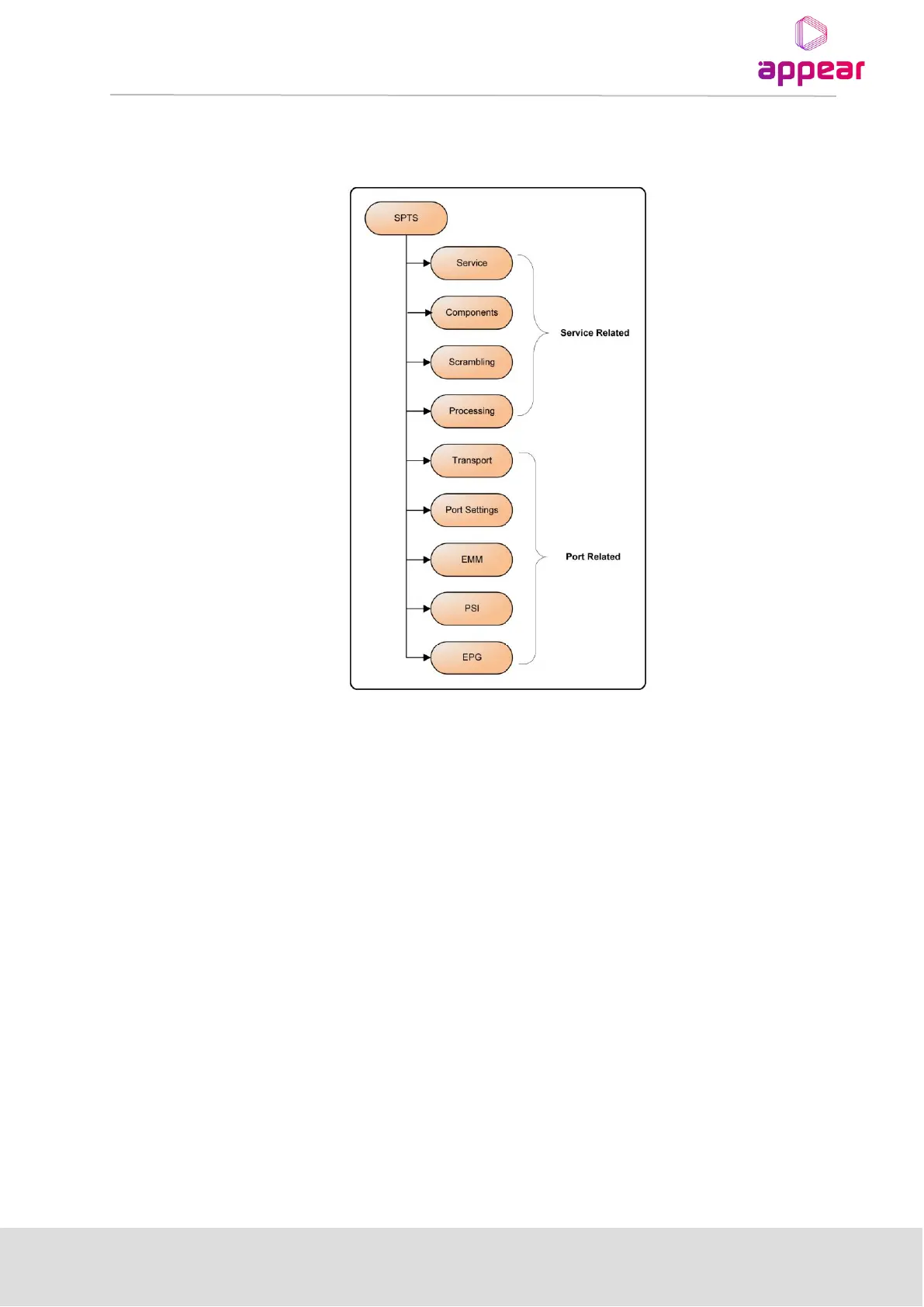
The figure below shows the layout of properties dialog for SPTS. Double click on an SPTS to access its properties.
The tabs available for both MPTS and SPTS properties are almost identical; wherever there are differences, they
are pointed out in the text.
The SPTS output is only supported by the IP output module
8.3.1 TRANSPORT SETTINGS
The generic Transport tab for all output modules contains the Network ID, Orig. Network ID and TS ID fields as
well as the Import TS PIDs checkbox. For IP and ASI output modules, the tab holds the additional Delivery
Descriptors panel as well (described in the following subsection).



 To Next Page