APPEAR AS Confidential 309/352
12.3.1 NON-IP CARDS OUTPUT REDUNDANCY
For non-IP output modules, when there is an error with the output, the system will signal an ‘Output Faulty’
alarm for the specified output port. This is then read by external equipment using either the SNMP or SOAP
interfaces in order to perform the redundancy switching. It is possible to configure the following options::
• Configurable switch and Switchback delay - per card
• Configurable switch mode (one/majority/all) - per port
• Manual triggering of the "output faulty alarm" trigger by disabling the output port.
o For the QAM output card 8 transports is grouped into one Physical port. For this output all
transports must be disabled before the "output faulty alarm will" trigger.
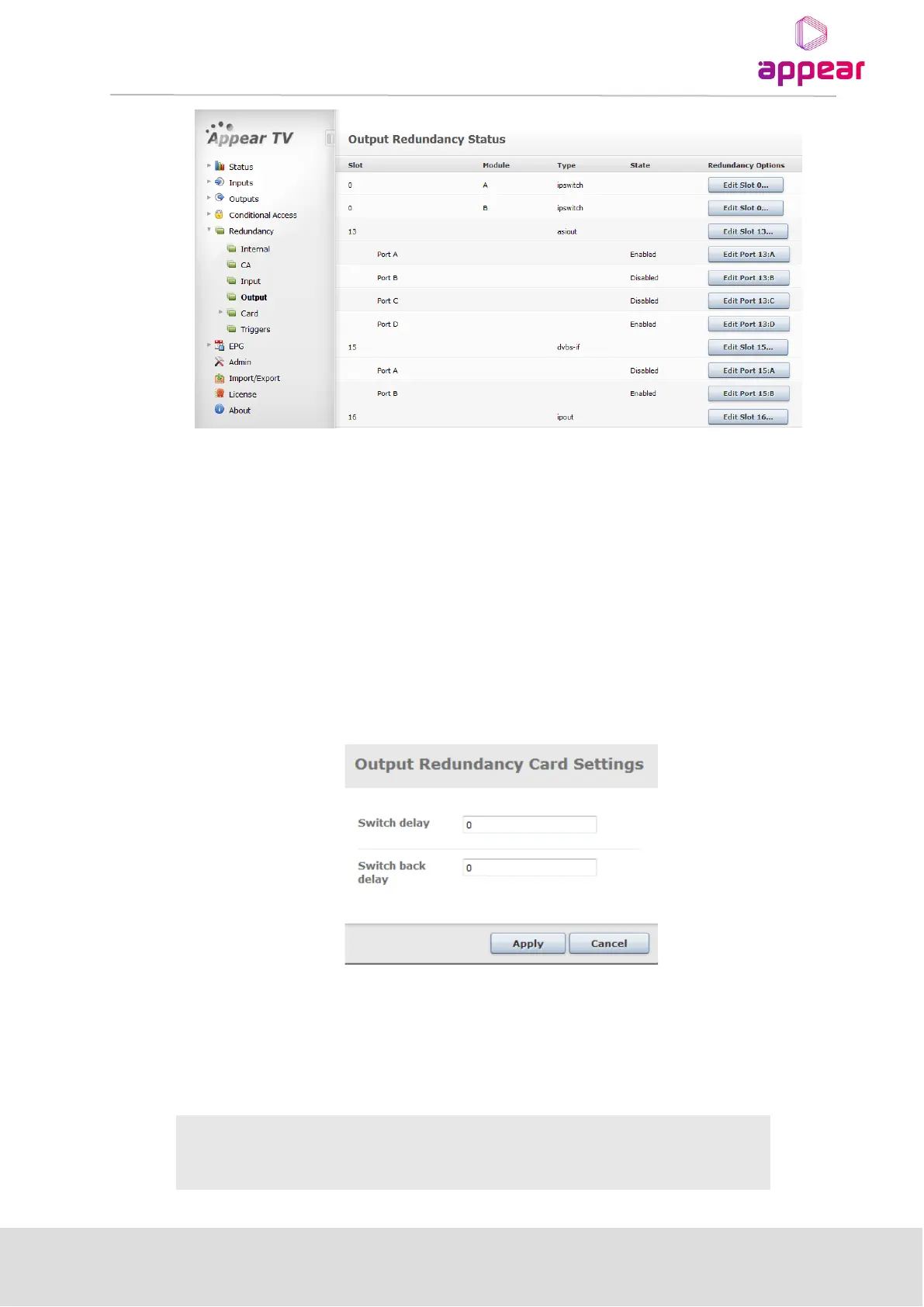
To configure the Redundancy options, select Redundancy → Output and click on the Edit Slot X button for a
particular output module. This will open the Edit Redundancy Options dialog displayed below:
The following Output Redundancy card setting parameters are available:



 To Next Page