APPEAR AS Confidential 67/352
• PID display – listing all input PIDs for each input, with implicit highlighting of CC errors, PCR flag and
scrambling bits (odd/even)
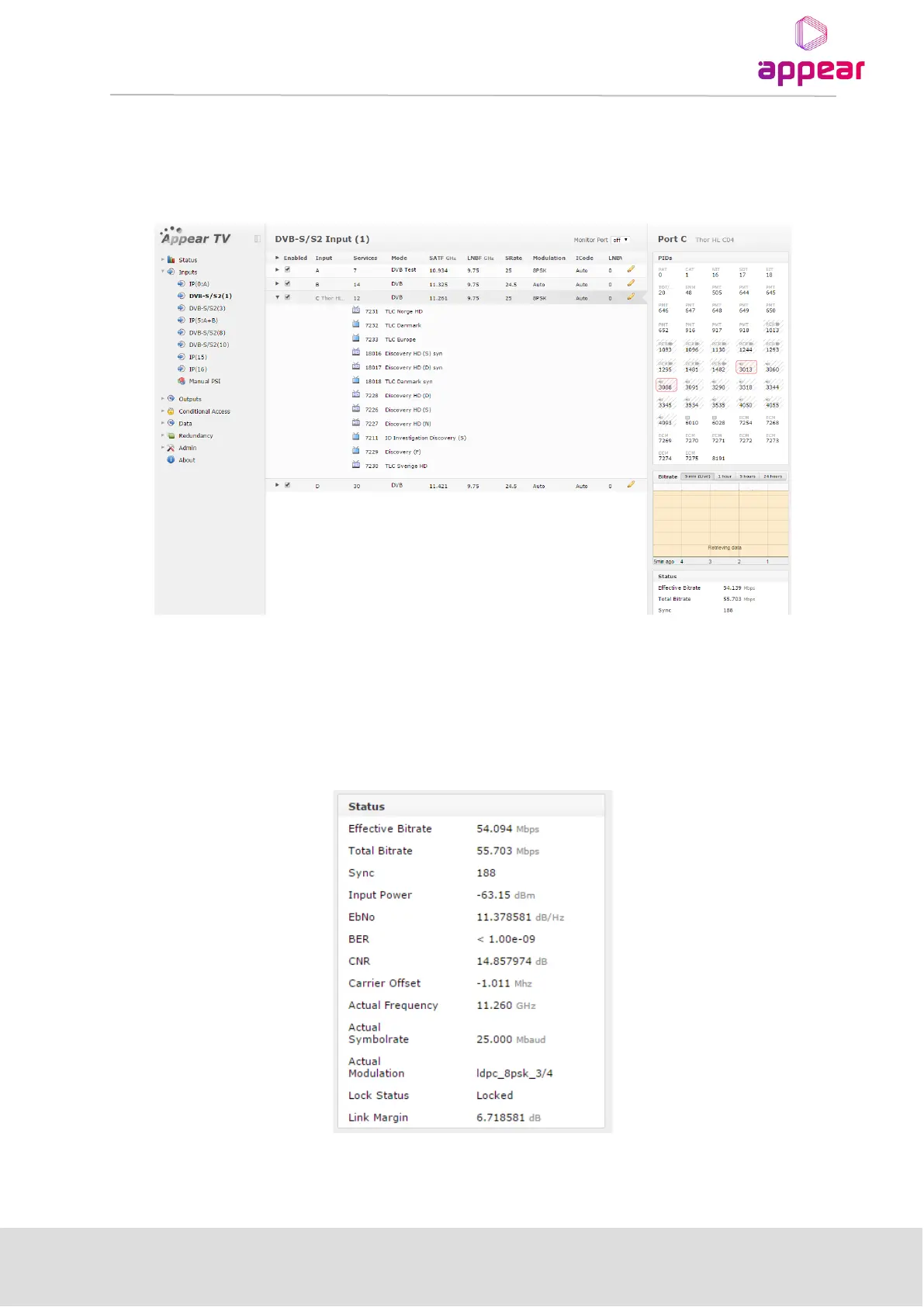
This information is accessible by expanding the Inputs view in the Navigation Pane. The following example is
based on a DVB-S/S2 input module, but the same applies to all input modules.
5.2.1 INPUT PORT ANALYSIS
Within the Inputs node, it is possible to access lower level information, e.g. port specific information. To obtain
port specific information select the required input port and check the status parameters in the right hand status
pane.
For more details on actual parameters, refer to the configuration section for the respective input type in this
chapter.



 To Next Page