APPEAR AS Confidential 99/352
5.4.5 COFDM/ DVB-T/T2 INPUT
The COFDM / DVB-T/T2 input modules can receive up to four individual DVB-T/T2 frequencies. The COFDM/DVB-
T input modules comes in 3 HW versions; a 2 slot version referred to as COFDM input and 1 slot versions referred
to as DVB-T or DVB-T/T2 input. To configure the module:
• Switch to the Inputs node in the Navigation Pane
• Select the COFDM/DVB-T/T2 module you want to configure and the module configuration window will
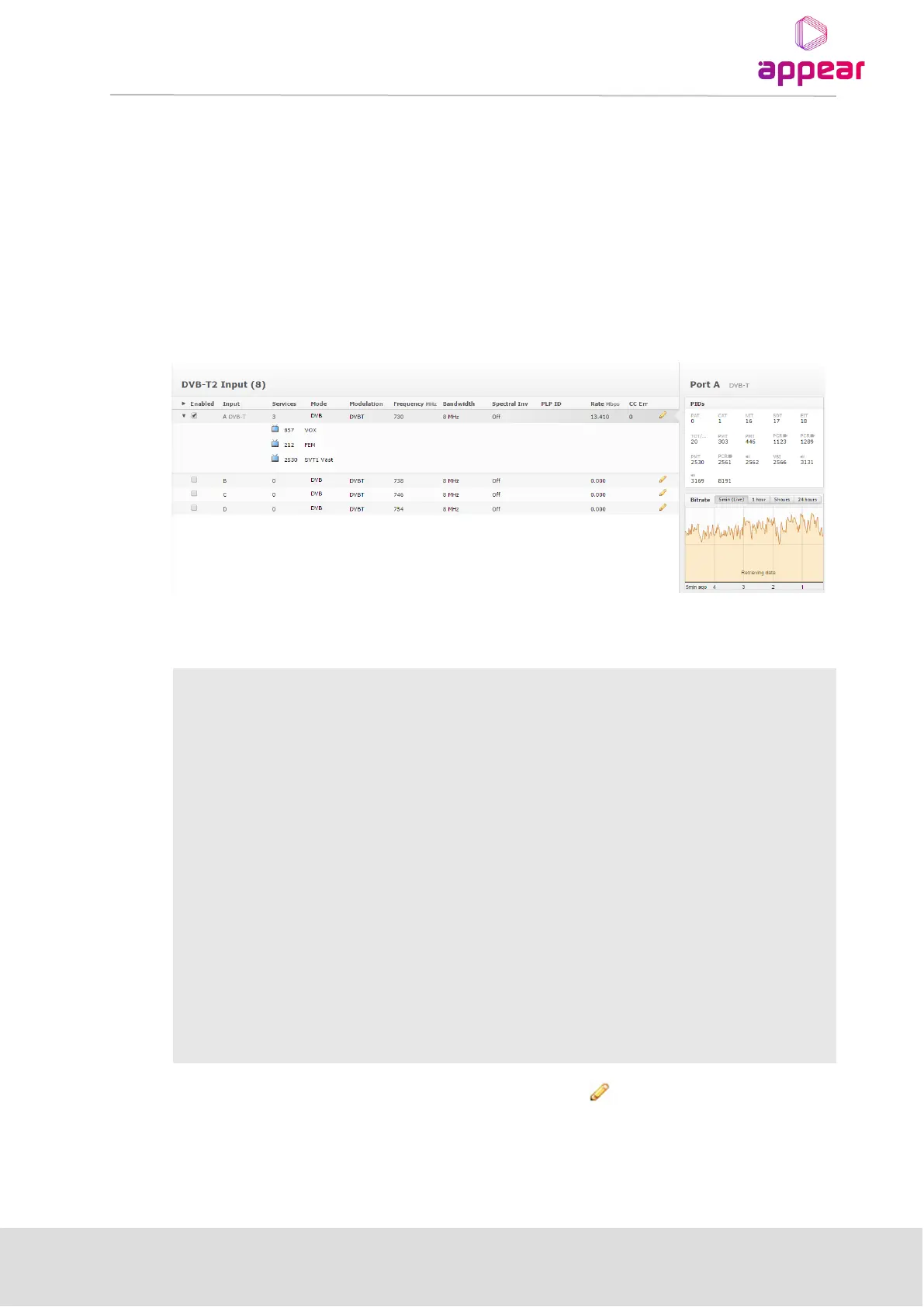
be displayed. Services available on all four COFDM input frequencies will be listed in this view.
The COFDM / DVB –T/T2 input window shows all configurable settings as well as the current bitrate and service
information. The following parameters are available:
The above list of parameters can be configured by clicking on the pencil icon to the right of each input. The
pop up dialog below will be displayed:



 To Next Page