APPEAR AS Confidential 56/352
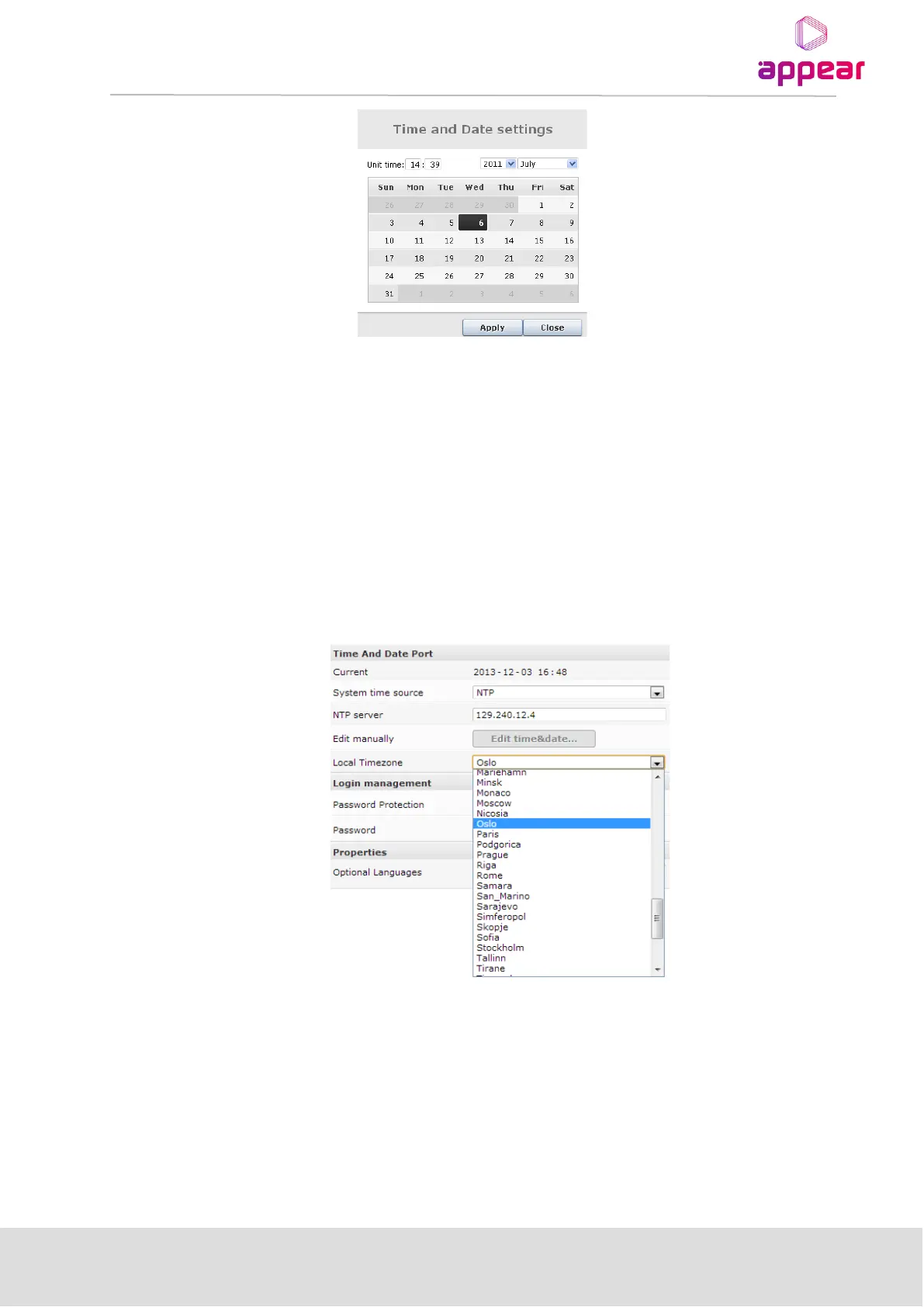
Set the date and time accordingly.
Once the internal time has been configured, it will be displayed in the Current Time field, under the Time and
Date section.
4.1.7 AUTOMATIC DAYLIGHT SAVING
The Time Zone can also be selected on the Admin page for automatic updates of daylight savings for the system
time.
If you required the Time Zone file for a given region, please contact support@appear.net. This file can be
installed from the Maintenance Center, by selecting and uploading to the MMI slot.
4.1.8 LOGIN MANAGEMENT
4.1.8.1 Password Protection in the GUI
For enhanced security the Web interface supports password protected access. This feature is disabled by default
but may be enabled easily from the GUI.
To authenticate GUI access, in the MMI Admin view, click Change under the Password Protection entry in
Login Management. Check the appropriate checkbox and click Apply. Reboot the MMI module for this change
to take effect.



 To Next Page