APPEAR AS Confidential 278/352
10 AUDIO OUTPUT CONFIGURATION
10.1 FM RADIO OUTPUT CONFIGURATION
The Web GUI allows for configuration of both the overall module (number of carriers to be output by the module,
power level, deviation pilot tone, etc.) as well as specific service configuration (selection of services, frequency,
RDS, etc.).
For quick installations, the default module configuration can be used, allowing the operator to skip straight to
service configuration.
10.1.1 CONFIGURING GLOBAL PARAMETERS FOR A MODULE
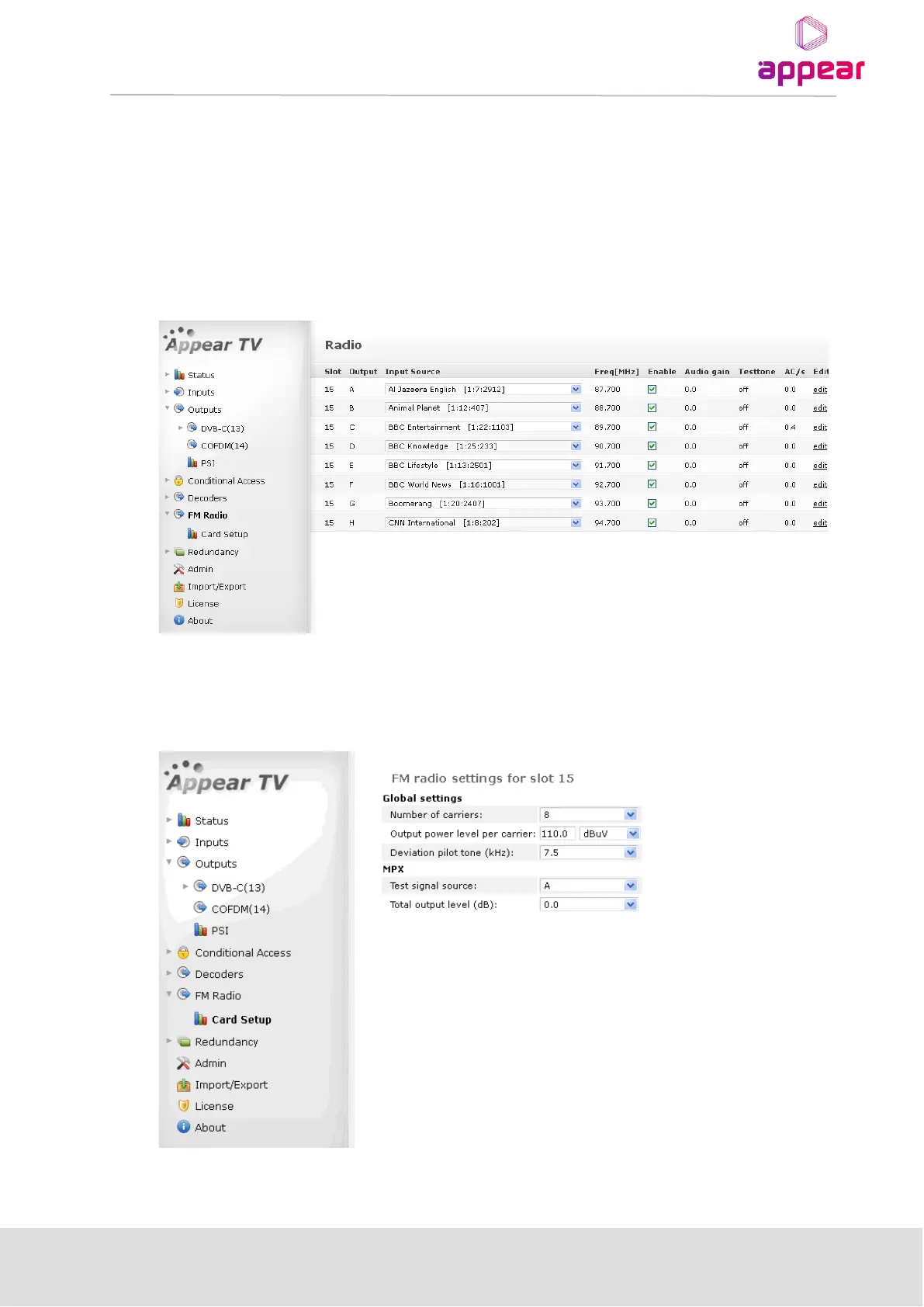
To configure global module parameters, from the Navigation Pane select FM Radio → Card Setup. Click Edit
for the module you would like to configure. The FM radio settings page below will be displayed:
The FM Radio settings interface displays the following values under the Global settings section:



 To Next Page