APPEAR AS Confidential 184/352
Choose either Auto or Manual
The major number must be in the range [1, 1023]
The minor number must be in the range [0, 999]
8.3.8 COMPONENTS
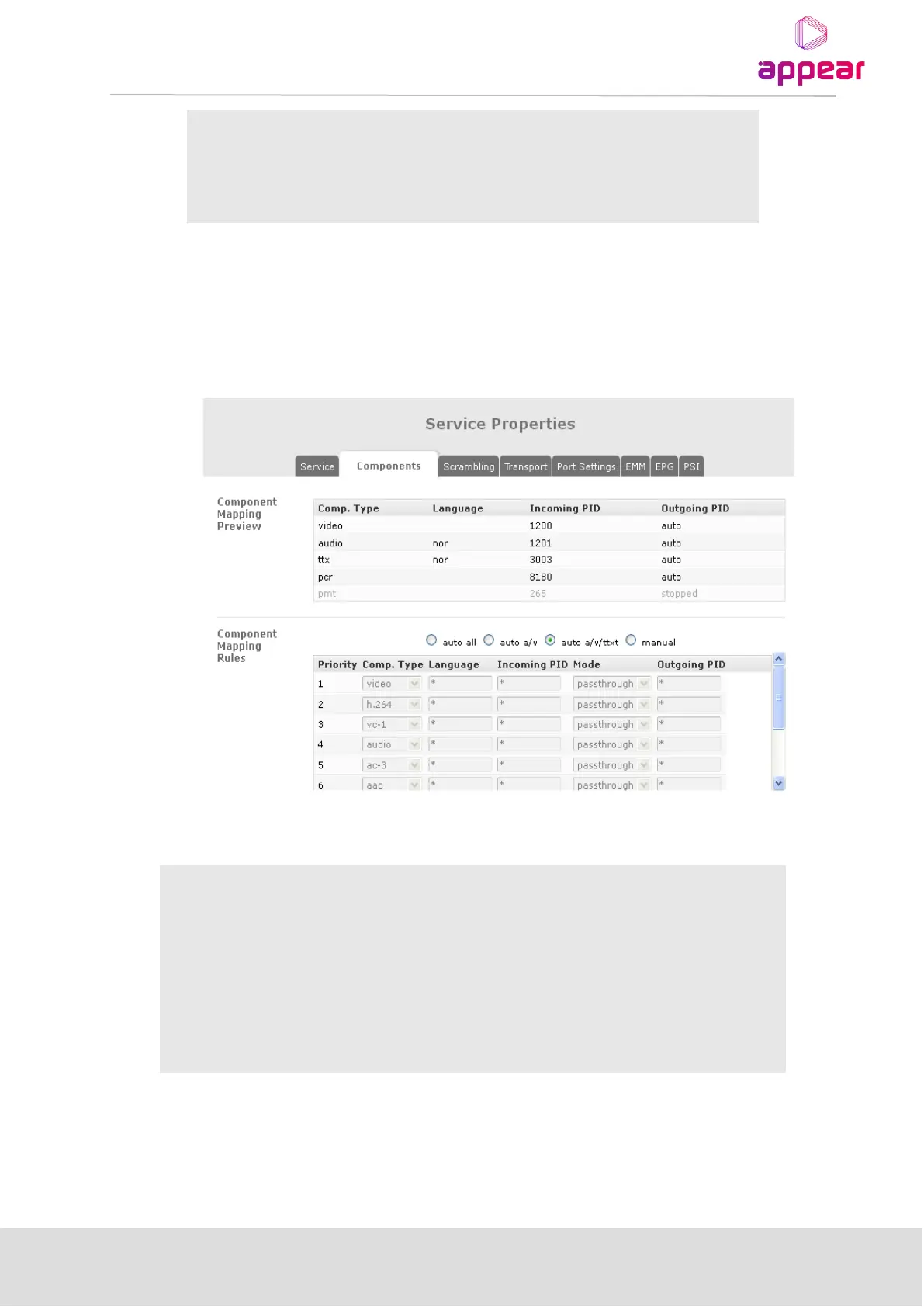
The Components tab allows for the mapping of components through the unit, i.e. video, audio, etc. This
mapping includes manual and automatic modes. The Components Tab is identical for both MPTS and SPTS.
The following mapping modes are available:
All PIDs will be mapped to the output
Only Audio and Video PIDs will be mapped. If multiple Audio PIDs are
available on the inputs, all will be mapped through.
Audio, Video, Teletext and DVB Sub PIDs will be mapped. If multiple Audio
PIDs are available on the inputs, all will be mapped through.
It is possible to define your own custom filtering and mapping rules to get
the desired output. Refer to the detailed description below.
8.3.8.1 Manual Mapping
In Manual mode it is up to the user to define the mapping rules for the components of the outgoing service. Each
outgoing PID requires a dedicated rule; otherwise the default rule applies.



 To Next Page