APPEAR AS Confidential 293/352
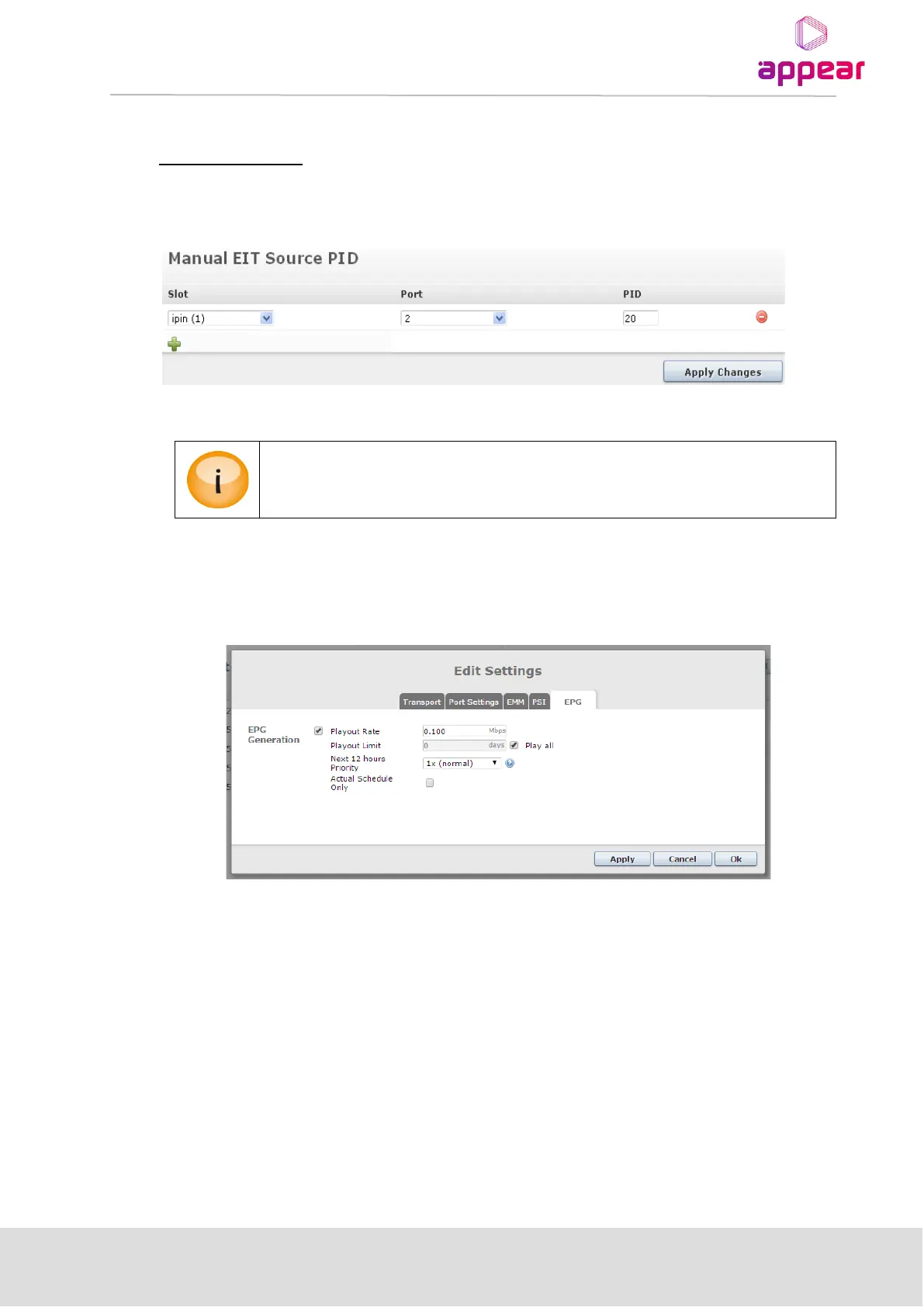
Manual EIT Source PID
By default, all PID 18 information is automatically sent to the EPG processing card. If EPG information for certain
inputs is not on PID 18, it is possible to manually set the PID value using the Manual EIT Source PID box.
Figure 11.7 - Manually adding an EIT Source PID
Design of the EPG behavior is based on the ETSI EN 300 458 V1.9.1 (2009-03) standard along
with ETSI TR 101 211 V1.9.1 (2009-06) guideline.
11.3 ADDING EPG INFORMATION TO A TRANSPORT STREAM
Figure 11.8 - Setting up EPG within the Outputs Node
Typically, schedule information is carried only on one transport stream per network. To enable EPG
regeneration, select the outgoing transport stream on which EPG information will be broadcast using the
following steps:
1. Select Outputs from the Navigation Pane
2. Select the particular output module
3. Double click on the output transport stream of your choice
4. Select the EPG tab
5. Check the Add EPG checkbox
6. Finally, set the parameters accordingly
The output transport stream will contain schedule information for all channels within the same network,
grouped according to outgoing Network ID.



 To Next Page