APPEAR AS Confidential 58/352
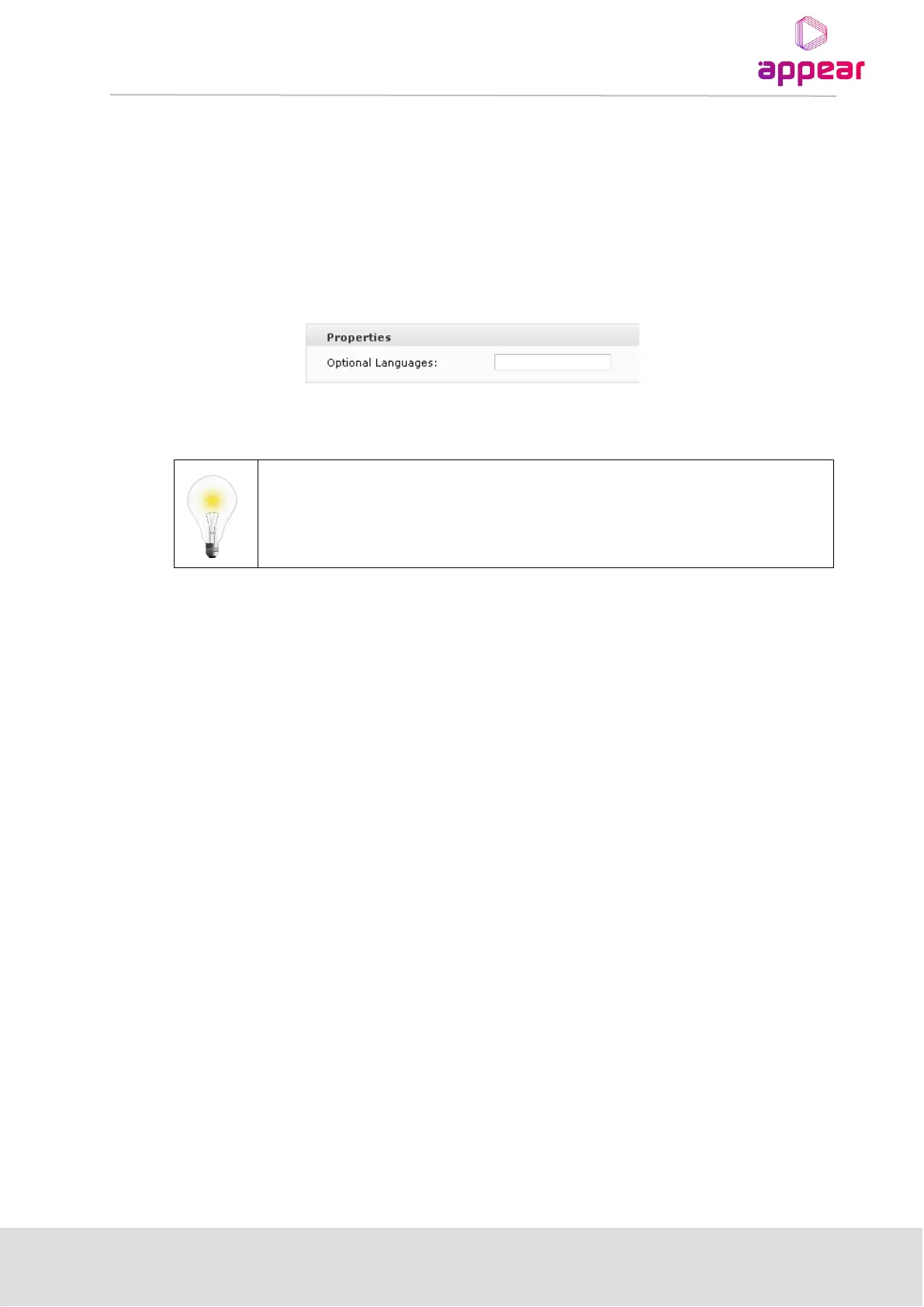
4.1.9 OPTIONAL LANGUAGES
It is possible to specify one or two default languages which will always be available when configuring decoder
modules. Since the drop-down list of available languages only includes languages currently present in the
transport stream, this enables the operator to select languages expected to be present in the transport stream at
a later point in time.
Open the Admin view in the Navigation Pane and select the module hosting the MMI.
Enter up to two additional languages for the Optional Languages field. Language codes should be separated by a
comma, e.g., nor,dan.
4.2 SUPPORT FOR HTTPS IN MAINTENANCE CENTER
It is possible to enable HTTPS in the Mintenance Center. On the MMI select 'Setup' and in the dropdown select
'Setup Features'. Under 'Web Protocol' specify HTTPS. After clicking 'Apply' the message "Webserver has been
restarted" should be displayed and unit will be accessible with https ://( ip address) of the chassis.



 To Next Page