APPEAR AS Confidential 222/352
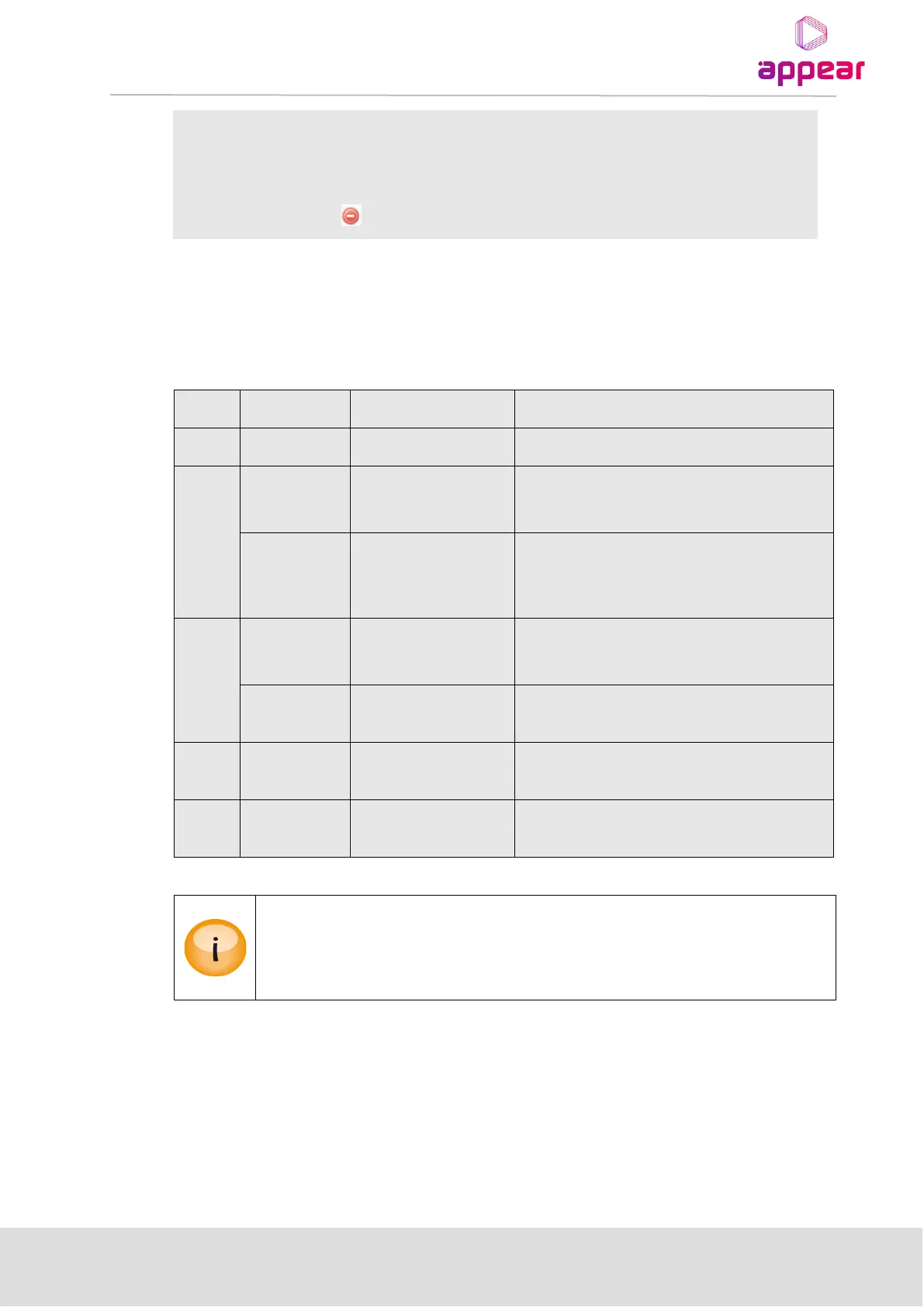
Retry – displayed when a new descriptor fails descriptor_length validation;
correct the error and click to retry validation.
Add – displayed when a new descriptor passes descriptor_length validation;
click to add the descriptor to output PSI.
– Click to remove a previously defined descriptor
Generic Descriptor Loop Placement Instructions
Specify explicit Net ID and TS ID
Descriptors for all
elementary_streams
Specify explicit Net ID, TS ID, and Service ID
Select “None” from Component
Descriptors for current
elementary_stream
block
Specify explicit Net ID, TS ID, and Service ID
Specify the PID of the elementary stream from
Component
Descriptors for entire
network
Specify an explicit Net ID and TS ID
Select “All” from the TS ID drop down box
Descriptors for current
transport_stream block
Specify explicit Net ID and TS ID
Descriptors for current
service block
Specify explicit NET ID and TS ID
No placement option since TOT is globally
defined for the unit
Generic descriptor play out placement is static and the operator must maintain play out
placement in terms of Net, TS and/or Service ID as well as input PID updates.
Insertion of a generic descriptor will not overwrite any existing descriptors that are configured
on the output.
8.6.9 INSERTING DVP STP
If required, the DVBSTP tab allows selection of which network to generate the DVB STP xml description file.
A ne DVB STP multicast can be added by entering the initial values and clicking on the Add button. Once added,
this will be automatically enabled on the selected IP output.
If it is required to change this multicast, you can click the edit link in which the following selection is displayed:



 To Next Page