Allocate a number of modules to be reserved for redundancy switching. These
modules will be removed from the allocation pool and no services assigned.
▪ CREATING MULTISCREEN OUTPUT SERVICES
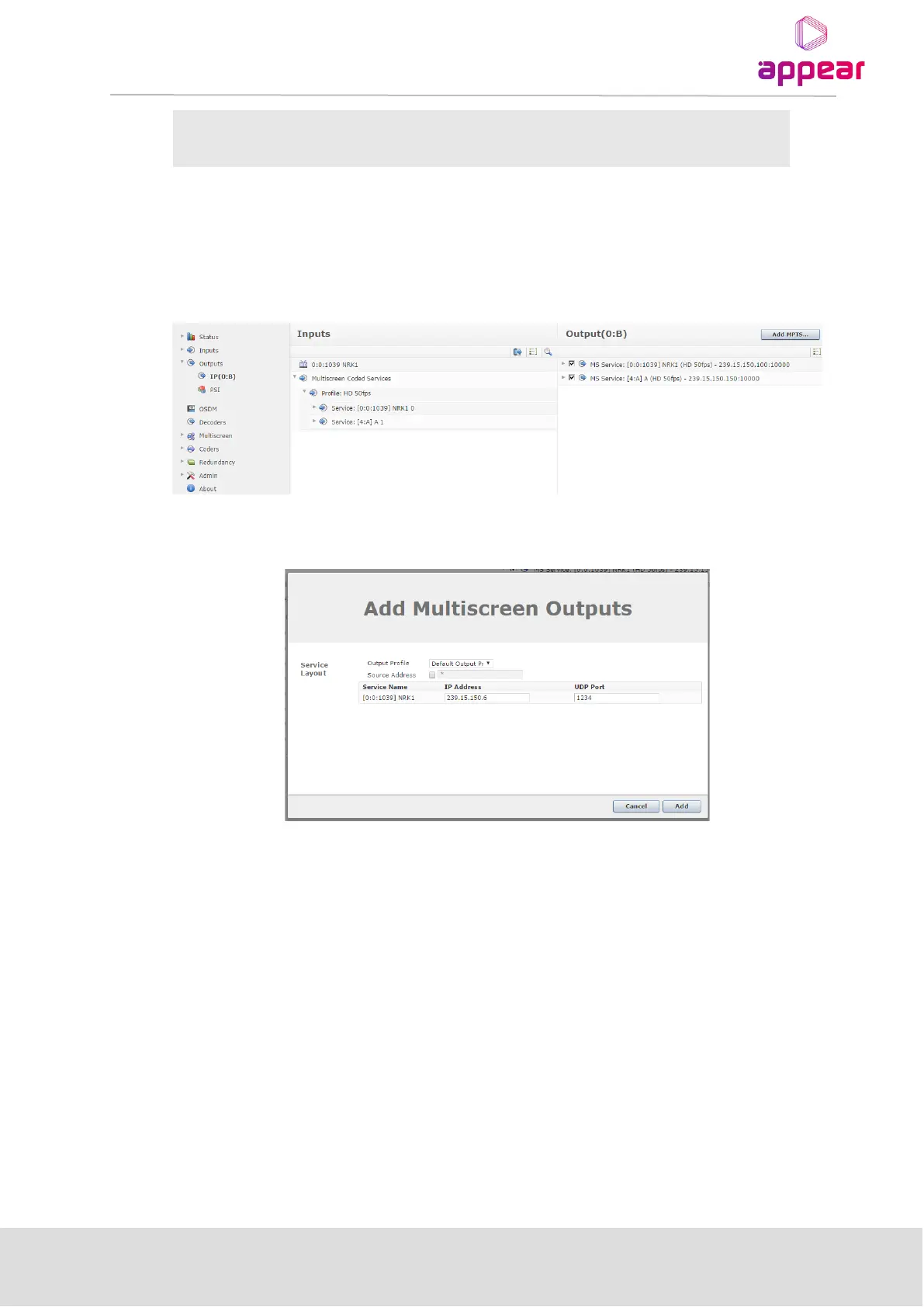
To create output multiscreen services, navigate to the ‘Outputs’ page of the required output module. On the left
hand ‘Inputs’ panel, find the ‘Multiscreen Coded Services’ top-level option and this will expand to display first the
‘Coding Profiles’ in use, then each service using this profile.
To create a unified output of each service, you can drag-drop the top-level service to the right-hand Output
panel. This will bring up a dialog box which allows you to set the Output Profile and IP Address/Port.
Once this is added, the multicast will be activated and shown on the Output panel.



 To Next Page