When an error message is displayed, the Back/Exit button is replaced by Refresh. The operator can either
close the CAM Interface, or try to Refresh the session. If a synchronization error occurs, Refresh is the ideal
solution. Otherwise, the operator can wait for the CAM Interface to request a Refresh automatically.
6.2 GENERIC DESCRAMBLER CI MODULE (DESCRAMBLER GEN. 2)
The Generic Descrambler CI module (Descrambler gen. 2) is a single slot processing card that supports 2 CAMs. The card
is hot-swappable with previous DDM-DCI module so rest all parameters are same as section 6.1.1 to 6.1.7
Each CAM has licenses to restrict use; "number-of-descrambled-services-cam-a" and "number-of-descrambled-services-
cam-b". The Descrambler supports both MUXing on the input and transparent mode, but each CAM can only be used for
one mode at a time. If services are being routed through a CAM in a mux-fashion, the CAM is unable to descramble other
services in transparent mode. MUXing supports descrambling in a single CAM services from any input source going to
any output source.
6.2.1.1 Configuration
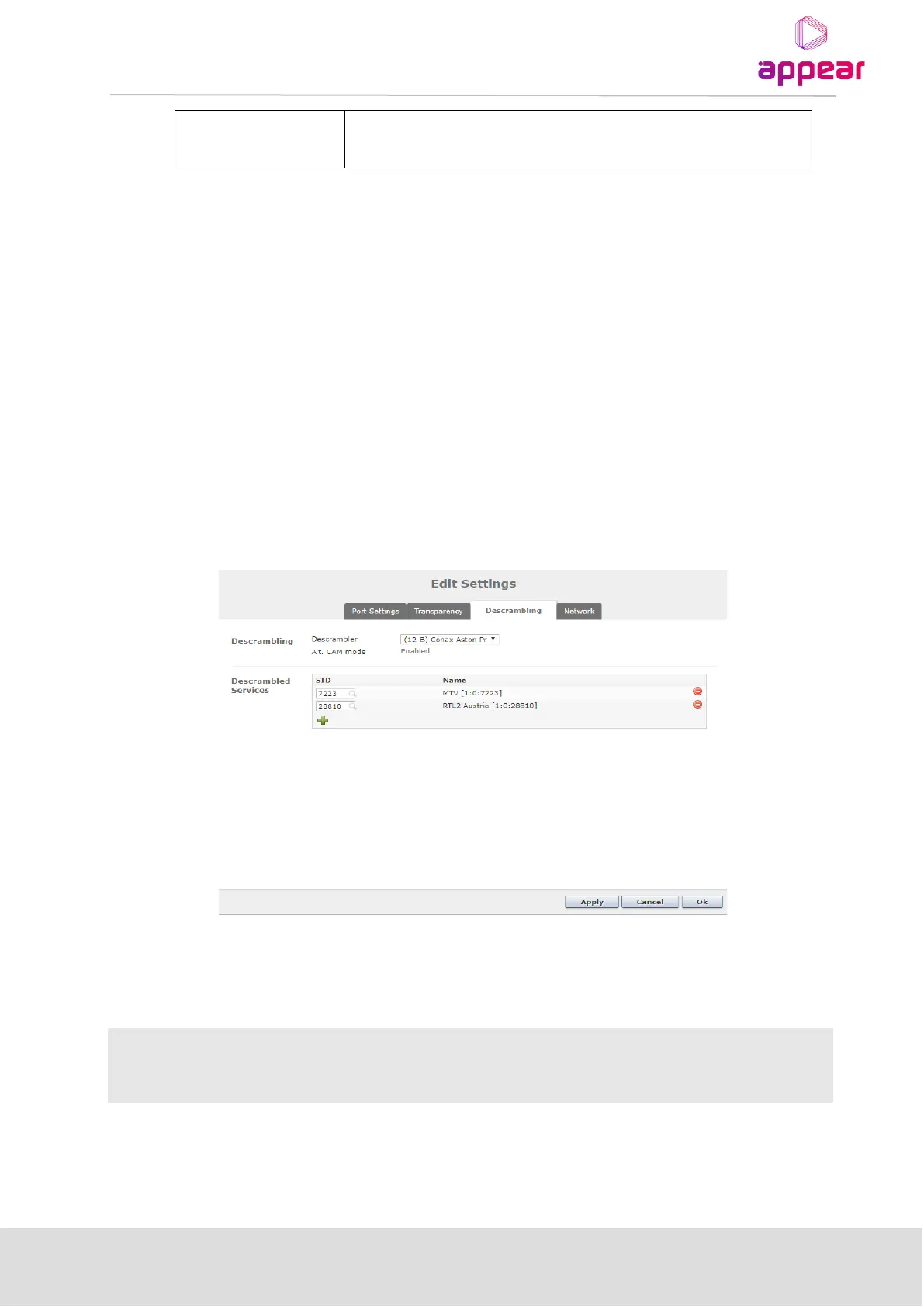
Once the Generic Descrambler CI module is inserted with CAM in the chassis then outgoing services can be descrambled
by enabling it in the Descrambling tab, in the Edit Settings menu when editing an outgoing service.
The following parameters are available:



 To Next Page