APPEAR AS Confidential 316/352
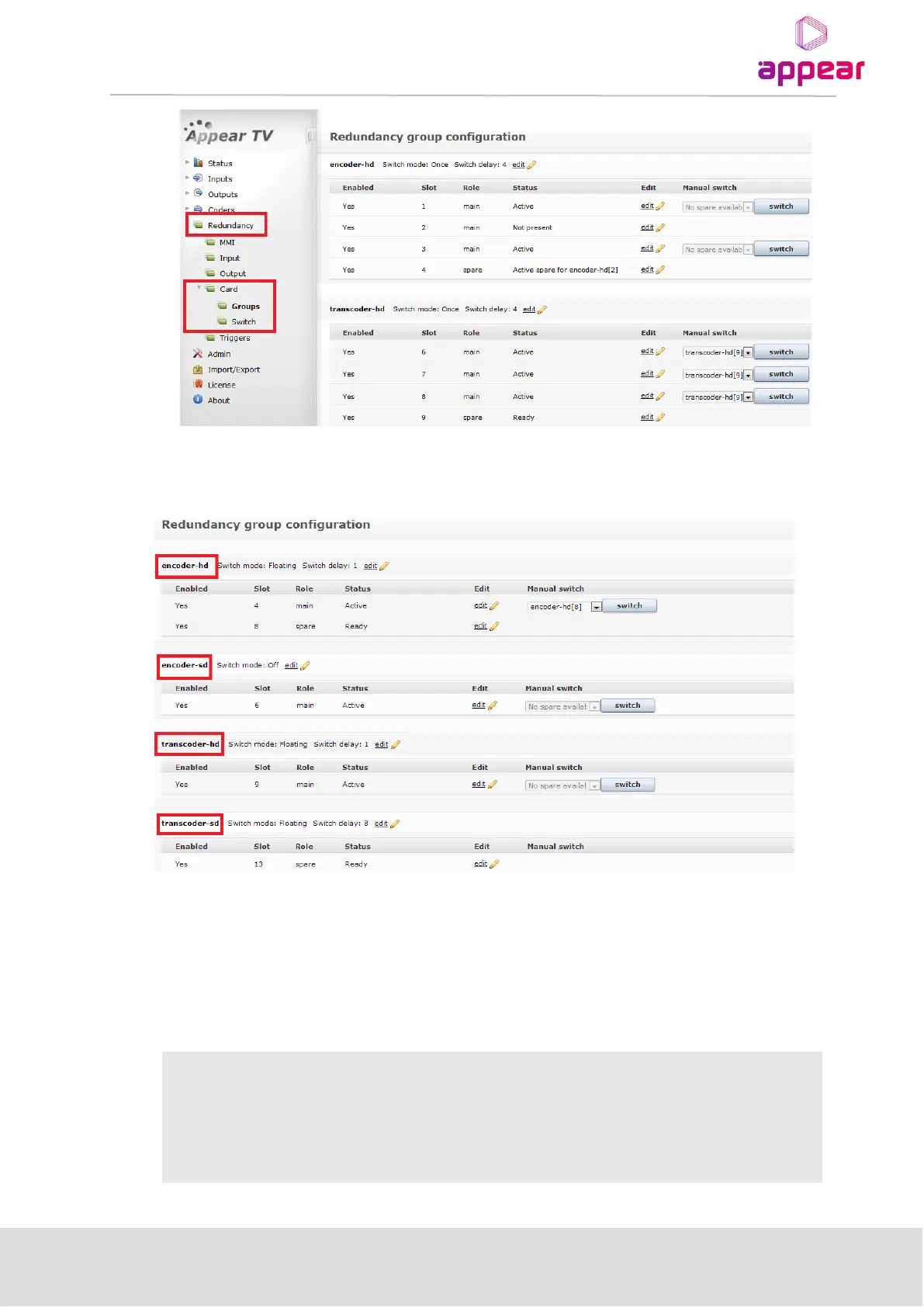
The system will automatically populate the internal modules into groups based on the module type. In the figure
above it shows the “encoder-hd” and “transcoder-hd” groups.
12.4.1 REDUNDANCY GROUP CONFIGURATION
The redundancy group parameters are defined under the Card->Groups navigation pane.
To edit the group settings press the edit to the right of the group name.
Following parameters are present under Group setting.
Select a suitable mode for each redundancy pair. The following modes are
available:
Manual – No automatic switching. Enable manual operation only



 To Next Page