APPEAR AS Confidential 172/352
By removing the “Auto All Services” node all the services from that input will be removed.
In conjunction with an ‘Auto All’ service, it is possible to add additional local or other programs in the normal way,
ie drag and drop to the MPTS node.
Service ID clashes are not automatically handled when using a combination of ‘Auto All’ and
additional services.
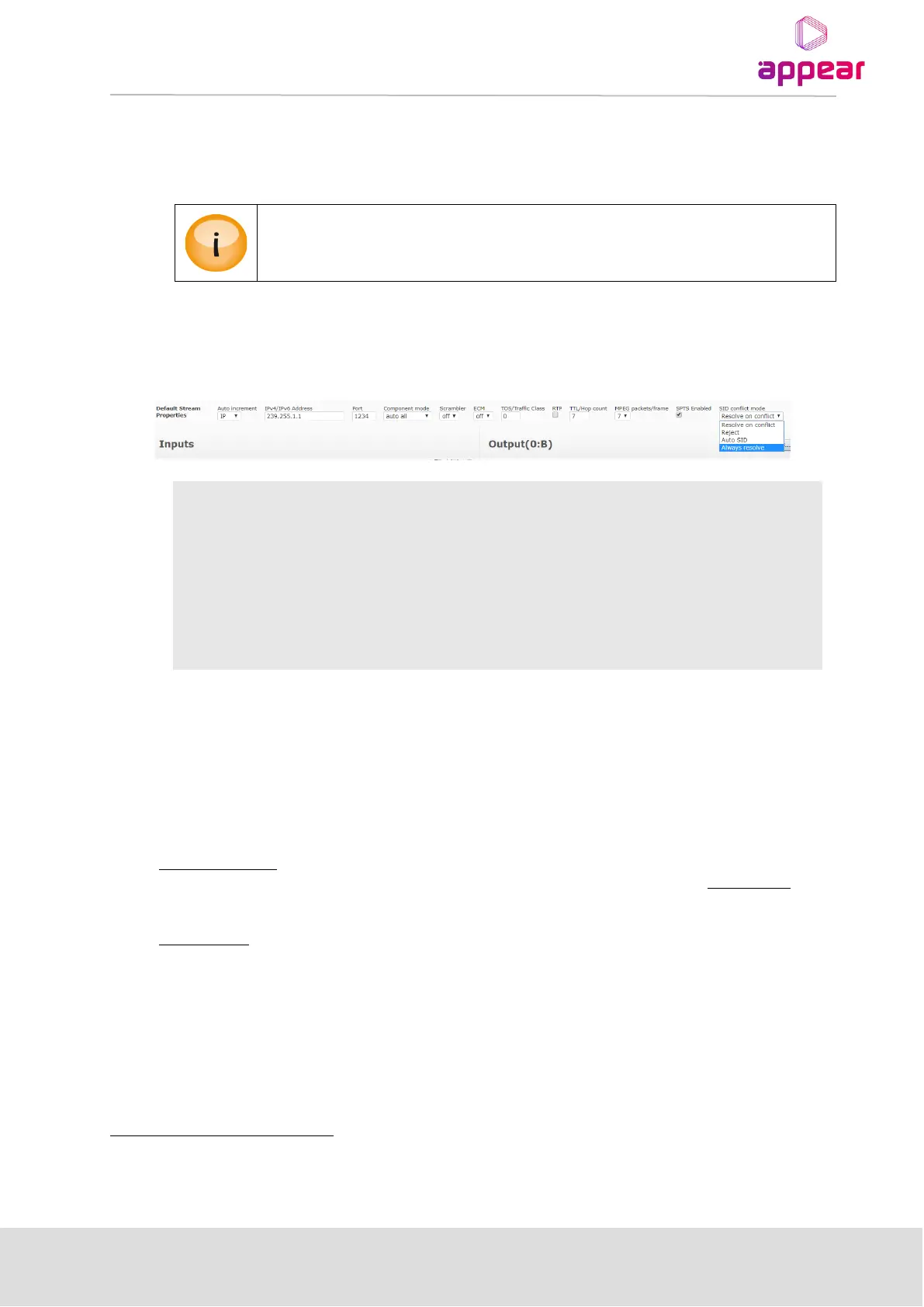
8.2.2 CONFIGURING AN OUTPUT WITH SID CONFLICT MODE
It is possible to resolve SID conflicts on adding output with below methods.
This will reject the adding if one or more of the services has a service id which
is already present in the MPTS
This will use the Auto-SID mode
If one or more of the services has a service id which is already present in the
MPTS, we will show the Service Id dialog.
It will always show the Service Id dialog when service(s) are added to a MPTS
8.3 TRANSPORT STREAM GENERATION
To begin generating MPTS outputs, we set the Transport related parameters via the Edit Multiplex
dialog,
accessible by double clicking on the MPTS.
The procedure for adding services/multiplexes varies according to the type of module.
For non-IP modules, services are added to the output stream by dragging and dropping. This method is possible
because entries in the Output panel already exist for these modules, corresponding to their physical ports. The
Default Stream Properties panel for these modules is used for adding new services.
For IP modules, output multiplexes can be added by entering appropriate values in the Default Stream
Properties panel and clicking Add MPTS (if MPTS license installed).
The figures below show the different Default Stream Properties panels for these modules.
For ASI, COFDM, and QAM modules, “Multiplex” is replaced with the module type.



 To Next Page