APPEAR AS Confidential 173/352
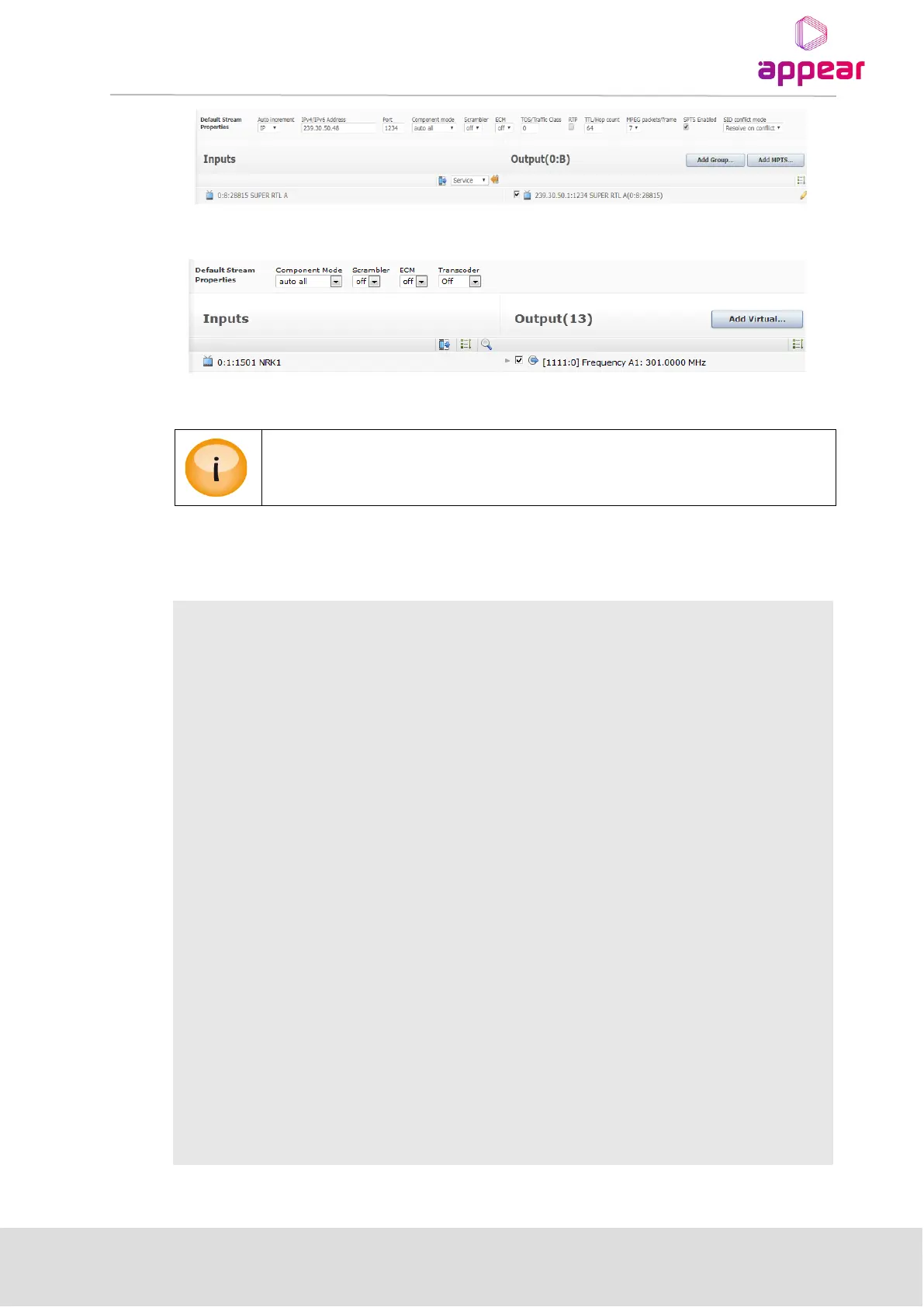
When creating an SPTS, the Default Stream Properties will be used and the IP address will be incremented.
To add a unicast service, enter the destination port together with the destination IP address.
The following fields are available for Default Stream Properties; these fields vary depending on the module
type:
IP address of the SPTS/MPTS
PID forwarding mode:
auto all – all components are forwarded
auto a/v – only audio and video components are forwarded
auto a/v/ttxt – audio, video and teletext components are forwarded
If a scrambler module is installed, it is possible to scramble the selected service by
choosing one of the available scramblers from the pull down menu.
If scrambling has been selected, assign the output stream to the appropriate
scrambled subscriber package
If a transcoder module is installed, it is possible to assign this to the new service.
Number of MPEG packets per UDP frame; default is 7.
Specifies the Type-of-Service (TOS) value to prioritize between Delay, Throughput,
and Reliability. Refer to the IP protocol specification for more details.
Enable Real Time Protocol, adds RTP header to the UDP packets.
Set the Time-to-Live (TTL/IPv4) or Hop Count (IPv6) value for the IP output packets.
Default TTL value is 64.



 To Next Page