APPEAR AS Confidential 247/352
9.3.2 SERVICE CONFIGURATION
9.3.2.1 TC-200 and TC-400
Transcoder input service selection is done by using the pull-down box in the port list. This will display and allow
you to choose from any input source currently present in the unit. Once this selection is made, the transcoder
channel is activated.
9.3.2.2 TC-100
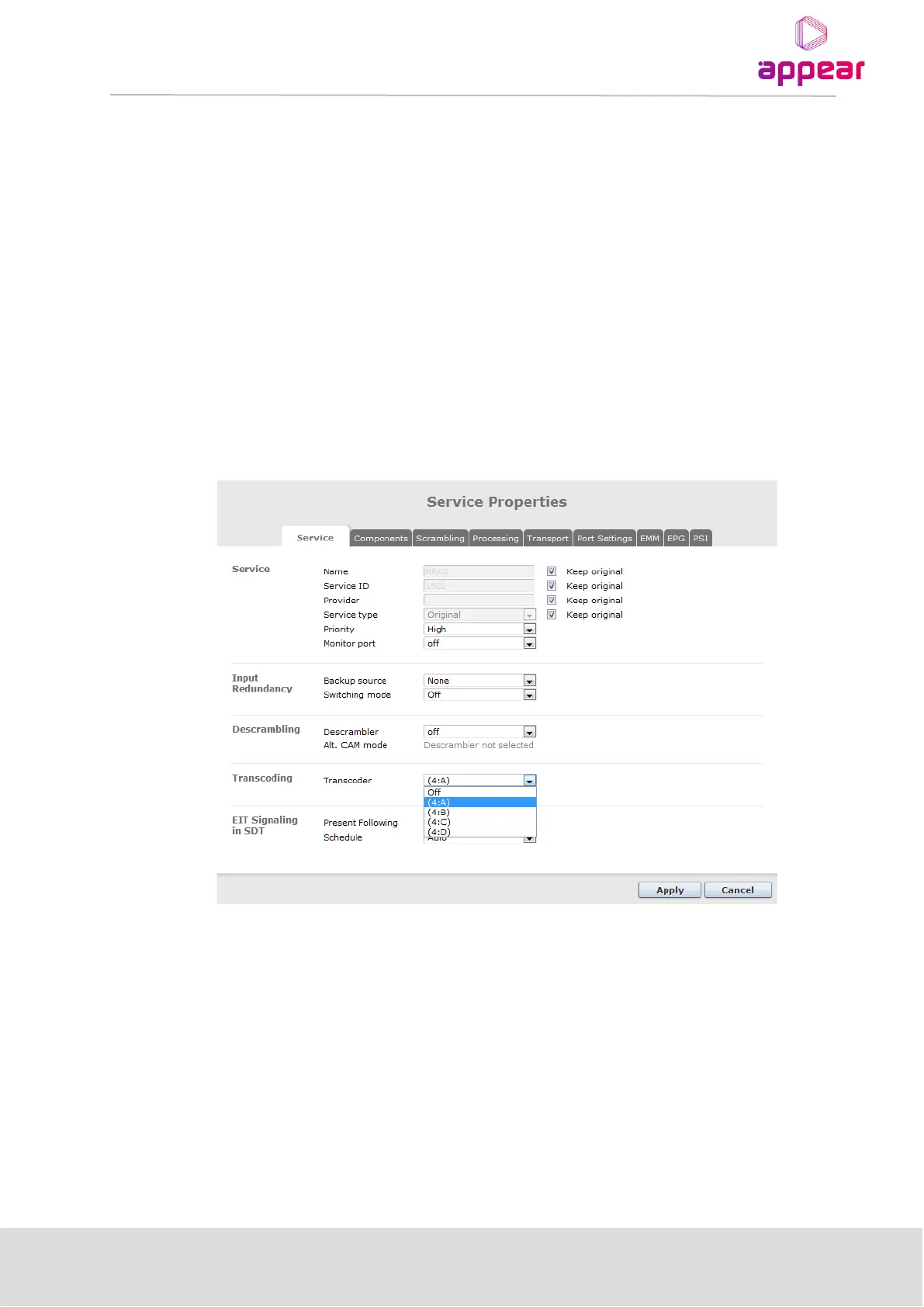
In order to assign a transcoder resource to a stream, you will first need to configure an output service.
Transcoding is then enabled by selecting an available transcoder channel on the Service tab of the Service
Properties page.
The Name, Service ID, Service type and PID values of the input stream are all kept unchanged unless it is
changed in the Service Properties page. The PSI/SI will be changed for the PIDs that are changed by the
Transcoder.
9.3.3 SOURCE PARAMETERS
For viewing transcoder source parameters, please select the Source tab.



 To Next Page