EasyManua.ls Logo

Appear TV DC100X - Alarm History

Default Icon
352 pages
Print Icon
To Next Page IconTo Next Page
To Previous Page IconTo Previous Page
Loading...
APPEAR AS Confidential 336/352
Level
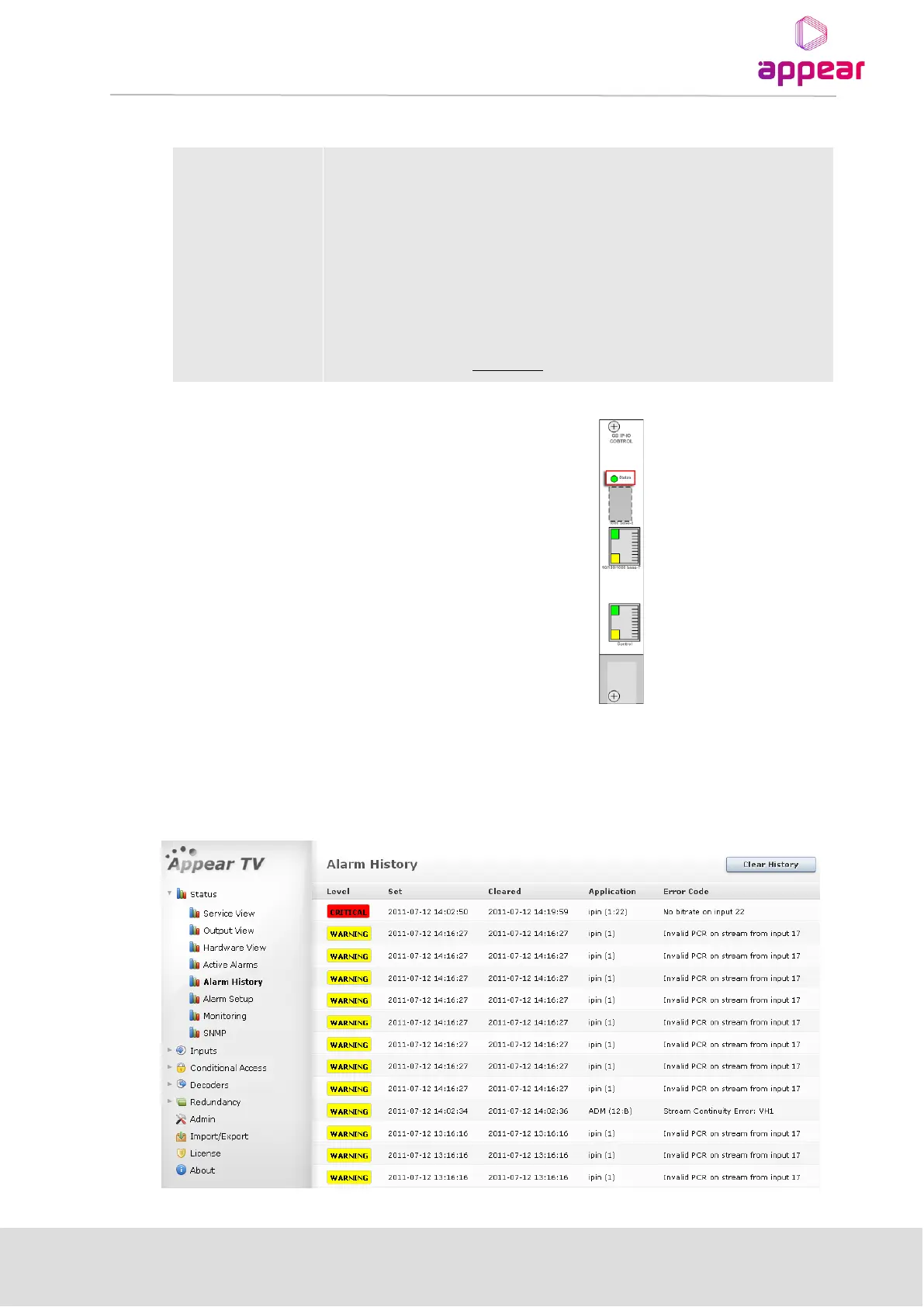
All alarm levels are color coded as follows:
CRITICAL Red
MAJOR Orange
WARNING Yellow
NOTE White
Set
When the alarm was set
Application
Which module and port the alarm is referring to
Error Code
Type of alarm. Refer to Appendix A for further details.
On the module itself, the Status LED changes color
according to the active alarm:
BLUE Booting or No contact to backplane
GREEN No critical alarm(s)
RED Critical alarm(s)
13.1.5 ALARM HISTORY
Expand the Status view in the Navigation Pane and select. The alarm history will be displayed as shown below.
Alarm History

Table of Contents

Related product manuals