APPEAR AS Confidential 69/352
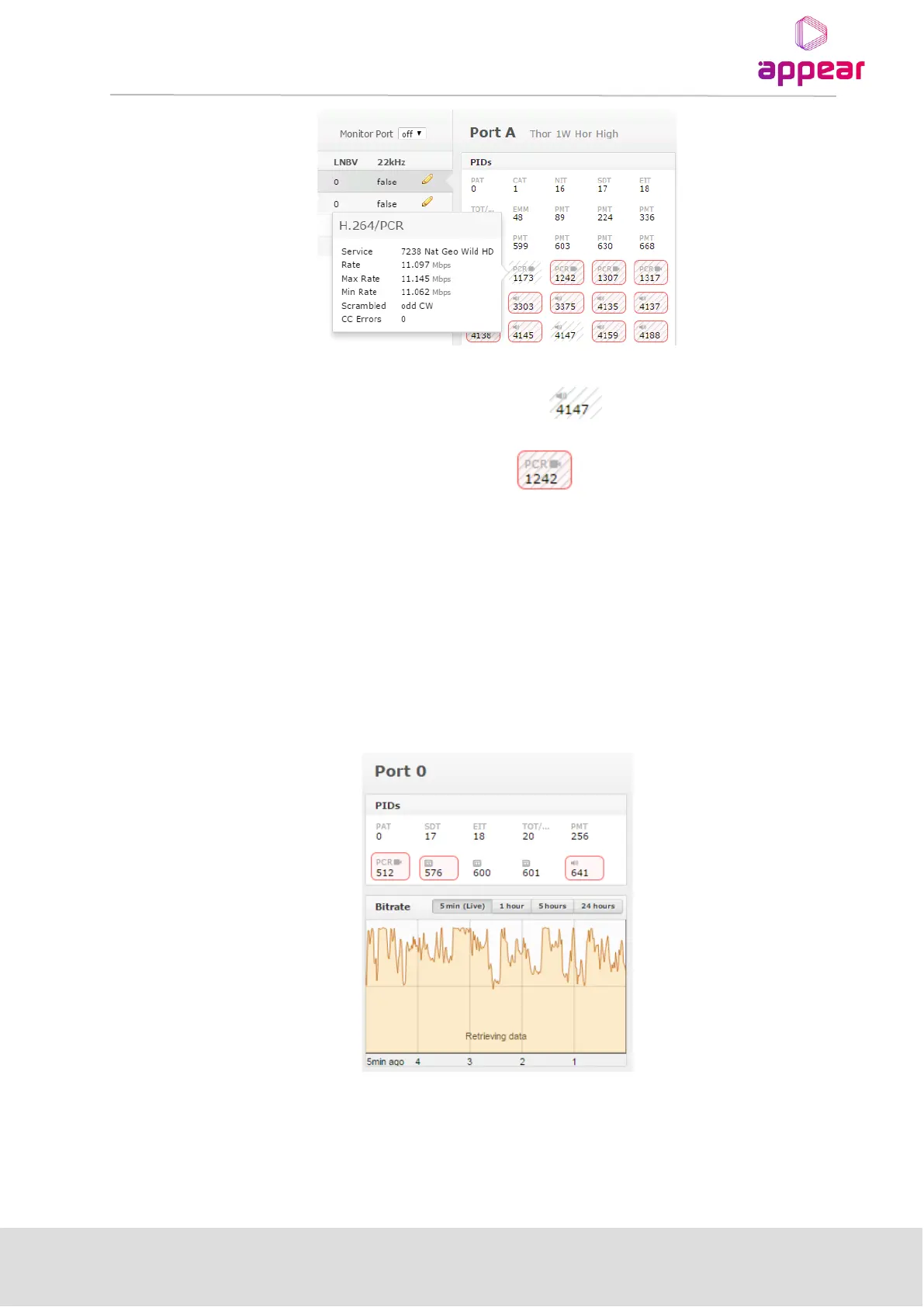
The status of each PID is also presented by highlighting:
• Scrambled PIDs are represented by a grey strikethrough
• PIDs with a CC error are represented with a rex box
It is possible to reset the CC error counters. This reset is a global operation for all inputs and is done with the Reset
CC button in the Inputs node.
5.2.4 PORT BITRATE STATUS
The input effective bitrate can be monitored per port and this is available in the right-hand status pane when
clicking on an input port. Bitrate can be monitored for the port in time intervals of
• 5 mins(live)
• 1 hour
• 5 hours
• 24 hours



 To Next Page