APPEAR AS Confidential 73/352
Note
• If several PIDs are matching the input filtering criteria’s, then the signaling for all these components
will be updated.
• If the input signaling is dual mono, and no Language (source) is specified, then the right channel
descriptor will be replaced.
5.3.5 EDIT OPTIONS ON EXISTING MANUAL PSI
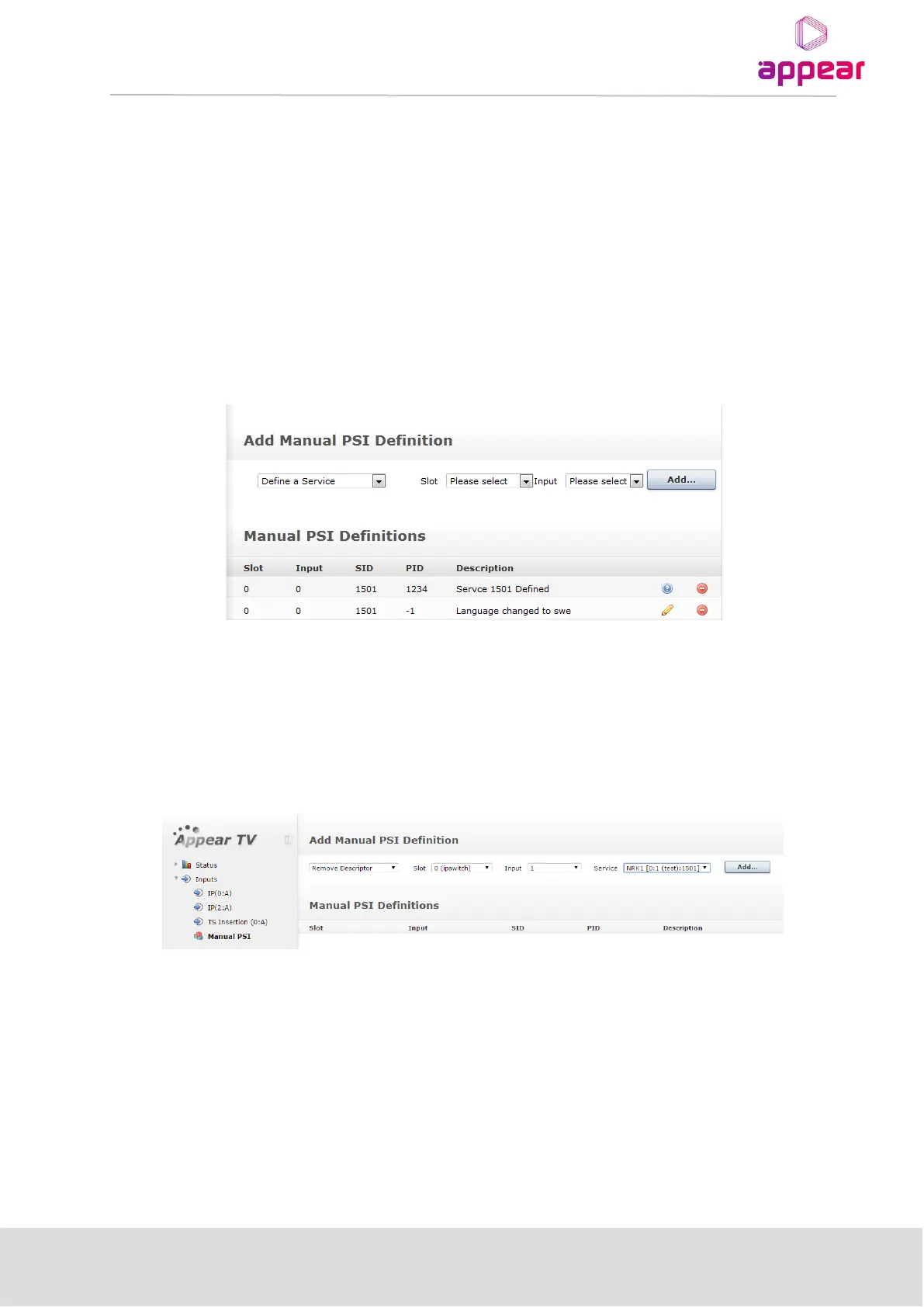
Under the Manual-PSI node all current manual PSI rules will be listed. Not all rules can be changed once they are
defined. These are indicated with a blue circle with the “?” mark. To change these components they need to be
removed and re-added. The rules indicated with a pencil can be changed without remove / add operation.
5.3.6 REMOVE DESCRIPTOR
With the Remove Descriptor option, it is possible to remove signalling of a descriptor in the PMT for a given
PID/tag.
In order to configure this, first select the ‘Remove Descriptor’ option and then select the Slot, Input Port and
Service. Once you click ‘Add’ you will be provided with a dialog in which you can specify the PID (specified in the
PMT) and the descriptor tag that should be removed (integer value).



 To Next Page