APPEAR AS Confidential 261/352
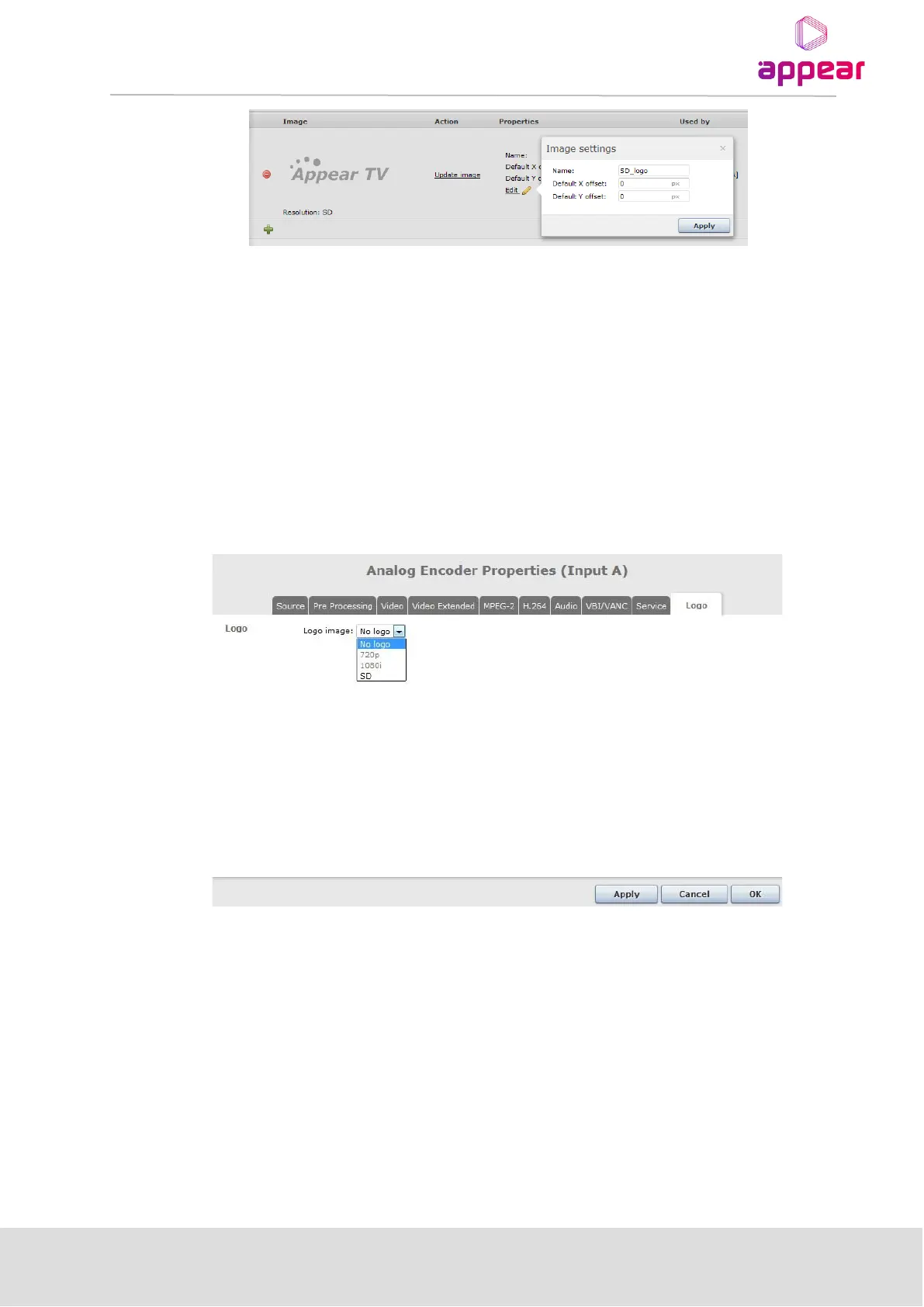
For each downloaded logo the user can define a default position. The position defined with pixel accuracy. X
(horizontal) and Y (vertical) defines position of top left corner (TLC) of logo in active video.
• Example 1: Position (X=0, Y=0) positions logo’s TLC in TLC of active video.
• Example 2: Position (X=200, Y=100) positions logo’s TLC 200 pixels from LHS, and 100 pixels down from
first line of active video.
The logo can be updated at any time by clocking on the ‘Update image’ text.
9.5.2 CONFIGURING LOGO INSERTION
Once there is a valid logo on the MMI (section 0), then it is possible to assign this to an Encoder, Transcoder or
MS Transcoder channel. This is configured on the Logo tab in the properties:
You will first need to select the chosen resolution, then enable the required logo:



 To Next Page